
SantaMariaaa - Minecraft Skins & Skin History
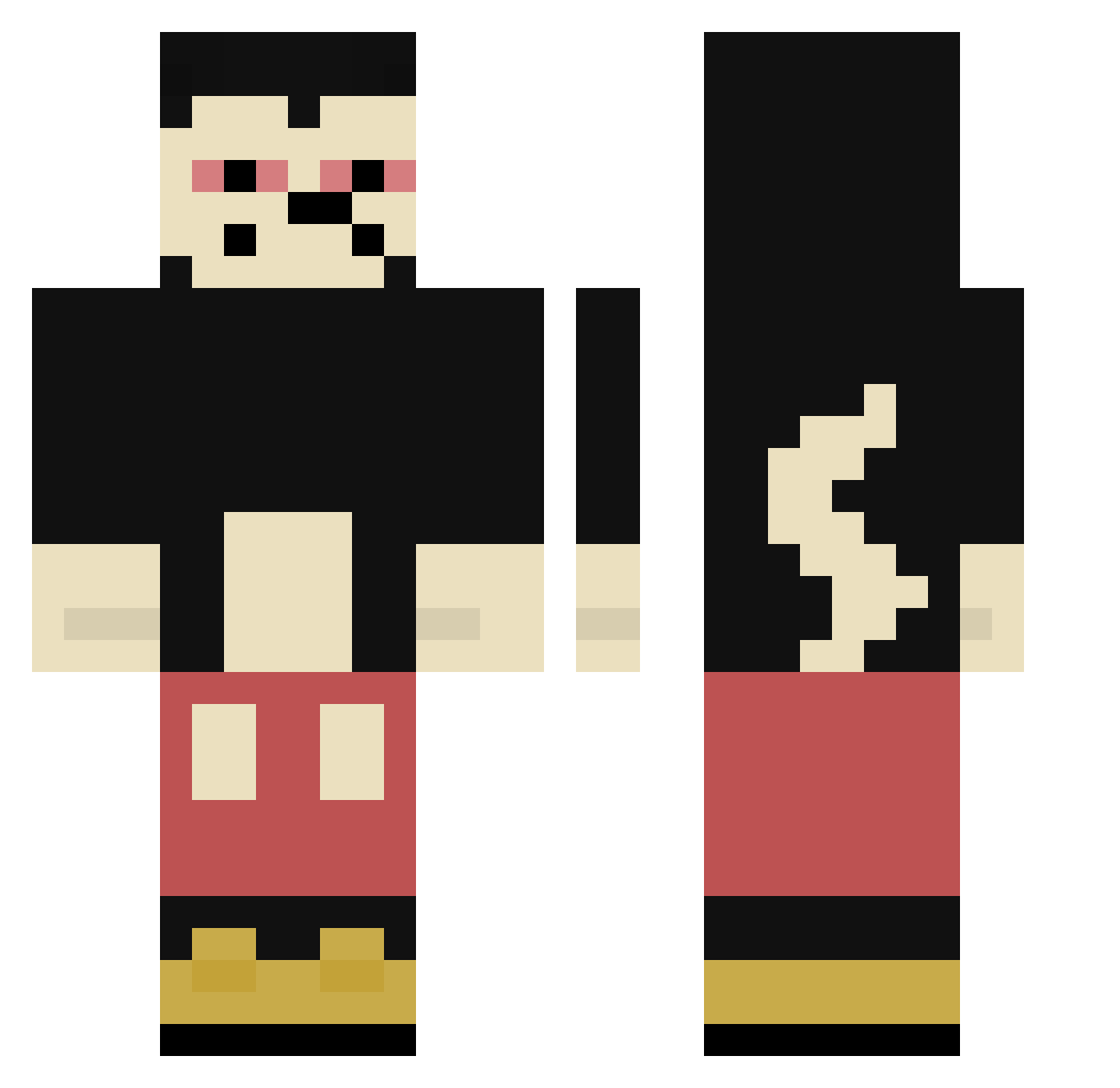
Current Minecraft skin of the player SantaMariaaa, loaded from the official Mojang API. Rotate the 3D model with your mouse or finger, then download the skin as a PNG file and use it in Minecraft: Bedrock Edition or Java Edition for free. When SantaMariaaa changes their skin, this page updates automatically and the old skin stays in the history below.
Other players with this skin (304)
SantaMariaaa was the 106th player we have seen with this skin, first spotted on 24.08.2026. The same skin was seen on these players. Open a nickname to see their current skin and skin history.
 LAKAKAKKK KillKawIOM stefxy Hxnnxs1 LenorBrzys asPARAgasua gerakinis colleteyokota Noman97 zDarkBR_ Is12InchesEnough Joelito12
 HIHIHIHAHA Gharelu Bl1tzyy napman1 Staline_2 z4vm Jwin075 Cubix_meister astrojuuj nubyyyyhehe ViZiON_jr Sh3LuvsMe Kale6112 wng94 MacLancieu saqori MissingNoooooooo Miszelin_0x neverslackin manuelnapoli1 Nilsguty lovzsk3alt
 _styl Flochtig TinoM RavenBrian amco3008 RUBIOKAIK ElDiabloXD Junjor2401 Exceedas Hoskar2137 PR0MN NITSUGAZXZX Nivalambic High2682 mzbzb BushwickBill420 ToHighForMc LucasF_ Juwr Nuckssy2 corviboof BlackZushi PointxSyk PapaSpieltAmWili jarabenda Poohryn
More Mickey Mouse Minecraft skins
See all 146 Mickey Mouse skins
How to install the SantaMariaaa skin
- Press the Download button above to save the skin as a PNG file.
- Minecraft: Bedrock Edition (PE): open the Dressing Room from the main menu (or tap your character → Edit Character), go to Classic Skins → Owned, press the + (new skin) button, choose the downloaded PNG and pick the Classic (Steve) model. Works on PC and mobile; consoles cannot import custom skins.
- Minecraft: Java Edition: open the Minecraft Launcher, go to the Skins tab, click New Skin, load the PNG, pick the Classic (Steve) model and press Save & Use. You can also upload it at minecraft.net → Profile → Change Skin.
The skin does not show up after import - what should I do?
Restart Minecraft and open the Dressing Room again - imported skins sometimes appear only after a restart. Also make sure you selected the imported skin and picked the Classic (Steve) model.
Which model should I choose, Classic or Slim?
This skin is designed for the Classic (Steve) model. If you pick the wrong model, the arms of the skin will look stretched or squeezed.
Is the skin of SantaMariaaa free to download?
Yes. Press Download, save the PNG file and use it in Minecraft: Bedrock Edition or Java Edition - no payment or registration needed. The skin also works on multiplayer servers and Realms.
More skins
Looking for more? Go back to all Minecraft skins and check the top skins of the week, month and all time, or find any player's skin by nickname.