
Sanguiniam - Minecraft Skins & Skin History
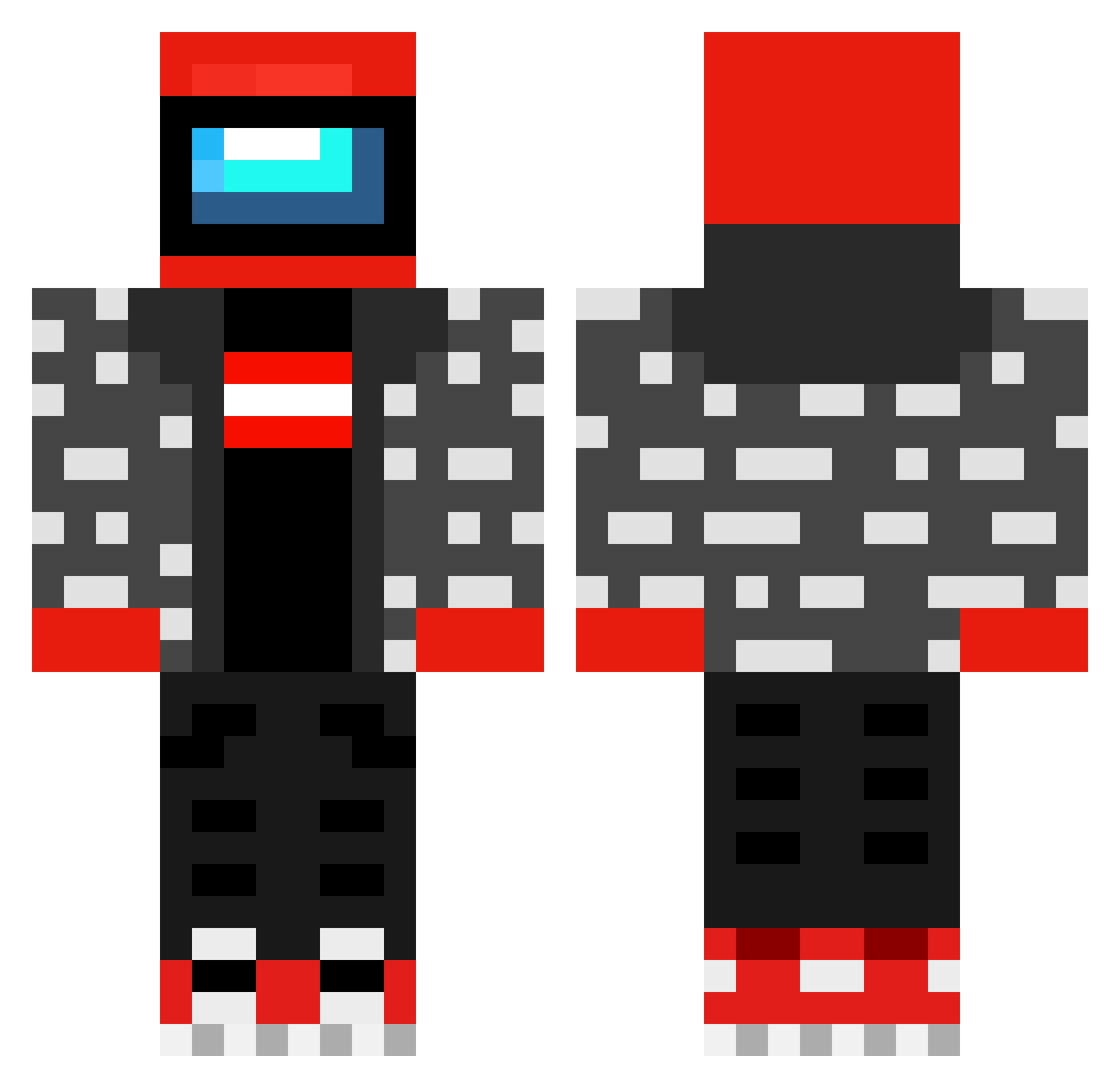
Current Minecraft skin of the player Sanguiniam, loaded from the official Mojang API. Rotate the 3D model with your mouse or finger, then download the skin as a PNG file and use it in Minecraft: Bedrock Edition or Java Edition for free. When Sanguiniam changes their skin, this page updates automatically and the old skin stays in the history below.
Other players with this skin (482)
Sanguiniam was the 390th player we have seen with this skin, first spotted on 16.10.2026. The same skin was seen on these players. Open a nickname to see their current skin and skin history.
 McSussy1 BrainBazinga RiisiFarmeri tweedge ILuckyBone_ jstbullseye TheDingus6863 juicypickol Fridazhei Takahashi_Bros sushantan_2107 Funkybean12 TribalMold84 TriBoiAdi BbqSaucey1 TurboArk Danielin23 Donet3 amongus3 pingu598 _VisibleBroken_ StoicCrafter935 matrej69 wadenkaaa TheGoatNolan12 Gediegener OskarM02 OhCheese guinomim Marciscool69420 bradymoro Toxik_5 vladbdb Grinch8oy TryH4rdG4mer Jet_W KoksenderAffe Amogus392 StinkySlinker Fallen_Faith PaTrickster_73 qman11 LeOneMoe Conk1 ERRORexe09 CaptainCoinslot4 iloveamugus Dumanios SusGuz emppu_1400 AppuRocks MoldovianSus BadBoyManuel Heccington mikin_uasalq MrSinfull ppilot42 revupthosfryers Marvind20 paunki
More Drip Minecraft skins
How to install the Sanguiniam skin
- Press the Download button above to save the skin as a PNG file.
- Minecraft: Bedrock Edition (PE): open the Dressing Room from the main menu (or tap your character → Edit Character), go to Classic Skins → Owned, press the + (new skin) button, choose the downloaded PNG and pick the Classic (Steve) model. Works on PC and mobile; consoles cannot import custom skins.
- Minecraft: Java Edition: open the Minecraft Launcher, go to the Skins tab, click New Skin, load the PNG, pick the Classic (Steve) model and press Save & Use. You can also upload it at minecraft.net → Profile → Change Skin.
The skin does not show up after import - what should I do?
Restart Minecraft and open the Dressing Room again - imported skins sometimes appear only after a restart. Also make sure you selected the imported skin and picked the Classic (Steve) model.
Which model should I choose, Classic or Slim?
This skin is designed for the Classic (Steve) model. If you pick the wrong model, the arms of the skin will look stretched or squeezed.
Is the skin of Sanguiniam free to download?
Yes. Press Download, save the PNG file and use it in Minecraft: Bedrock Edition or Java Edition - no payment or registration needed. The skin also works on multiplayer servers and Realms.
More skins
Looking for more? Go back to all Minecraft skins and check the top skins of the week, month and all time, or find any player's skin by nickname.