
SagelyWang - Minecraft Skins & Skin History
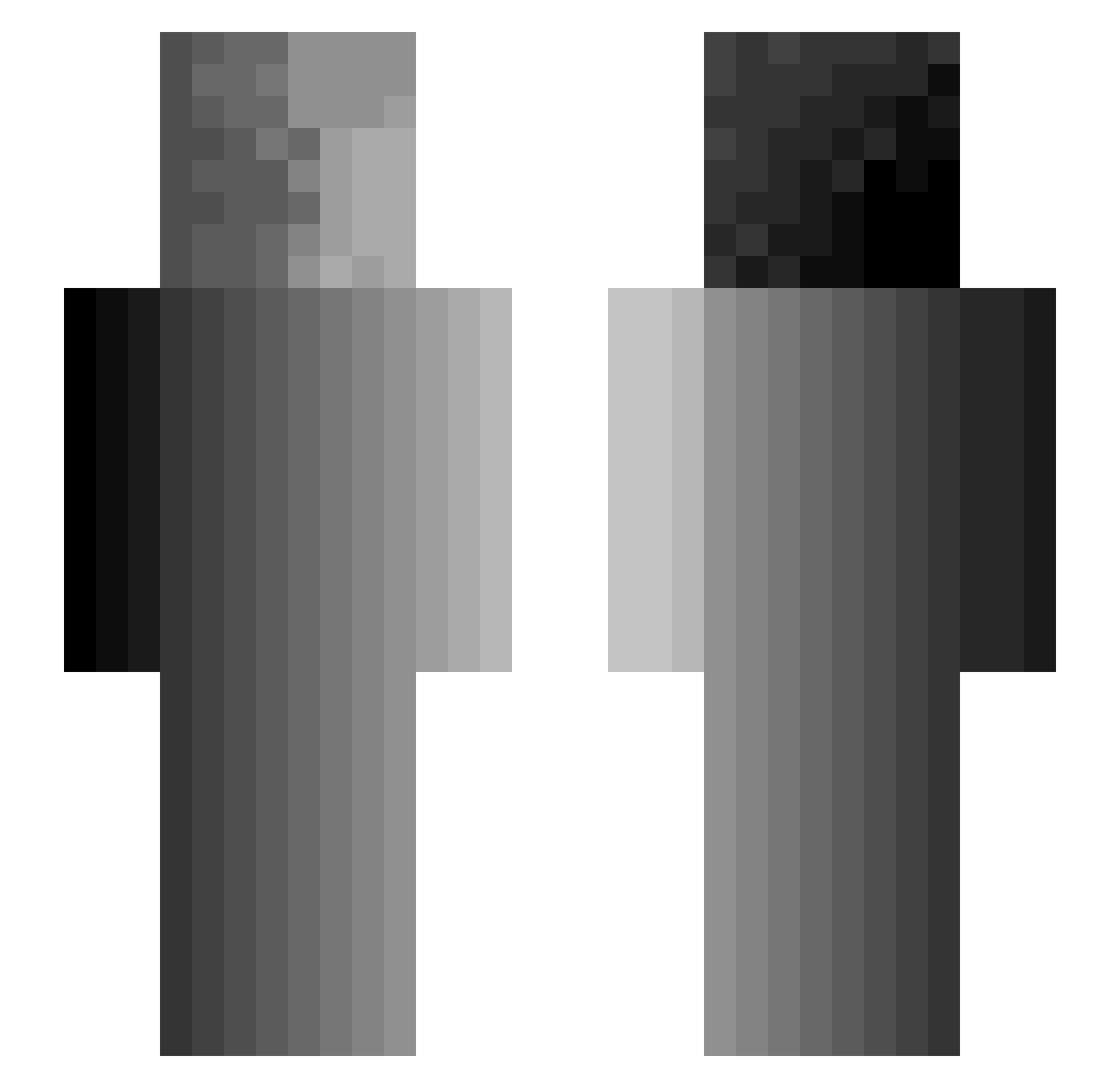
Current Minecraft skin of the player SagelyWang, loaded from the official Mojang API. Rotate the 3D model with your mouse or finger, then download the skin as a PNG file and use it in Minecraft: Bedrock Edition or Java Edition for free. When SagelyWang changes their skin, this page updates automatically and the old skin stays in the history below.
Other players with this skin (300)
SagelyWang was the 125th player we have seen with this skin, first spotted on 02.09.2026. The same skin was seen on these players. Open a nickname to see their current skin and skin history.
 Killercookie123 Kinetic_Turtle79 B_D_I _xXEggXx_ lel0001 JaredisJared Mipschka PhantomB3ast RoOkwOrST12345 danyoooo Mr_Yonki D_Death Heshbrown tenonet wanandrew CBTorture69 000999 Yk0_ BRB_Jester icetttea bombom2442 Long_Ku
 Micha0l Devsmllwd15 Shaurma4ME228 cinecat NickRegretz Fluffy_Chainsaw5 Izaeru ianpatrickmcd Ponmo123 Ketamine_Keith TTTTTTTTTTTt1 NitroPeanut Rogueware mapmarshal CliffCloff korolla Blandsaft Creeperface9595 alonbn2712 maex97 Ggcomp1 LTVH bruhrock32 umaranjum Benkenunubi airaola ColonelGaddafii AndreasPro98 yeahirock Nine_Tail_Fox11 WildOatsXI Tav239 BigDaddyNC53 BlackSheep1994 _Hikarip Libra02 CellyOneFour Itz_Vye
How to install the SagelyWang skin
- Press the Download button above to save the skin as a PNG file.
- Minecraft: Bedrock Edition (PE): open the Dressing Room from the main menu (or tap your character → Edit Character), go to Classic Skins → Owned, press the + (new skin) button, choose the downloaded PNG and pick the Slim (Alex) model. Works on PC and mobile; consoles cannot import custom skins.
- Minecraft: Java Edition: open the Minecraft Launcher, go to the Skins tab, click New Skin, load the PNG, pick the Slim (Alex) model and press Save & Use. You can also upload it at minecraft.net → Profile → Change Skin.
The skin does not show up after import - what should I do?
Restart Minecraft and open the Dressing Room again - imported skins sometimes appear only after a restart. Also make sure you selected the imported skin and picked the Slim (Alex) model.
Which model should I choose, Classic or Slim?
This skin is designed for the Slim (Alex) model. If you pick the wrong model, the arms of the skin will look stretched or squeezed.
Is the skin of SagelyWang free to download?
Yes. Press Download, save the PNG file and use it in Minecraft: Bedrock Edition or Java Edition - no payment or registration needed. The skin also works on multiplayer servers and Realms.
More skins
Looking for more? Go back to all Minecraft skins and check the top skins of the week, month and all time, or find any player's skin by nickname.