
SadlyyDazedd - Minecraft Skins & Skin History
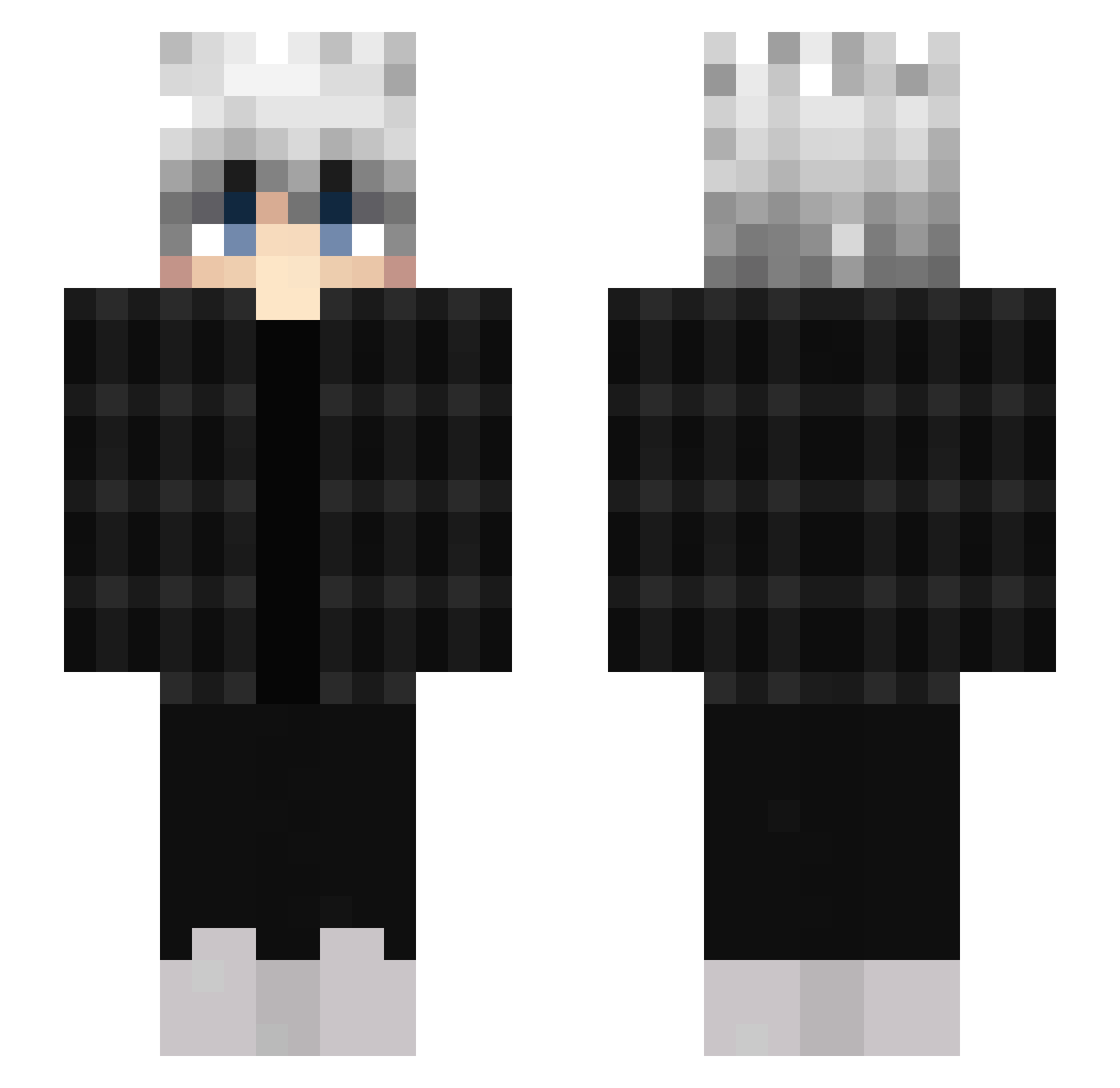
Current Minecraft skin of the player SadlyyDazedd, loaded from the official Mojang API. Rotate the 3D model with your mouse or finger, then download the skin as a PNG file and use it in Minecraft: Bedrock Edition or Java Edition for free. When SadlyyDazedd changes their skin, this page updates automatically and the old skin stays in the history below.
Other players with this skin (452)
SadlyyDazedd was the 50th player we have seen with this skin, first spotted on 05.08.2026. The same skin was seen on these players. Open a nickname to see their current skin and skin history.
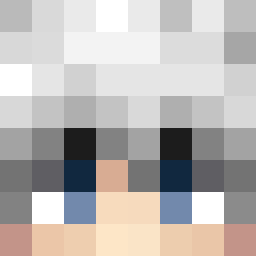 SnowPlay22 JohnDhoe Coy_Ote May0m0n RetroPalodiN Noshimyoung0220 cooltrixx Majordog21 zPoppy_ Fabra_23 Razarudo 9khz_ D4nkmemeFerre Mizuno240 Dolphuu Kevin2750 sushiiay IkkySparrow silassky0815 OllyTolly Networen Noeboi2k ZYROOXD nexis656 karas_a3 Polo64 Moonlxglh Tomas_mike78 ya_like_gass biselde GiveSloppy _Tetsuwu Chok1tos Soep_lepeltje P3sterad_ TrieuDonger WeAreBodo karatemistrz1 baxtuss 3nvyY0H1 YasinisMadxD Valor_Morgis Engola69 Zylathor_ ale21004 danitaku TayTayTed cx798 zMath3us_K1NG PPPOR zPerna Zezior Nyatar Loxin20 Switzer29 GravelOG Zaqrox_ spiratih Wolf123_ bezett
How to install the SadlyyDazedd skin
- Press the Download button above to save the skin as a PNG file.
- Minecraft: Bedrock Edition (PE): open the Dressing Room from the main menu (or tap your character → Edit Character), go to Classic Skins → Owned, press the + (new skin) button, choose the downloaded PNG and pick the Slim (Alex) model. Works on PC and mobile; consoles cannot import custom skins.
- Minecraft: Java Edition: open the Minecraft Launcher, go to the Skins tab, click New Skin, load the PNG, pick the Slim (Alex) model and press Save & Use. You can also upload it at minecraft.net → Profile → Change Skin.
The skin does not show up after import - what should I do?
Restart Minecraft and open the Dressing Room again - imported skins sometimes appear only after a restart. Also make sure you selected the imported skin and picked the Slim (Alex) model.
Which model should I choose, Classic or Slim?
This skin is designed for the Slim (Alex) model. If you pick the wrong model, the arms of the skin will look stretched or squeezed.
Is the skin of SadlyyDazedd free to download?
Yes. Press Download, save the PNG file and use it in Minecraft: Bedrock Edition or Java Edition - no payment or registration needed. The skin also works on multiplayer servers and Realms.
More skins
Looking for more? Go back to all Minecraft skins and check the top skins of the week, month and all time, or find any player's skin by nickname.