
SSB3242 - Minecraft Skins & Skin History
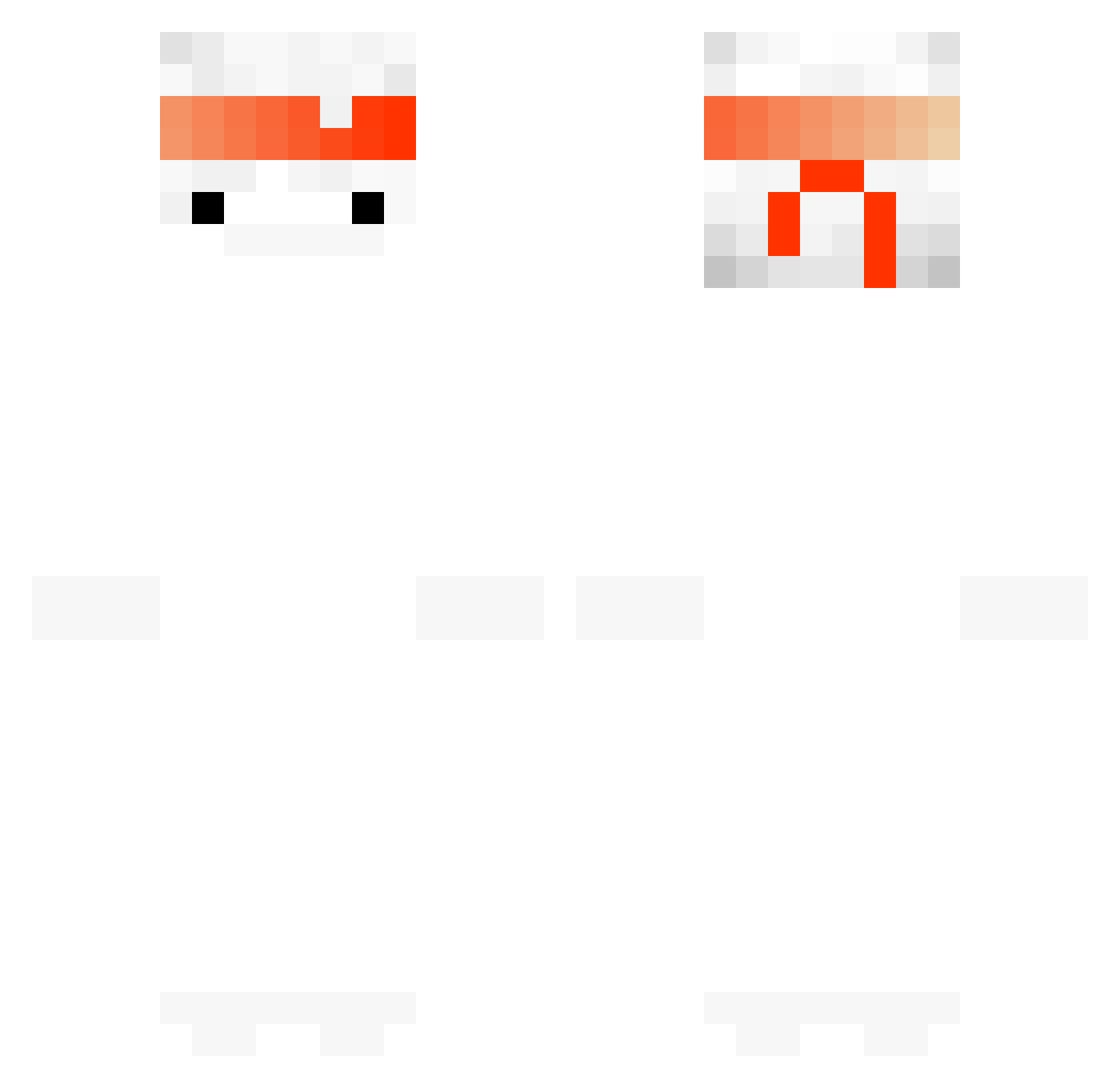
Current Minecraft skin of the player SSB3242, loaded from the official Mojang API. Rotate the 3D model with your mouse or finger, then download the skin as a PNG file and use it in Minecraft: Bedrock Edition or Java Edition for free. When SSB3242 changes their skin, this page updates automatically and the old skin stays in the history below.
Other players with this skin (146)
SSB3242 was the 115th player we have seen with this skin, first spotted on 10.10.2026. The same skin was seen on these players. Open a nickname to see their current skin and skin history.
 EXOT3X Arawnl Alex0082 PsykaZ_ ShorkXD Reapxrss ElimsMC hoiyan_owo_ frosty5022 CrimsonVXI DALLMYD Chivarus LoCheng_ CamiGamerr2707 MrSilenceX18 Sup765 DremoMoth Getzeed Cognetry Drachem1 Arthur_Ds Brnx200 Svetlio2203 TheSuperBowl xiaohong_chen space2029 xStrafelinq charmanter mirko0nmk Pro_Scavenger _____o__o_____ UweweZ nescaub0l4du veggens Tj_staley garchy Mc_ZxJ879 Salumiere Funxicc ECHOOO57 CaptainCorg1 xXItzFritzXx Basthero Notorious_Bread Damaso844ttv_MC gustavotzg Homs132 EclipseReee Gyamma AimElite 19_Fabian qur0 ClappedOpz IIcritII verymixd NukeDM superxva Nici_Novi dankuz21 Mr_Quacks_
More Ghost Minecraft skins
How to install the SSB3242 skin
- Press the Download button above to save the skin as a PNG file.
- Minecraft: Bedrock Edition (PE): open the Dressing Room from the main menu (or tap your character → Edit Character), go to Classic Skins → Owned, press the + (new skin) button, choose the downloaded PNG and pick the Classic (Steve) model. Works on PC and mobile; consoles cannot import custom skins.
- Minecraft: Java Edition: open the Minecraft Launcher, go to the Skins tab, click New Skin, load the PNG, pick the Classic (Steve) model and press Save & Use. You can also upload it at minecraft.net → Profile → Change Skin.
The skin does not show up after import - what should I do?
Restart Minecraft and open the Dressing Room again - imported skins sometimes appear only after a restart. Also make sure you selected the imported skin and picked the Classic (Steve) model.
Which model should I choose, Classic or Slim?
This skin is designed for the Classic (Steve) model. If you pick the wrong model, the arms of the skin will look stretched or squeezed.
Is the skin of SSB3242 free to download?
Yes. Press Download, save the PNG file and use it in Minecraft: Bedrock Edition or Java Edition - no payment or registration needed. The skin also works on multiplayer servers and Realms.
More skins
Looking for more? Go back to all Minecraft skins and check the top skins of the week, month and all time, or find any player's skin by nickname.