
SLIM_jim56 - Minecraft Skins & Skin History
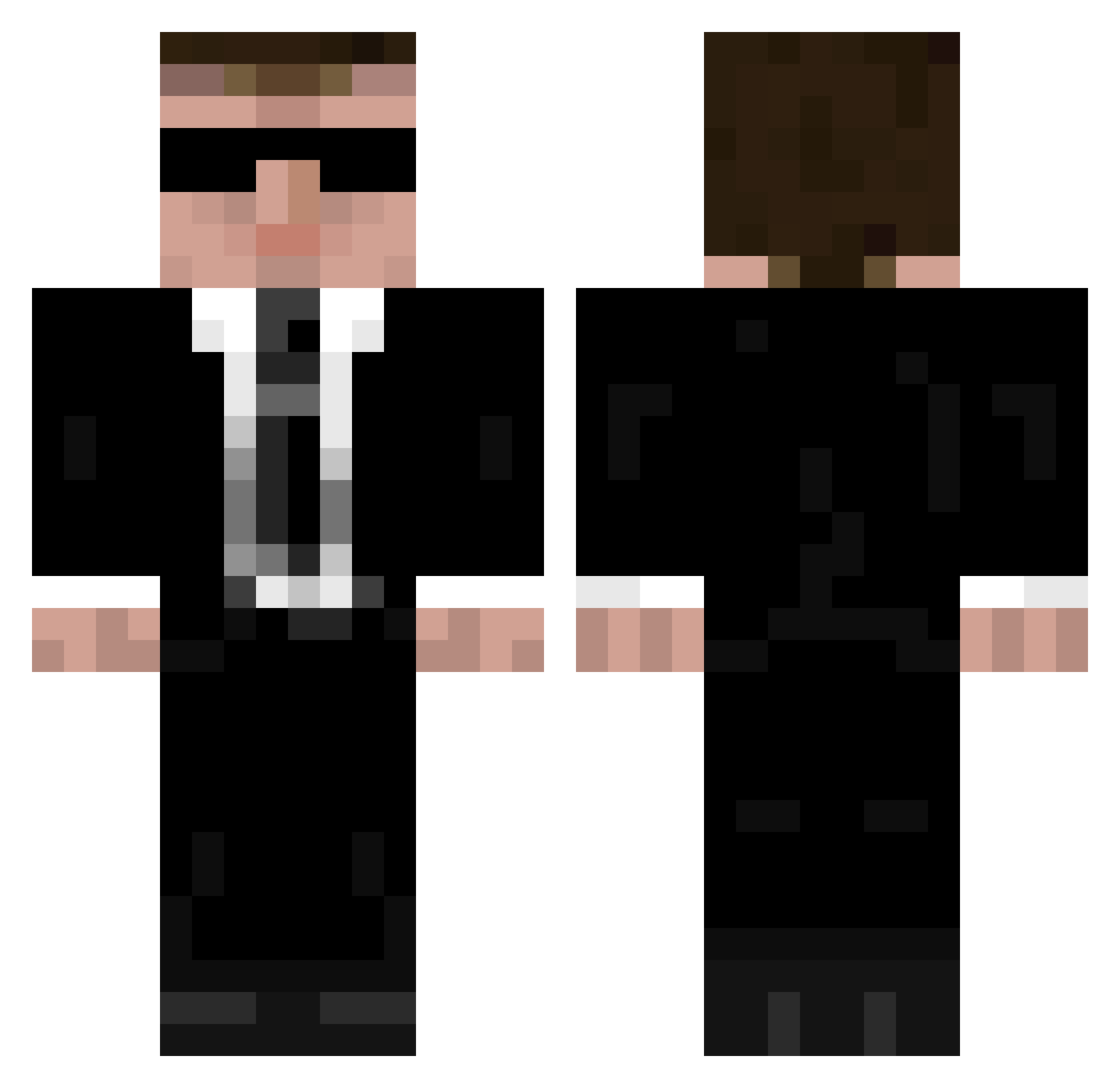
Current Minecraft skin of the player SLIM_jim56, loaded from the official Mojang API. Rotate the 3D model with your mouse or finger, then download the skin as a PNG file and use it in Minecraft: Bedrock Edition or Java Edition for free. When SLIM_jim56 changes their skin, this page updates automatically and the old skin stays in the history below.
Other players with this skin (950)
SLIM_jim56 was the 464th player we have seen with this skin, first spotted on 11.09.2026. The same skin was seen on these players. Open a nickname to see their current skin and skin history.
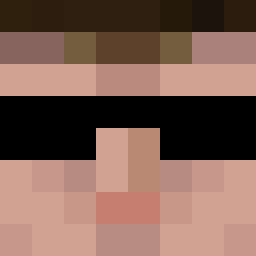 Wyxstx 08wallic empty22 ChineseFountain TechFreak95 ManInBlackCZ BennVI L_DragSnake_R Himmyjendrix Maurejerome KpoTyc Bilinogen mjhillyer Hecladus ba12348 _Agent_Smith GoldenHamburger2 loopag OneBIGCat stickom killerspike HardHard228 Hamsterwheel Lacery SlimShot DeGuyt ShadyRandomGuy smilewski laney460 LaBeef101 latublu Wiamond bor klindsey23 Pixel_swain leo_swiss bisseman03 jake2500 LetDown powerhouse109 toblaR1 AKYD2 Miklor Gamer940121 Danny_D83 Goodcatfargo Robban8275 MrGamesObzor Borvboski RollingDice88 KylaHulluJussi98 brw153 MLeyfman icetekk Gulmek Haschmasch starzboy9 xrated1981 lshs_ftoty Stinnex
More Agent 47 Minecraft skins
How to install the SLIM_jim56 skin
- Press the Download button above to save the skin as a PNG file.
- Minecraft: Bedrock Edition (PE): open the Dressing Room from the main menu (or tap your character → Edit Character), go to Classic Skins → Owned, press the + (new skin) button, choose the downloaded PNG and pick the Classic (Steve) model. Works on PC and mobile; consoles cannot import custom skins.
- Minecraft: Java Edition: open the Minecraft Launcher, go to the Skins tab, click New Skin, load the PNG, pick the Classic (Steve) model and press Save & Use. You can also upload it at minecraft.net → Profile → Change Skin.
The skin does not show up after import - what should I do?
Restart Minecraft and open the Dressing Room again - imported skins sometimes appear only after a restart. Also make sure you selected the imported skin and picked the Classic (Steve) model.
Which model should I choose, Classic or Slim?
This skin is designed for the Classic (Steve) model. If you pick the wrong model, the arms of the skin will look stretched or squeezed.
Is the skin of SLIM_jim56 free to download?
Yes. Press Download, save the PNG file and use it in Minecraft: Bedrock Edition or Java Edition - no payment or registration needed. The skin also works on multiplayer servers and Realms.
More skins
Looking for more? Go back to all Minecraft skins and check the top skins of the week, month and all time, or find any player's skin by nickname.