
SIL09 - Minecraft Skins & Skin History
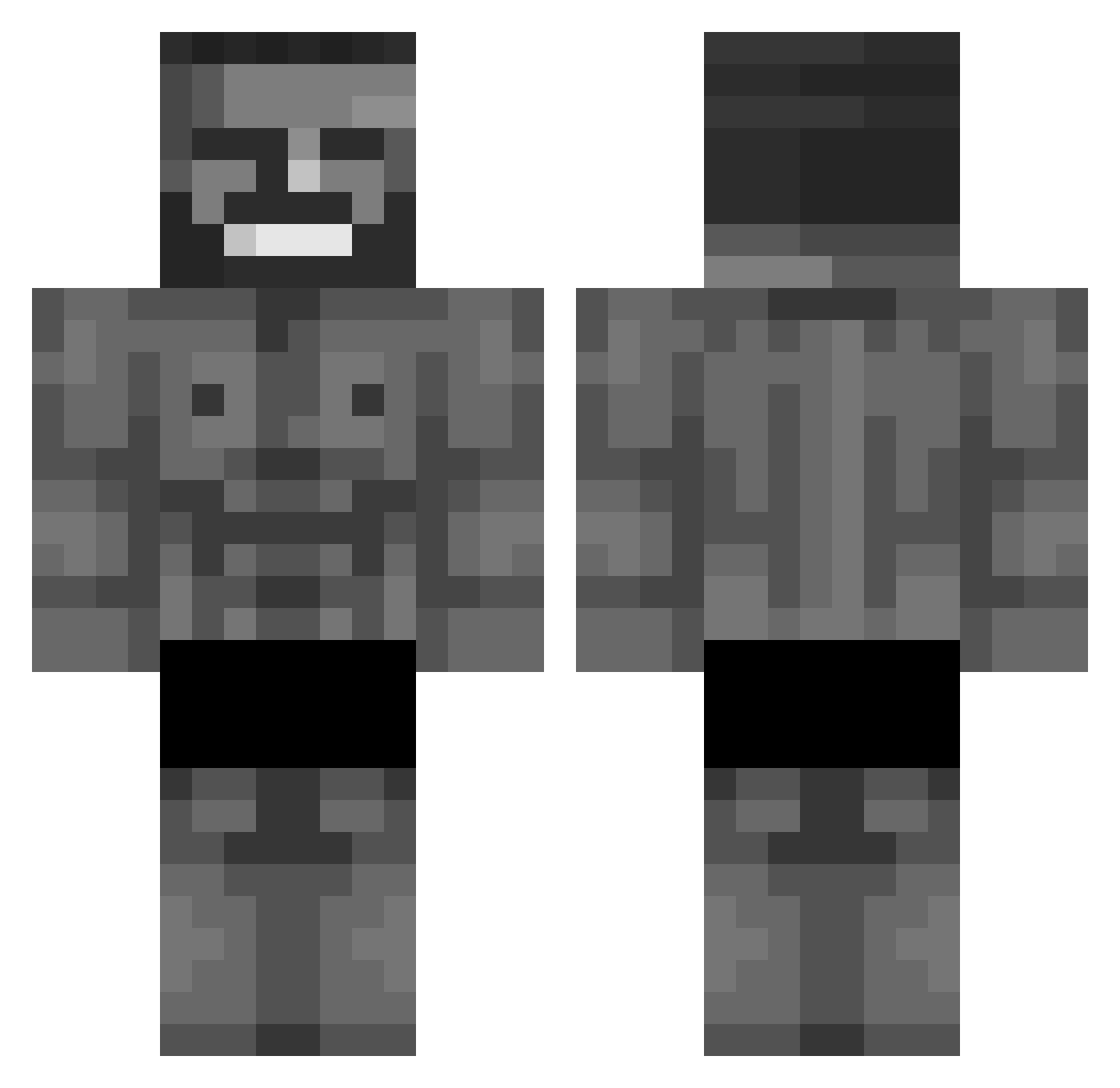
Current Minecraft skin of the player SIL09, loaded from the official Mojang API. Rotate the 3D model with your mouse or finger, then download the skin as a PNG file and use it in Minecraft: Bedrock Edition or Java Edition for free. When SIL09 changes their skin, this page updates automatically and the old skin stays in the history below.
Other players with this skin (1072)
SIL09 was the 945th player we have seen with this skin, first spotted on 07.11.2026. The same skin was seen on these players. Open a nickname to see their current skin and skin history.
 LiPsiLol Marshall_07CZ benski27 FabiHolzi ChoWY11 DoobiousStank JNwinter lilmonixp Spatt1221 Leon20cm isleodead Kutyafej517 Humblewafflee saitamaTV ebackamyka ButterStulle420 DanielGamer_LP Big_Boi8987 LoboCR22 annachi02 Jabriela18 LXT_MC Reginaldt Its_Tuff Danny4573 Gangaroos _BananBartus_ MamiAdamdr TheSmokeer Mehmtf Ballanium ZmogusTapke007 Mach1ne66 PaN_ZiMa Cr1tical99 zBuxton Isidromelchor adjacences ImarealG69 Gfloydsigma ErasableBONGO31 VintageIamMe101 PuerNoctis Pugulus1305 5UGARBOO jonatan2003 Wieselbie Reverse7517 marrentovitin NuclearBusterBoy Ryker1984 Assassin__FaLL batemastereli TCB_silencer KRZCHO Jadonik LizzyGamer62 Mark092 ED14Zz gegusus
More Gigachad Minecraft skins
How to install the SIL09 skin
- Press the Download button above to save the skin as a PNG file.
- Minecraft: Bedrock Edition (PE): open the Dressing Room from the main menu (or tap your character → Edit Character), go to Classic Skins → Owned, press the + (new skin) button, choose the downloaded PNG and pick the Classic (Steve) model. Works on PC and mobile; consoles cannot import custom skins.
- Minecraft: Java Edition: open the Minecraft Launcher, go to the Skins tab, click New Skin, load the PNG, pick the Classic (Steve) model and press Save & Use. You can also upload it at minecraft.net → Profile → Change Skin.
The skin does not show up after import - what should I do?
Restart Minecraft and open the Dressing Room again - imported skins sometimes appear only after a restart. Also make sure you selected the imported skin and picked the Classic (Steve) model.
Which model should I choose, Classic or Slim?
This skin is designed for the Classic (Steve) model. If you pick the wrong model, the arms of the skin will look stretched or squeezed.
Is the skin of SIL09 free to download?
Yes. Press Download, save the PNG file and use it in Minecraft: Bedrock Edition or Java Edition - no payment or registration needed. The skin also works on multiplayer servers and Realms.
More skins
Looking for more? Go back to all Minecraft skins and check the top skins of the week, month and all time, or find any player's skin by nickname.