
SHLuffy - Minecraft Skins & Skin History
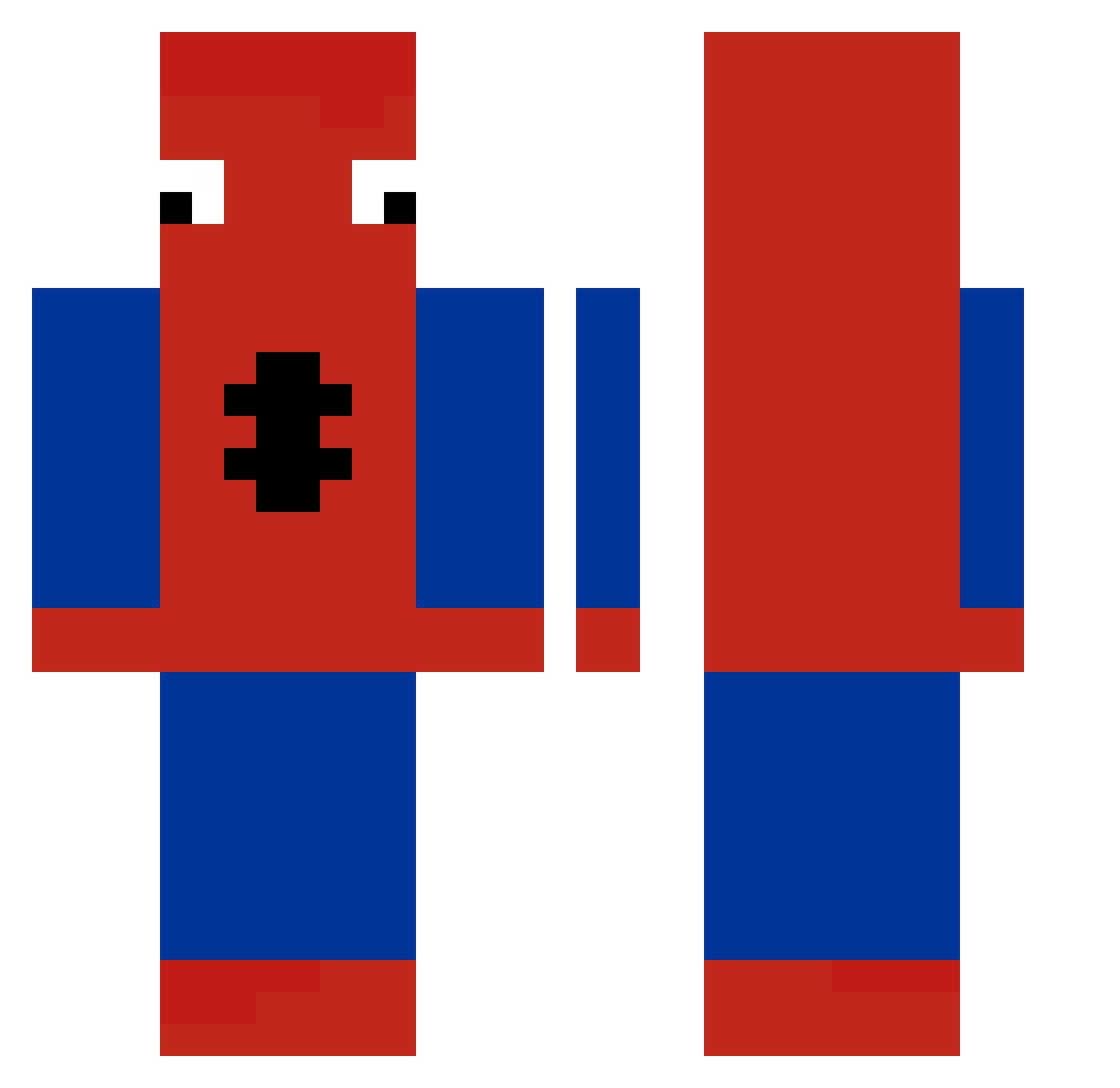
Current Minecraft skin of the player SHLuffy, loaded from the official Mojang API. Rotate the 3D model with your mouse or finger, then download the skin as a PNG file and use it in Minecraft: Bedrock Edition or Java Edition for free. When SHLuffy changes their skin, this page updates automatically and the old skin stays in the history below.
Other players with this skin (258)
SHLuffy was the 141st player we have seen with this skin, first spotted on 26.09.2026. The same skin was seen on these players. Open a nickname to see their current skin and skin history.
 c17670414960 Fndnlx_Jokubas 1daAy haoyiwan AHFb kovafnx ciprian2194 samorlan Faze_Jawad TopDogHuss TestTubeJJ dizny mika_2404 skribblslave nnaretti Overbuilding kazzzzet Frigates TommyMarini10 pedrofeolol camlotte Sounds12345 SamTheSpeedy TechnicalAbuse alswo806 mateo_sb HellFireVanduo capitainebonobo rruv MikeStormXD HANS_TkgmJO Sciagurato_ iTsEmilianoPvP eldarvkh AngryToast90 CruelKh BI_ock Andrewkrak nbda wdnmdPYY twopaku ELITE3535 hryy_ soniyuh Maysos Tupapa8000 Bruh5827 K3wa_xD Kappah__ CHILLIHOTDOG305 HIGH_TOAST Ricardgc Koogantz Blyszczyk_ ProBuilder193 Poulpi_Flufi 123Boryss TailanZzz Rakog_ nielsbndr
More Spider-Man Minecraft skins
How to install the SHLuffy skin
- Press the Download button above to save the skin as a PNG file.
- Minecraft: Bedrock Edition (PE): open the Dressing Room from the main menu (or tap your character → Edit Character), go to Classic Skins → Owned, press the + (new skin) button, choose the downloaded PNG and pick the Classic (Steve) model. Works on PC and mobile; consoles cannot import custom skins.
- Minecraft: Java Edition: open the Minecraft Launcher, go to the Skins tab, click New Skin, load the PNG, pick the Classic (Steve) model and press Save & Use. You can also upload it at minecraft.net → Profile → Change Skin.
The skin does not show up after import - what should I do?
Restart Minecraft and open the Dressing Room again - imported skins sometimes appear only after a restart. Also make sure you selected the imported skin and picked the Classic (Steve) model.
Which model should I choose, Classic or Slim?
This skin is designed for the Classic (Steve) model. If you pick the wrong model, the arms of the skin will look stretched or squeezed.
Is the skin of SHLuffy free to download?
Yes. Press Download, save the PNG file and use it in Minecraft: Bedrock Edition or Java Edition - no payment or registration needed. The skin also works on multiplayer servers and Realms.
More skins
Looking for more? Go back to all Minecraft skins and check the top skins of the week, month and all time, or find any player's skin by nickname.