
SBCEO007 - Minecraft Skins & Skin History
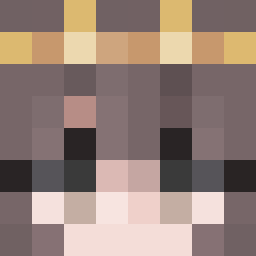
Current Minecraft skin of the player SBCEO007, loaded from the official Mojang API. Rotate the 3D model with your mouse or finger, then download the skin as a PNG file and use it in Minecraft: Bedrock Edition or Java Edition for free. When SBCEO007 changes their skin, this page updates automatically and the old skin stays in the history below.
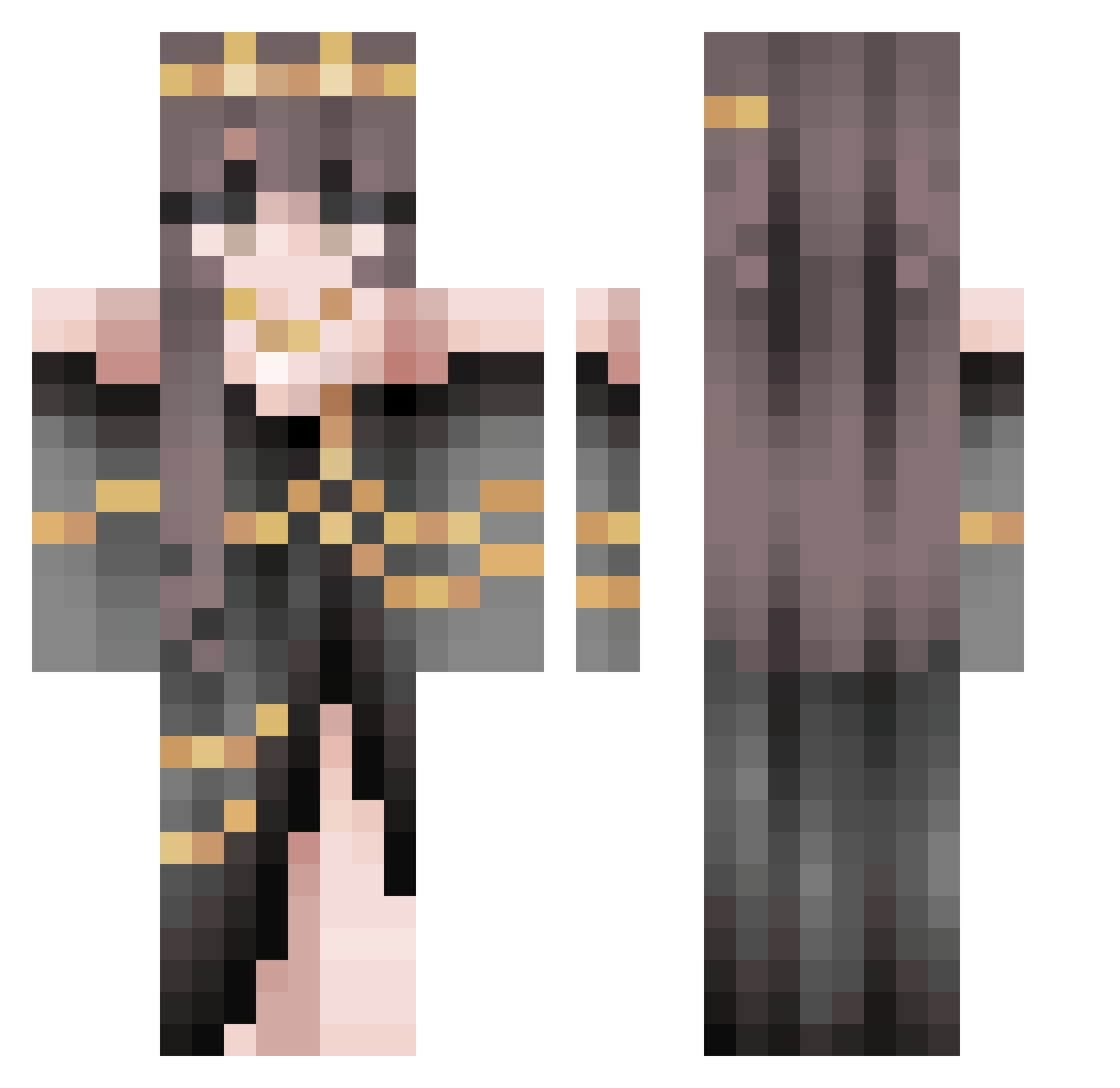
Other players with this skin (508)
SBCEO007 was the 420th player we have seen with this skin, first spotted on 10.10.2026. The same skin was seen on these players. Open a nickname to see their current skin and skin history.
 ZRO123 mushycookies23 MaJinxx WitchyQuill SWAGGY_EM1LY srsperson Stuart_07 Deadly_bro Amy_06_07 mikan_0514 Mushroom_LN CTypicus Cshii69 Ness_x13 _Gitte_ uearthur P1LVT Vdvendeta Mobriva xMayHapsx Goldfish0827 yangsi9 aohime07 Ripper98 enby_geek ThePurpleKiwi97 RajaRising Pixybloom Ramheart28 Gingerrr0503 WispWisteria FabAstronaut queensosike Sie_O159 Jadrabbit MFTaylorRae SuperJohannan Lunaris1100 LaurisCereal Auroralight74 fufucuddlypoop17 BroerGamerNL Peachypeach7767 StephBlues Kyumiti xToadloverx ssuiy Yyaahaz The_BakedPotato AvariciousDraig LuckyTea0665 organic_potato AutumnMocha GingerTunic Munchkin6344 YellowYoba enixiaj jyehin SkyYeung Shyana
More Gold Jewelry Minecraft skins
How to install the SBCEO007 skin
- Press the Download button above to save the skin as a PNG file.
- Minecraft: Bedrock Edition (PE): open the Dressing Room from the main menu (or tap your character → Edit Character), go to Classic Skins → Owned, press the + (new skin) button, choose the downloaded PNG and pick the Classic (Steve) model. Works on PC and mobile; consoles cannot import custom skins.
- Minecraft: Java Edition: open the Minecraft Launcher, go to the Skins tab, click New Skin, load the PNG, pick the Classic (Steve) model and press Save & Use. You can also upload it at minecraft.net → Profile → Change Skin.
The skin does not show up after import - what should I do?
Restart Minecraft and open the Dressing Room again - imported skins sometimes appear only after a restart. Also make sure you selected the imported skin and picked the Classic (Steve) model.
Which model should I choose, Classic or Slim?
This skin is designed for the Classic (Steve) model. If you pick the wrong model, the arms of the skin will look stretched or squeezed.
Is the skin of SBCEO007 free to download?
Yes. Press Download, save the PNG file and use it in Minecraft: Bedrock Edition or Java Edition - no payment or registration needed. The skin also works on multiplayer servers and Realms.
More skins
Looking for more? Go back to all Minecraft skins and check the top skins of the week, month and all time, or find any player's skin by nickname.