
SALM_Kamil - Minecraft Skins & Skin History
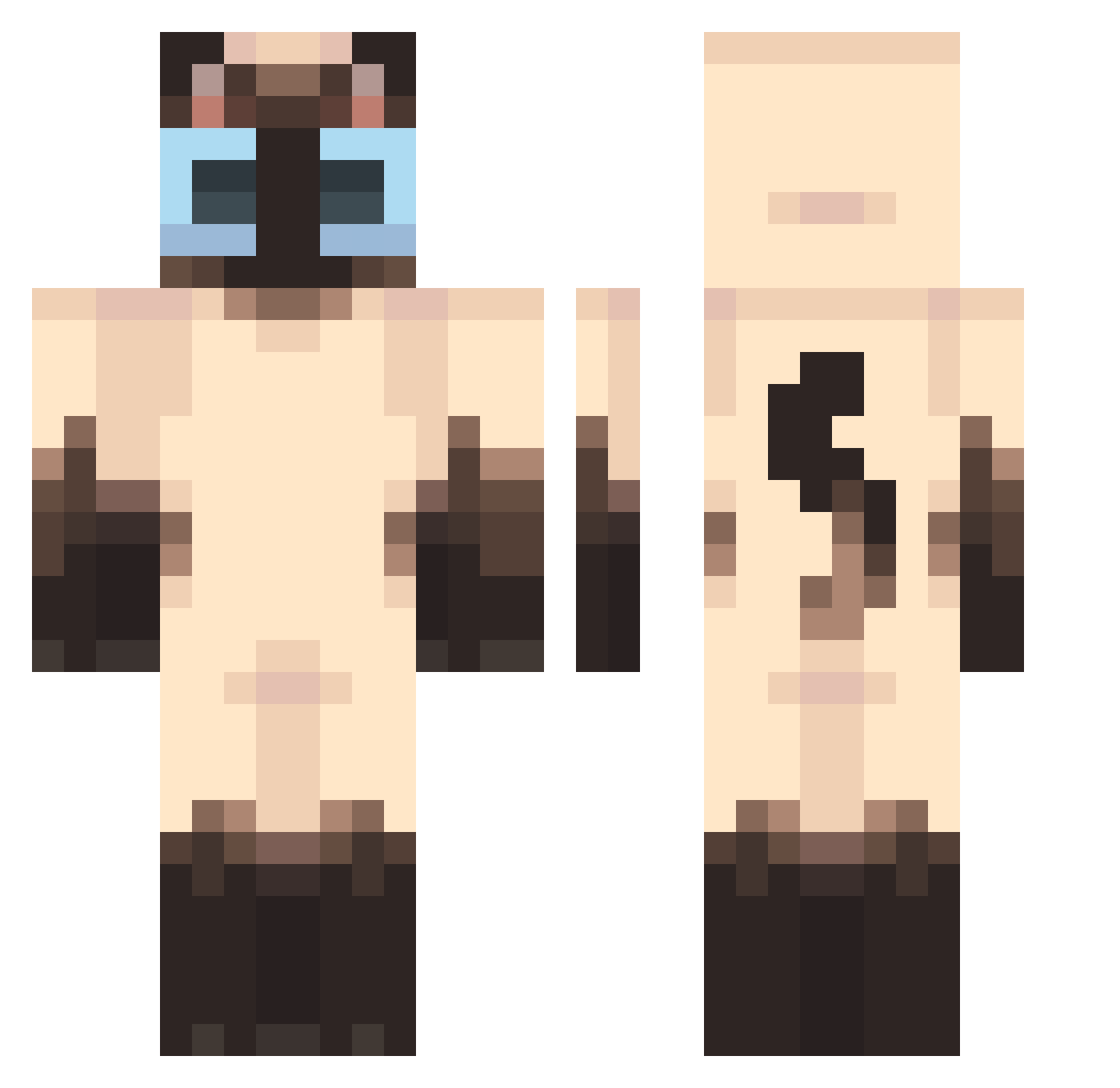
Current Minecraft skin of the player SALM_Kamil, loaded from the official Mojang API. Rotate the 3D model with your mouse or finger, then download the skin as a PNG file and use it in Minecraft: Bedrock Edition or Java Edition for free. When SALM_Kamil changes their skin, this page updates automatically and the old skin stays in the history below.
Other players with this skin (524)
SALM_Kamil was the 496th player we have seen with this skin, first spotted on 12.11.2026. The same skin was seen on these players. Open a nickname to see their current skin and skin history.
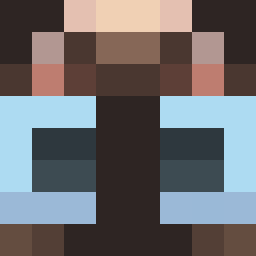 ImOrange Sr_Phantom Whaliie _Zipek catjango Cidcat RaptorVEVO TinyGrayWillow5 Aderynnn lullinosuper HONG0000 Armillaria Valou2504 CrazyFlash01 zkghx Yeily_ Nyau_Neko tombrob ogreear Aphrodite01 P2ng Hashie_ nvrnia plamaspuchy NisaQueen Kuban_2011 SerumFi diaooni bapoo0923 Strawberry62_ CHIPISAURIO Cation_D Julien272 Lostar05 takoboy saakira coshmee Thegenult kenoukie Totally_Emeralds ENRIKITO2 Osore69 doggo_lover56457 Tibby Kamiku_0212 mi_ni_shi_ji_kk fujao1 shu0225s PeanutButterMunc Lyeee_chan RAYAN15V SojaVerde Porritooo Busetero33 Mapachelunar maybebellaj YoshiStar12 DrPresidentTrump Nicky144P Bubbilka
More Siamese Cat Minecraft skins
How to install the SALM_Kamil skin
- Press the Download button above to save the skin as a PNG file.
- Minecraft: Bedrock Edition (PE): open the Dressing Room from the main menu (or tap your character → Edit Character), go to Classic Skins → Owned, press the + (new skin) button, choose the downloaded PNG and pick the Classic (Steve) model. Works on PC and mobile; consoles cannot import custom skins.
- Minecraft: Java Edition: open the Minecraft Launcher, go to the Skins tab, click New Skin, load the PNG, pick the Classic (Steve) model and press Save & Use. You can also upload it at minecraft.net → Profile → Change Skin.
The skin does not show up after import - what should I do?
Restart Minecraft and open the Dressing Room again - imported skins sometimes appear only after a restart. Also make sure you selected the imported skin and picked the Classic (Steve) model.
Which model should I choose, Classic or Slim?
This skin is designed for the Classic (Steve) model. If you pick the wrong model, the arms of the skin will look stretched or squeezed.
Is the skin of SALM_Kamil free to download?
Yes. Press Download, save the PNG file and use it in Minecraft: Bedrock Edition or Java Edition - no payment or registration needed. The skin also works on multiplayer servers and Realms.
More skins
Looking for more? Go back to all Minecraft skins and check the top skins of the week, month and all time, or find any player's skin by nickname.