
SALAMENDER33 - Minecraft Skins & Skin History
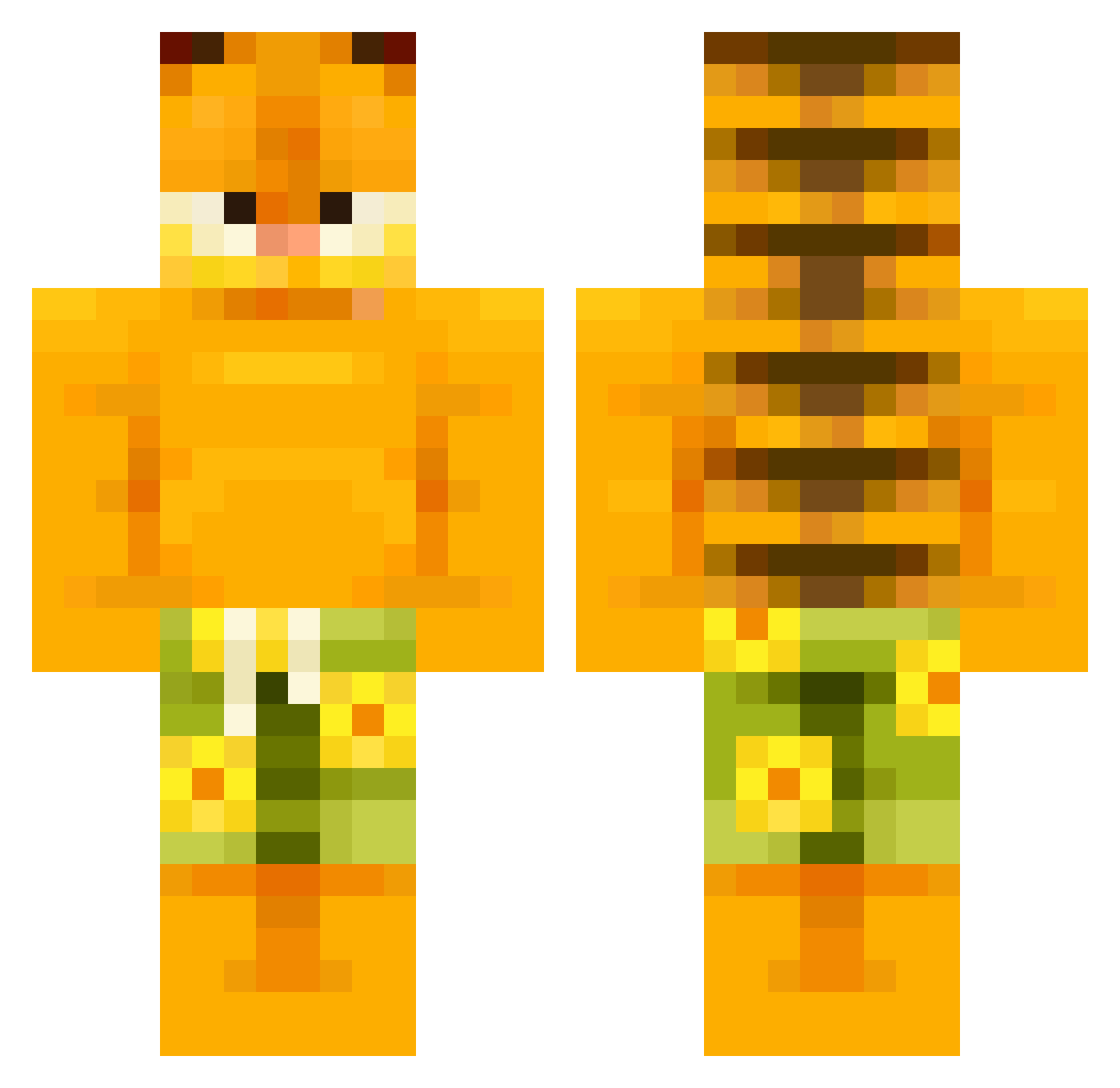
Current Minecraft skin of the player SALAMENDER33, loaded from the official Mojang API. Rotate the 3D model with your mouse or finger, then download the skin as a PNG file and use it in Minecraft: Bedrock Edition or Java Edition for free. When SALAMENDER33 changes their skin, this page updates automatically and the old skin stays in the history below.
Other players with this skin (506)
SALAMENDER33 was the 384th player we have seen with this skin, first spotted on 02.10.2026. The same skin was seen on these players. Open a nickname to see their current skin and skin history.
 ariesXspace Champ0I _hitpostno_ dosh0420 samthemincrafter Taktek68 Vidaraskgaard tommypham264 Sandrao777 Wizzzurd liberalhater420 Bobbica aallee28 specc00 beefer7113 yungbeverage Joak12 Banku_HHabit cattywhomp TheRealMrKav Calin05 alssrx mango4798 Bomby123456 babablacksheep69 DoomField ongi0 tomii024 phranqlyfrank146 Murruu turkbrains sp3jn Ape_Alert Fabi_1788 serennn03 amzzzzzzzzzster OrangeJuice488 Chunk5175 Penou thetruman_show mmumz marchieee VincentTheBot BigBoiMichael rayanieee ObligedFish6 winteriscool wifi69 hello_day JrXZz MontysMandem jadioos Maksitaxi7 TheTargetcartel Mr_Gone_To_Mars ABMoney44 Yod1sh wqpc3 LordEisber FemboiiiiiiNiros
More Garfield Minecraft skins
How to install the SALAMENDER33 skin
- Press the Download button above to save the skin as a PNG file.
- Minecraft: Bedrock Edition (PE): open the Dressing Room from the main menu (or tap your character → Edit Character), go to Classic Skins → Owned, press the + (new skin) button, choose the downloaded PNG and pick the Classic (Steve) model. Works on PC and mobile; consoles cannot import custom skins.
- Minecraft: Java Edition: open the Minecraft Launcher, go to the Skins tab, click New Skin, load the PNG, pick the Classic (Steve) model and press Save & Use. You can also upload it at minecraft.net → Profile → Change Skin.
The skin does not show up after import - what should I do?
Restart Minecraft and open the Dressing Room again - imported skins sometimes appear only after a restart. Also make sure you selected the imported skin and picked the Classic (Steve) model.
Which model should I choose, Classic or Slim?
This skin is designed for the Classic (Steve) model. If you pick the wrong model, the arms of the skin will look stretched or squeezed.
Is the skin of SALAMENDER33 free to download?
Yes. Press Download, save the PNG file and use it in Minecraft: Bedrock Edition or Java Edition - no payment or registration needed. The skin also works on multiplayer servers and Realms.
More skins
Looking for more? Go back to all Minecraft skins and check the top skins of the week, month and all time, or find any player's skin by nickname.