
SAGAXGAMING - Minecraft Skins & Skin History
Current Minecraft skin of the player SAGAXGAMING, loaded from the official Mojang API. Rotate the 3D model with your mouse or finger, then download the skin as a PNG file and use it in Minecraft: Bedrock Edition or Java Edition for free. When SAGAXGAMING changes their skin, this page updates automatically and the old skin stays in the history below.
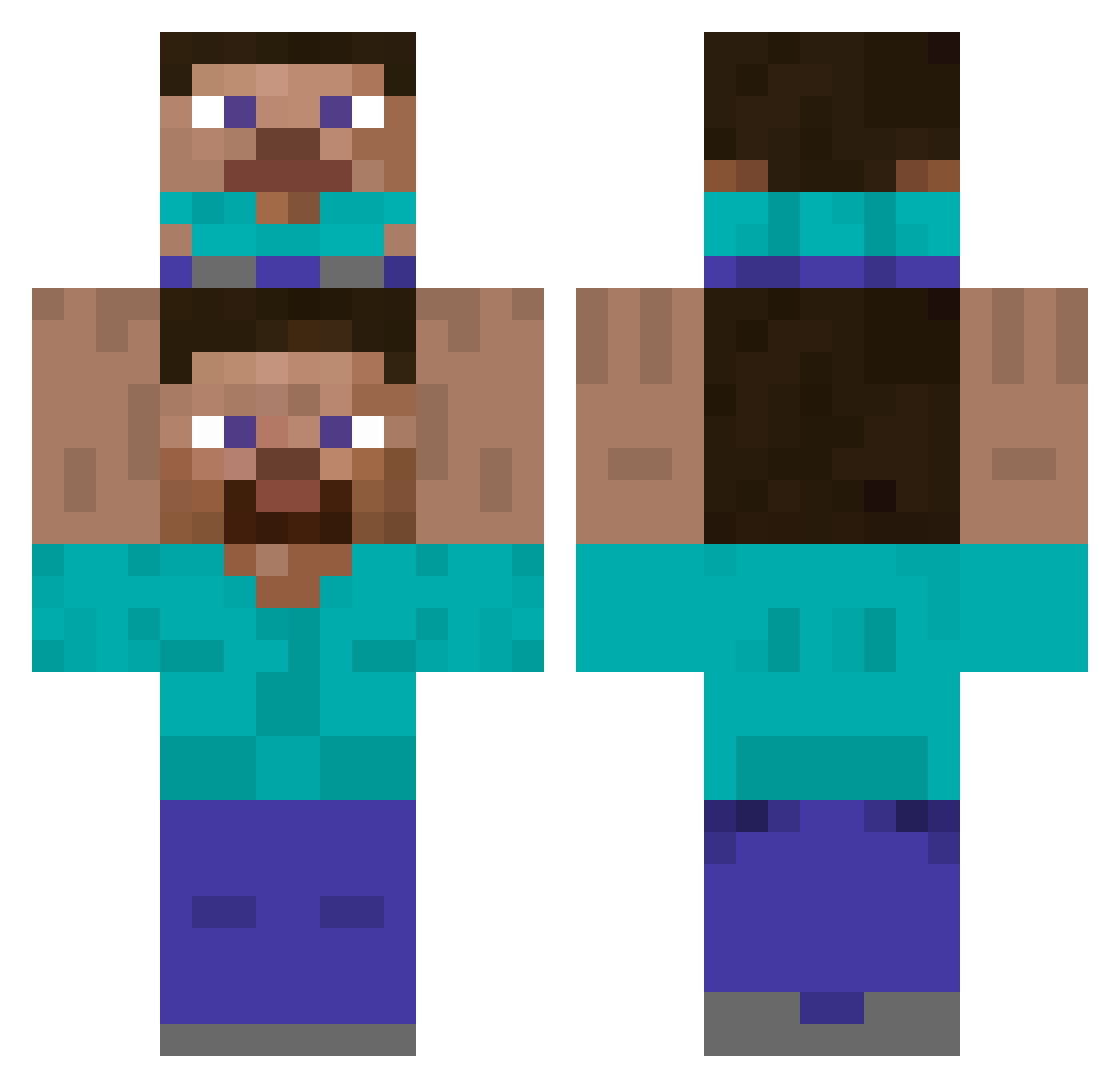
Other players with this skin (441)
SAGAXGAMING was the 423rd player we have seen with this skin, first spotted on 18.10.2026. The same skin was seen on these players. Open a nickname to see their current skin and skin history.
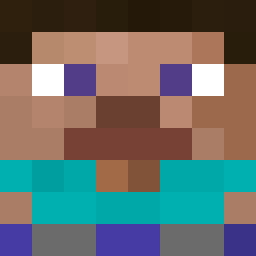 Gnew5 ClassicLlma227 boissoncraft marcel_mrm RSGskelly Arsdy l4n3r joaopk357 xJFalcon Daran105679 Papitamax _Reith_ woah_thatscool TufiEast PokJoo user1100 MorganParry2004 DIABLOSKSKS TerraLynx qiu9527 xXMvnyvkXx PrettyBlackboy Xermez Crazyshrunk leGodd_ seojunmarine Henekkaa Ignipiuyo AnanAS__oKan Familarperson cjslc kimojjijji ElGfecito POTOME jabon_man popodeperro RegardeMonCaca Bochatann giackyros Gogolito65 palofran4 Sins_WeyZ Gelmor ImDala Relnaht Ooppa12 sgraaa Pasta_time_XD Lefels GinkgoKing youactinsuss SalvadorFidalgo yumchaso LukBuk123 EnanoFurtivo07 DrMatt8 MarsAsteroid BKeremK xSw0qy AAAAAAAAAAP
How to install the SAGAXGAMING skin
- Press the Download button above to save the skin as a PNG file.
- Minecraft: Bedrock Edition (PE): open the Dressing Room from the main menu (or tap your character → Edit Character), go to Classic Skins → Owned, press the + (new skin) button, choose the downloaded PNG and pick the Classic (Steve) model. Works on PC and mobile; consoles cannot import custom skins.
- Minecraft: Java Edition: open the Minecraft Launcher, go to the Skins tab, click New Skin, load the PNG, pick the Classic (Steve) model and press Save & Use. You can also upload it at minecraft.net → Profile → Change Skin.
The skin does not show up after import - what should I do?
Restart Minecraft and open the Dressing Room again - imported skins sometimes appear only after a restart. Also make sure you selected the imported skin and picked the Classic (Steve) model.
Which model should I choose, Classic or Slim?
This skin is designed for the Classic (Steve) model. If you pick the wrong model, the arms of the skin will look stretched or squeezed.
Is the skin of SAGAXGAMING free to download?
Yes. Press Download, save the PNG file and use it in Minecraft: Bedrock Edition or Java Edition - no payment or registration needed. The skin also works on multiplayer servers and Realms.
More skins
Looking for more? Go back to all Minecraft skins and check the top skins of the week, month and all time, or find any player's skin by nickname.