
RushinPancake - Minecraft Skins & Skin History
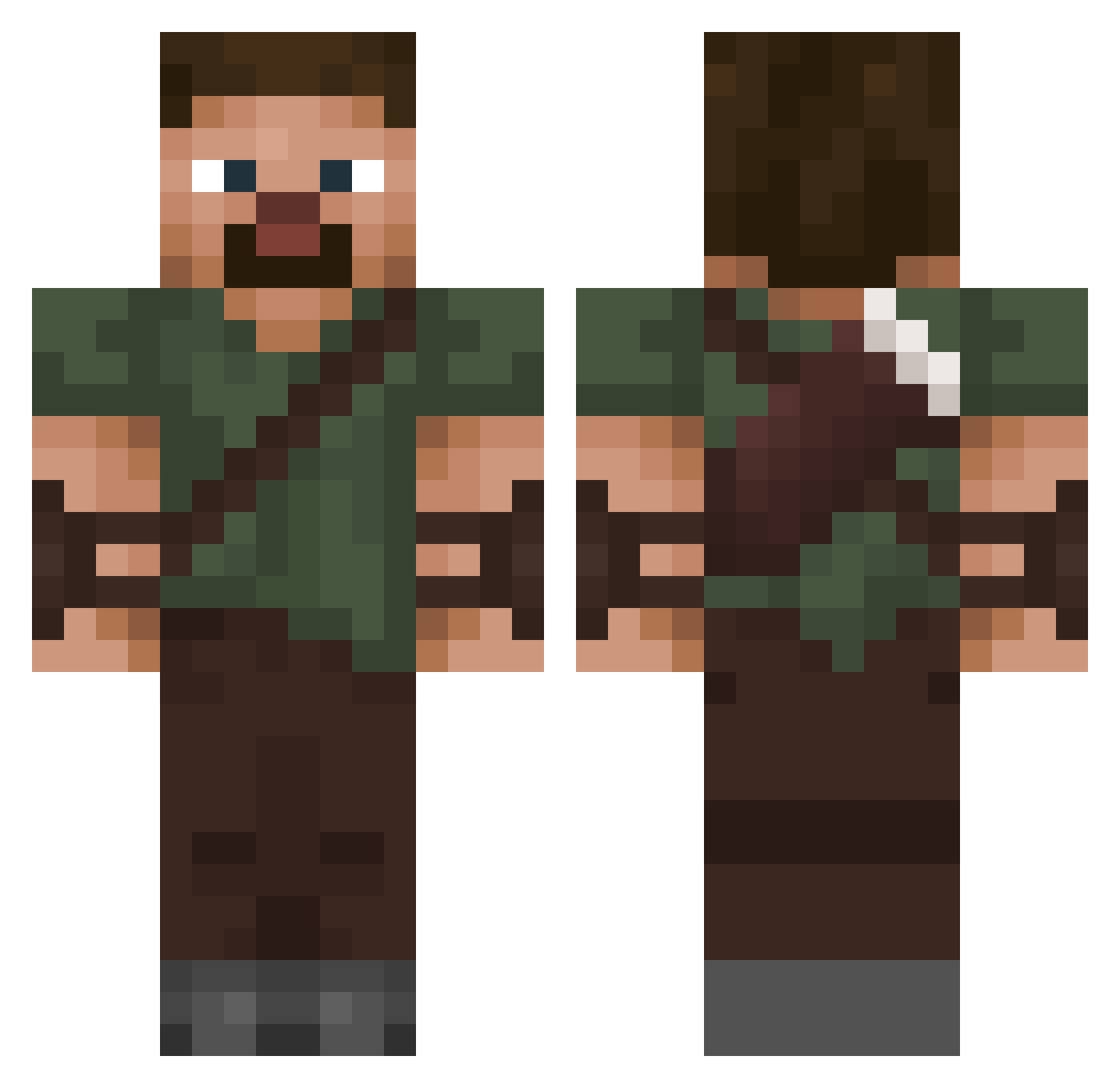
Current Minecraft skin of the player RushinPancake, loaded from the official Mojang API. Rotate the 3D model with your mouse or finger, then download the skin as a PNG file and use it in Minecraft: Bedrock Edition or Java Edition for free. When RushinPancake changes their skin, this page updates automatically and the old skin stays in the history below.
Other players with this skin (56)
RushinPancake was the 22nd player we have seen with this skin, first spotted on 11.09.2026. The same skin was seen on these players. Open a nickname to see their current skin and skin history.
 TheFakeMatt Vulkjo Jacerg Wiley08 Lautystrike Syzarok Beqa27 Emperor_mark1233 NeosSoup juliaan18 _romantica El_Choros Cappeau Litto Cooldragonki Tomashegg ZehabCraft Lilhungry17 Criss_7865 rvz_ HanzoSolo1 ItsRoyin KingJack204 Provek1337 AgentJJJ FileNotFound404 Sarcophagus01 momivolley leitederazto boommars dkns1 Apollo_BR6 jejoue cookieman_7979 WaizT prob2014
 d1ssector Leon__ru
 The_tank3 PETITO67 patrix22 Retaki
 PlayingSinetic ChinoZzZ22 cereal10_ dokgo1
 Cronkavious MikenotIke2342 B_Erik Honzikpodnikatel Bowl_0f_Chili Heroki115E Nether_Guard Jackuezz ChunkyTroy Luduvicus
More Hunter Minecraft skins
How to install the RushinPancake skin
- Press the Download button above to save the skin as a PNG file.
- Minecraft: Bedrock Edition (PE): open the Dressing Room from the main menu (or tap your character → Edit Character), go to Classic Skins → Owned, press the + (new skin) button, choose the downloaded PNG and pick the Classic (Steve) model. Works on PC and mobile; consoles cannot import custom skins.
- Minecraft: Java Edition: open the Minecraft Launcher, go to the Skins tab, click New Skin, load the PNG, pick the Classic (Steve) model and press Save & Use. You can also upload it at minecraft.net → Profile → Change Skin.
The skin does not show up after import - what should I do?
Restart Minecraft and open the Dressing Room again - imported skins sometimes appear only after a restart. Also make sure you selected the imported skin and picked the Classic (Steve) model.
Which model should I choose, Classic or Slim?
This skin is designed for the Classic (Steve) model. If you pick the wrong model, the arms of the skin will look stretched or squeezed.
Is the skin of RushinPancake free to download?
Yes. Press Download, save the PNG file and use it in Minecraft: Bedrock Edition or Java Edition - no payment or registration needed. The skin also works on multiplayer servers and Realms.
More skins
Looking for more? Go back to all Minecraft skins and check the top skins of the week, month and all time, or find any player's skin by nickname.