
Rowdyrolando1 - Minecraft Skins & Skin History
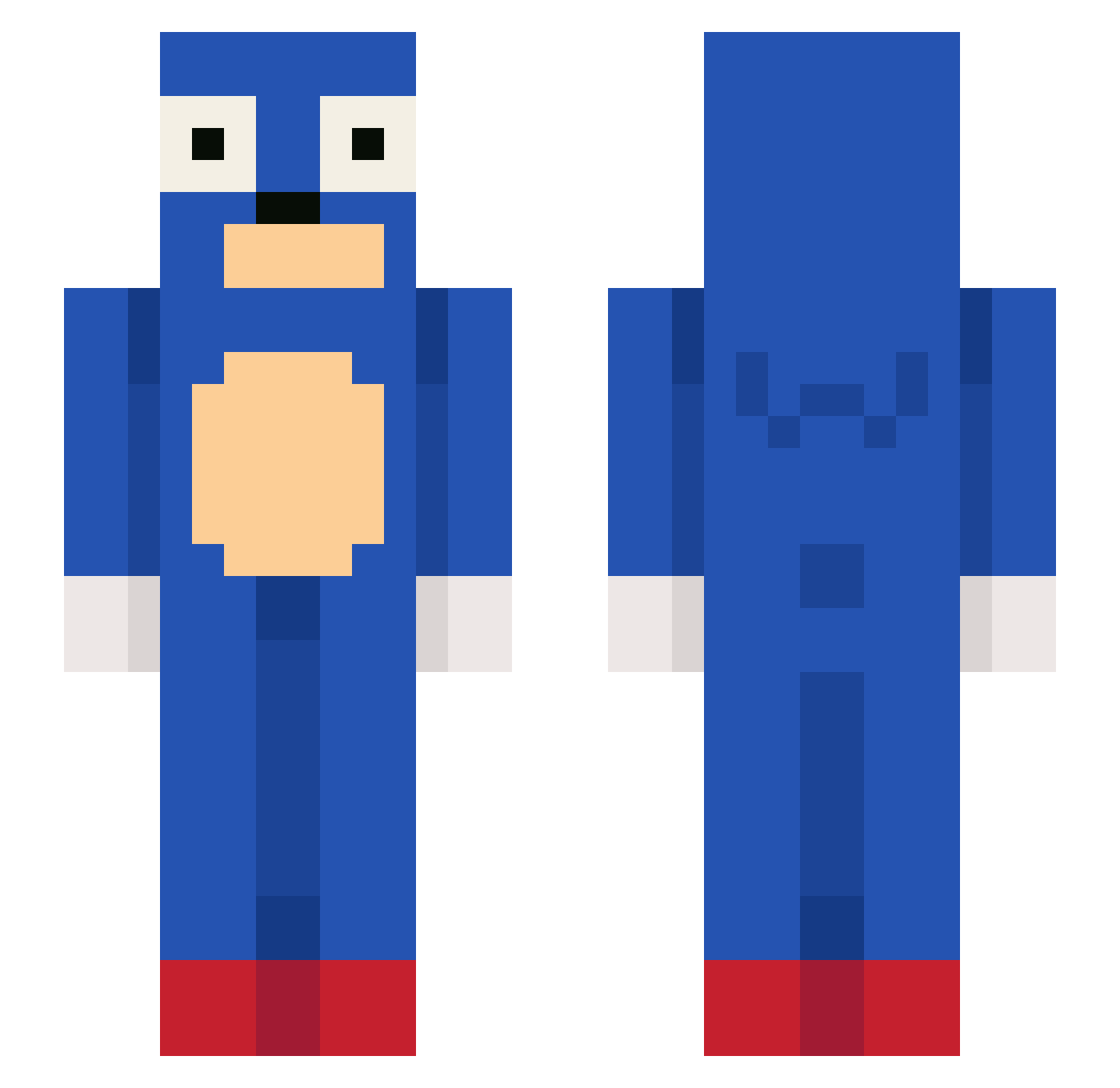
Current Minecraft skin of the player Rowdyrolando1, loaded from the official Mojang API. Rotate the 3D model with your mouse or finger, then download the skin as a PNG file and use it in Minecraft: Bedrock Edition or Java Edition for free. When Rowdyrolando1 changes their skin, this page updates automatically and the old skin stays in the history below.
Other players with this skin (120)
Rowdyrolando1 was the 97th player we have seen with this skin, first spotted on 24.10.2026. The same skin was seen on these players. Open a nickname to see their current skin and skin history.
 krvbz dcrf SKYY2K8 powpow2108 wallsiu LukaReiche WildTbury ddiogadas rasw s109 pakitoal bobek123 fart10 Anokun60 AmukNGX lilscott23 Boggadann le_saint_patto Bryffo finsee graecicle mrbean95 Loquax_ IMGromp Donterrific Jaunzin1 eepp990 ptt5432 ninettw swiadomosccc Heeroon sans_99 NotMysteri jihwanmin Ludipoto dpressure MaxThePersonK bwoopsicle NachoInhaler666 Aer_Dingus MrRogii 1VSWORLD Ali897 draywolf_ NOVAVEXOR alejandr0mj Kaizikoaa marjijkq inai4 uni_v3rt kczorki Kokosas255 GoldXPRequiem1 xstep133 Flower_See n1cksak Sceptiqall Jezevec420 sonic0523 sprandas
More Sega Minecraft skins
How to install the Rowdyrolando1 skin
- Press the Download button above to save the skin as a PNG file.
- Minecraft: Bedrock Edition (PE): open the Dressing Room from the main menu (or tap your character → Edit Character), go to Classic Skins → Owned, press the + (new skin) button, choose the downloaded PNG and pick the Slim (Alex) model. Works on PC and mobile; consoles cannot import custom skins.
- Minecraft: Java Edition: open the Minecraft Launcher, go to the Skins tab, click New Skin, load the PNG, pick the Slim (Alex) model and press Save & Use. You can also upload it at minecraft.net → Profile → Change Skin.
The skin does not show up after import - what should I do?
Restart Minecraft and open the Dressing Room again - imported skins sometimes appear only after a restart. Also make sure you selected the imported skin and picked the Slim (Alex) model.
Which model should I choose, Classic or Slim?
This skin is designed for the Slim (Alex) model. If you pick the wrong model, the arms of the skin will look stretched or squeezed.
Is the skin of Rowdyrolando1 free to download?
Yes. Press Download, save the PNG file and use it in Minecraft: Bedrock Edition or Java Edition - no payment or registration needed. The skin also works on multiplayer servers and Realms.
More skins
Looking for more? Go back to all Minecraft skins and check the top skins of the week, month and all time, or find any player's skin by nickname.