
RossB128 - Minecraft Skins & Skin History
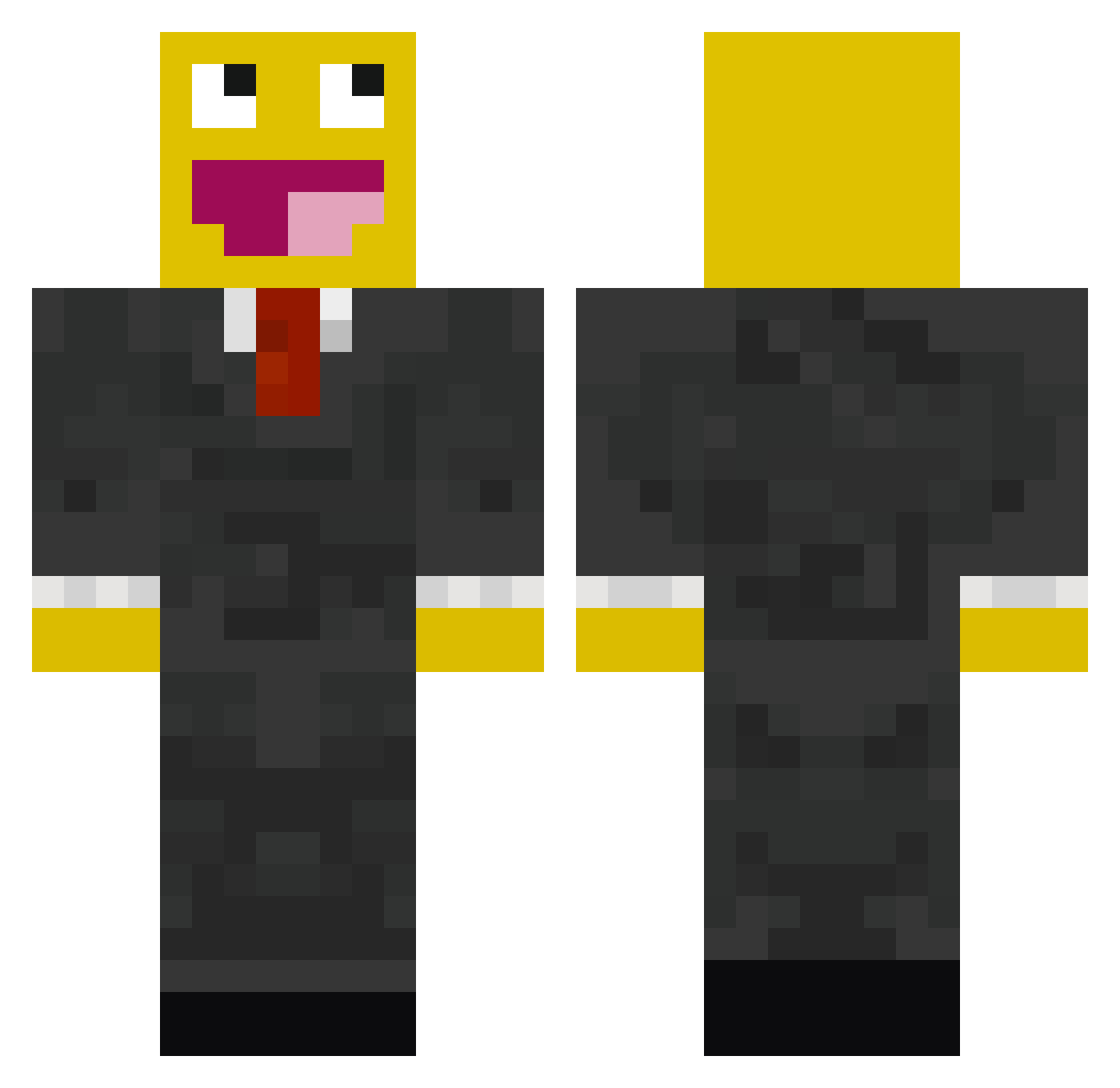
Current Minecraft skin of the player RossB128, loaded from the official Mojang API. Rotate the 3D model with your mouse or finger, then download the skin as a PNG file and use it in Minecraft: Bedrock Edition or Java Edition for free. When RossB128 changes their skin, this page updates automatically and the old skin stays in the history below.
Other players with this skin (119)
RossB128 was the 26th player we have seen with this skin, first spotted on 14.08.2026. The same skin was seen on these players. Open a nickname to see their current skin and skin history.
 Wadompa Thescarymustache DSVDV1337 Terechtt ugo0810 SeargentSven madaonia XwrldX69 LeDargon Ambie_Bambie123 BattuSSB bananaman1230000 Eduardin48CmMole Hy2gwan TheEpic027 Imperial__Dragon Krudit mrblue123456 lucamasira BEEEtt Dj3K necrowaffle Felixius_333 masontoonice Jon_Santos SYNEMo Veivee Bo404 TheSodlier inv_r volderkes Fandetta psychegogmr ShartalexEZ LysingART kaminn05 boofasf teng69 teeheebutter nomnom213 CH1PSS Lebman7 chicken__man88 _RMU_ pyon117 OlyBossMC Chicenrun99_ ExtrDS Kaiserev Austino1021 Samar216 EthanGeekin Magicarts ShiniGandhi Captain_Calypso1 thatoneadamguy BXC_snipe WhizQ LilDroxzy catphoenix
More Epic Face Minecraft skins
How to install the RossB128 skin
- Press the Download button above to save the skin as a PNG file.
- Minecraft: Bedrock Edition (PE): open the Dressing Room from the main menu (or tap your character → Edit Character), go to Classic Skins → Owned, press the + (new skin) button, choose the downloaded PNG and pick the Classic (Steve) model. Works on PC and mobile; consoles cannot import custom skins.
- Minecraft: Java Edition: open the Minecraft Launcher, go to the Skins tab, click New Skin, load the PNG, pick the Classic (Steve) model and press Save & Use. You can also upload it at minecraft.net → Profile → Change Skin.
The skin does not show up after import - what should I do?
Restart Minecraft and open the Dressing Room again - imported skins sometimes appear only after a restart. Also make sure you selected the imported skin and picked the Classic (Steve) model.
Which model should I choose, Classic or Slim?
This skin is designed for the Classic (Steve) model. If you pick the wrong model, the arms of the skin will look stretched or squeezed.
Is the skin of RossB128 free to download?
Yes. Press Download, save the PNG file and use it in Minecraft: Bedrock Edition or Java Edition - no payment or registration needed. The skin also works on multiplayer servers and Realms.
More skins
Looking for more? Go back to all Minecraft skins and check the top skins of the week, month and all time, or find any player's skin by nickname.