
Rosaly1307 - Minecraft Skins & Skin History
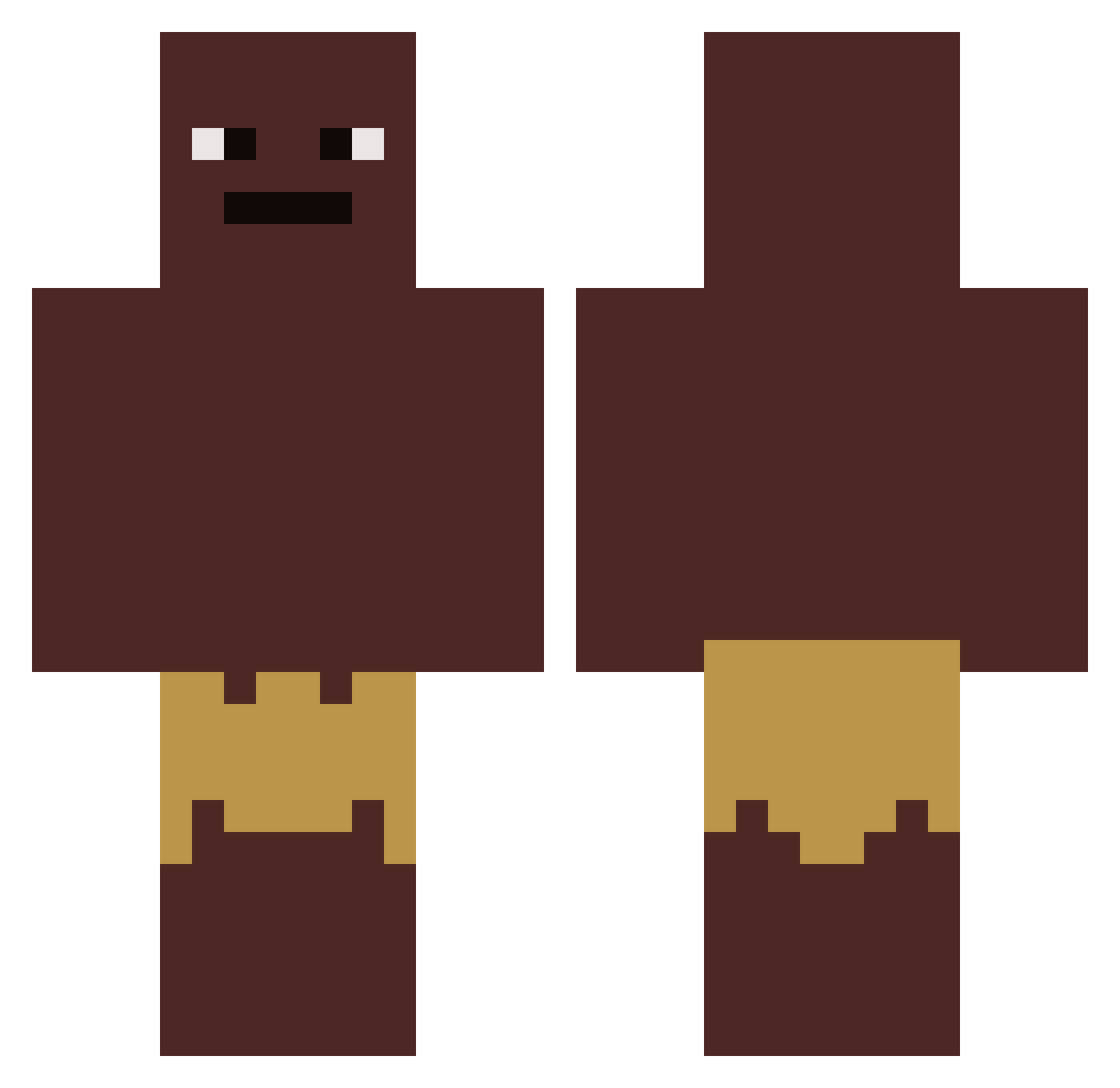
Current Minecraft skin of the player Rosaly1307, loaded from the official Mojang API. Rotate the 3D model with your mouse or finger, then download the skin as a PNG file and use it in Minecraft: Bedrock Edition or Java Edition for free. When Rosaly1307 changes their skin, this page updates automatically and the old skin stays in the history below.
Other players with this skin (419)
Rosaly1307 was the 143rd player we have seen with this skin, first spotted on 29.08.2026. The same skin was seen on these players. Open a nickname to see their current skin and skin history.
 aaron_Ld novarage_1227 BluishGuitar763 _2listen_ Dr_sheepie00 Chinese_Kev Vxavi MadCow66 NathanGamer151 MJacob imdaat Niggot svattoffs PumaGrizzly SlayerOfTheBrits Faze_Panther007 __Verstappen__ Legendtomine twitts69 streeK1337 Cevennes consti01hockey AntonMB itz_gabbox PoopinOnPutin mr_mcm ihearthar ZenSpliced Owlator AShmuck Rits23567 hxis_ zChocka_ MoblyMonke
 BlubberDubber Joekjoek Dennis_187 ClovireH8N_ggers ap6911 Die_Deutschbuch AresOnMinecraft xItzy Vietkongi DannyDevitosToe ILikeTurtlesUser SOGA_05 jmamb08 ToeBits_ PapyCool jamalfortnite Kneox38 PuligatoruSuprem Andy0251 sebberboi s0menigafaqd Marceeeeeeel kqnqs HAMM3RTRON Sharpshot07 JerranXD
How to install the Rosaly1307 skin
- Press the Download button above to save the skin as a PNG file.
- Minecraft: Bedrock Edition (PE): open the Dressing Room from the main menu (or tap your character → Edit Character), go to Classic Skins → Owned, press the + (new skin) button, choose the downloaded PNG and pick the Classic (Steve) model. Works on PC and mobile; consoles cannot import custom skins.
- Minecraft: Java Edition: open the Minecraft Launcher, go to the Skins tab, click New Skin, load the PNG, pick the Classic (Steve) model and press Save & Use. You can also upload it at minecraft.net → Profile → Change Skin.
The skin does not show up after import - what should I do?
Restart Minecraft and open the Dressing Room again - imported skins sometimes appear only after a restart. Also make sure you selected the imported skin and picked the Classic (Steve) model.
Which model should I choose, Classic or Slim?
This skin is designed for the Classic (Steve) model. If you pick the wrong model, the arms of the skin will look stretched or squeezed.
Is the skin of Rosaly1307 free to download?
Yes. Press Download, save the PNG file and use it in Minecraft: Bedrock Edition or Java Edition - no payment or registration needed. The skin also works on multiplayer servers and Realms.
More skins
Looking for more? Go back to all Minecraft skins and check the top skins of the week, month and all time, or find any player's skin by nickname.