
Roninnnn - Minecraft Skins & Skin History
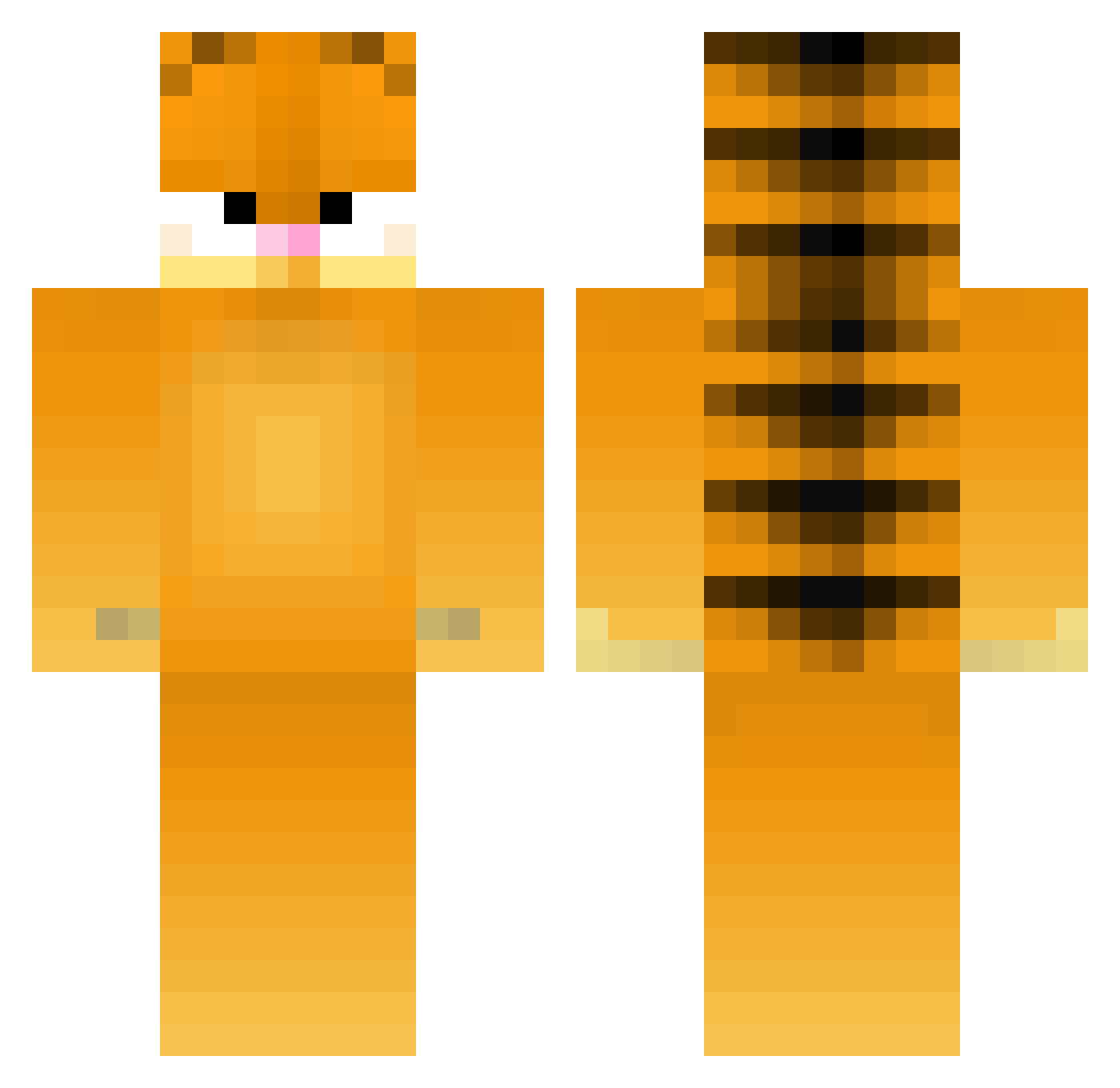
Current Minecraft skin of the player Roninnnn, loaded from the official Mojang API. Rotate the 3D model with your mouse or finger, then download the skin as a PNG file and use it in Minecraft: Bedrock Edition or Java Edition for free. When Roninnnn changes their skin, this page updates automatically and the old skin stays in the history below.
Other players with this skin (275)
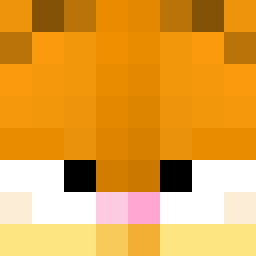
Roninnnn was the 259th player we have seen with this skin, first spotted on 26.10.2026. The same skin was seen on these players. Open a nickname to see their current skin and skin history.
 andreasOFF Insig9a goal81 jordebbs14 GunKa LasagnaLover6969 Niblet02 smuledule EpicMatt2 Bluezez68 Ted0510 Camelyo slimeman5000 Frismo Fat_Cat12345 SimplyCanadian InsaneOlaf liam2019 SPAMboat Ygz TannerSaysHi PainGain __BOM__ TheCatLover13 Syruvi Toxin98 Makettiraketti bestoneyet21 mohan1 Hearti cb974 goblin1999 ItzAngeloHD _Muzz bobbelskal SuperDeath4 loore_l leelee247 eeddy0020 PessimistJF Tsjilp Merrrow MacncheesyB BiXplosive astrophantom docsinn WyattWire SnickerIce mockingjay_3005 HerbSmith123 BigBurger13 chonksaus Hyperbloom Garfild_ oOwencheOo UnbrokenGlass Lacaille74 garfieldfan76 ShadowKoopa Fadboo
More Garfield Minecraft skins
How to install the Roninnnn skin
- Press the Download button above to save the skin as a PNG file.
- Minecraft: Bedrock Edition (PE): open the Dressing Room from the main menu (or tap your character → Edit Character), go to Classic Skins → Owned, press the + (new skin) button, choose the downloaded PNG and pick the Classic (Steve) model. Works on PC and mobile; consoles cannot import custom skins.
- Minecraft: Java Edition: open the Minecraft Launcher, go to the Skins tab, click New Skin, load the PNG, pick the Classic (Steve) model and press Save & Use. You can also upload it at minecraft.net → Profile → Change Skin.
The skin does not show up after import - what should I do?
Restart Minecraft and open the Dressing Room again - imported skins sometimes appear only after a restart. Also make sure you selected the imported skin and picked the Classic (Steve) model.
Which model should I choose, Classic or Slim?
This skin is designed for the Classic (Steve) model. If you pick the wrong model, the arms of the skin will look stretched or squeezed.
Is the skin of Roninnnn free to download?
Yes. Press Download, save the PNG file and use it in Minecraft: Bedrock Edition or Java Edition - no payment or registration needed. The skin also works on multiplayer servers and Realms.
More skins
Looking for more? Go back to all Minecraft skins and check the top skins of the week, month and all time, or find any player's skin by nickname.