
RonLmao_MC - Minecraft Skins & Skin History
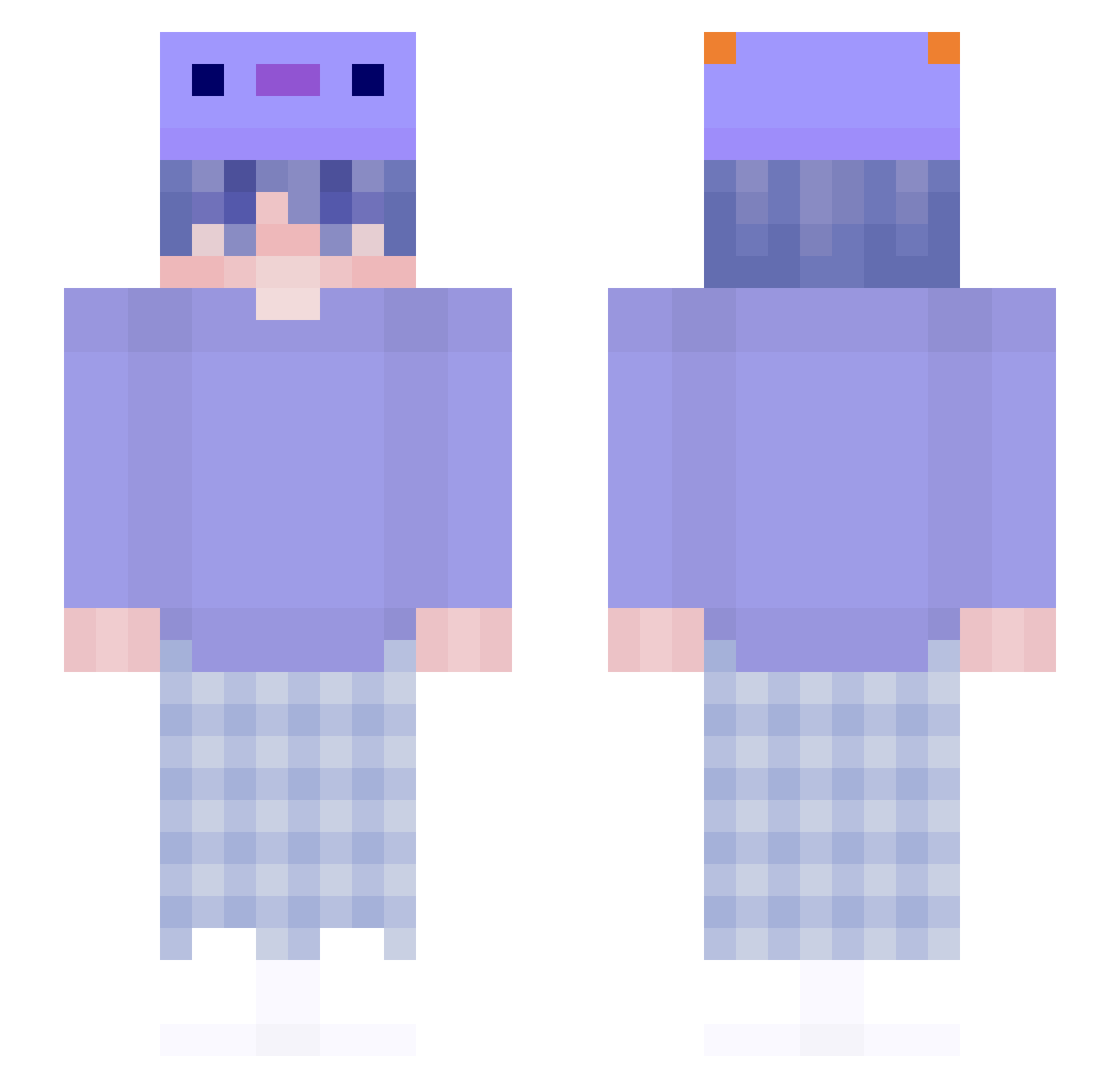
Current Minecraft skin of the player RonLmao_MC, loaded from the official Mojang API. Rotate the 3D model with your mouse or finger, then download the skin as a PNG file and use it in Minecraft: Bedrock Edition or Java Edition for free. When RonLmao_MC changes their skin, this page updates automatically and the old skin stays in the history below.
Other players with this skin (218)
RonLmao_MC was the 163rd player we have seen with this skin, first spotted on 19.10.2026. The same skin was seen on these players. Open a nickname to see their current skin and skin history.
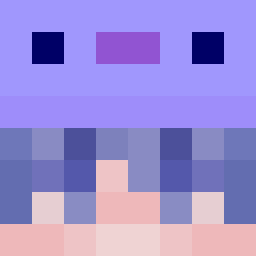 Gregazorus STIR_BOI_VEGGIES Galleta_Oreo criticalXLayer Petrykovski VicD6705 peefp kewem OxyGenTS Redraptors22 CaiHaoMu Staying_dull RonaldGCP Khaihomyy Sm3gmaBoi meXXo411 moonsdash haltorn WhyKlay Kojj0001 noveljoa wind1019 ShadoCado MaxRadix Melodized TChard OhayoKen junimin0623 thegickman Irinkaa lumo8911 _Adrift 5756 Denwee Evillaxov TheoBest16 plutoaxo TurboBlades TheGiordy_ cegla112 MelkJong3n _jxnbxn_ guillemmm ItsmeKazuma buttroom KyloIstEinFeinii Lecterns Playfullnoob Srgtemp Dawio_ Flamby_Crylazy WheezyInHere xXNirusuXx Teufel1555 wachito20 LeKane XiaoYA_qwq Killerz_1128 uprp Saddynov
More Axolotl Hat Minecraft skins
How to install the RonLmao_MC skin
- Press the Download button above to save the skin as a PNG file.
- Minecraft: Bedrock Edition (PE): open the Dressing Room from the main menu (or tap your character → Edit Character), go to Classic Skins → Owned, press the + (new skin) button, choose the downloaded PNG and pick the Slim (Alex) model. Works on PC and mobile; consoles cannot import custom skins.
- Minecraft: Java Edition: open the Minecraft Launcher, go to the Skins tab, click New Skin, load the PNG, pick the Slim (Alex) model and press Save & Use. You can also upload it at minecraft.net → Profile → Change Skin.
The skin does not show up after import - what should I do?
Restart Minecraft and open the Dressing Room again - imported skins sometimes appear only after a restart. Also make sure you selected the imported skin and picked the Slim (Alex) model.
Which model should I choose, Classic or Slim?
This skin is designed for the Slim (Alex) model. If you pick the wrong model, the arms of the skin will look stretched or squeezed.
Is the skin of RonLmao_MC free to download?
Yes. Press Download, save the PNG file and use it in Minecraft: Bedrock Edition or Java Edition - no payment or registration needed. The skin also works on multiplayer servers and Realms.
More skins
Looking for more? Go back to all Minecraft skins and check the top skins of the week, month and all time, or find any player's skin by nickname.