
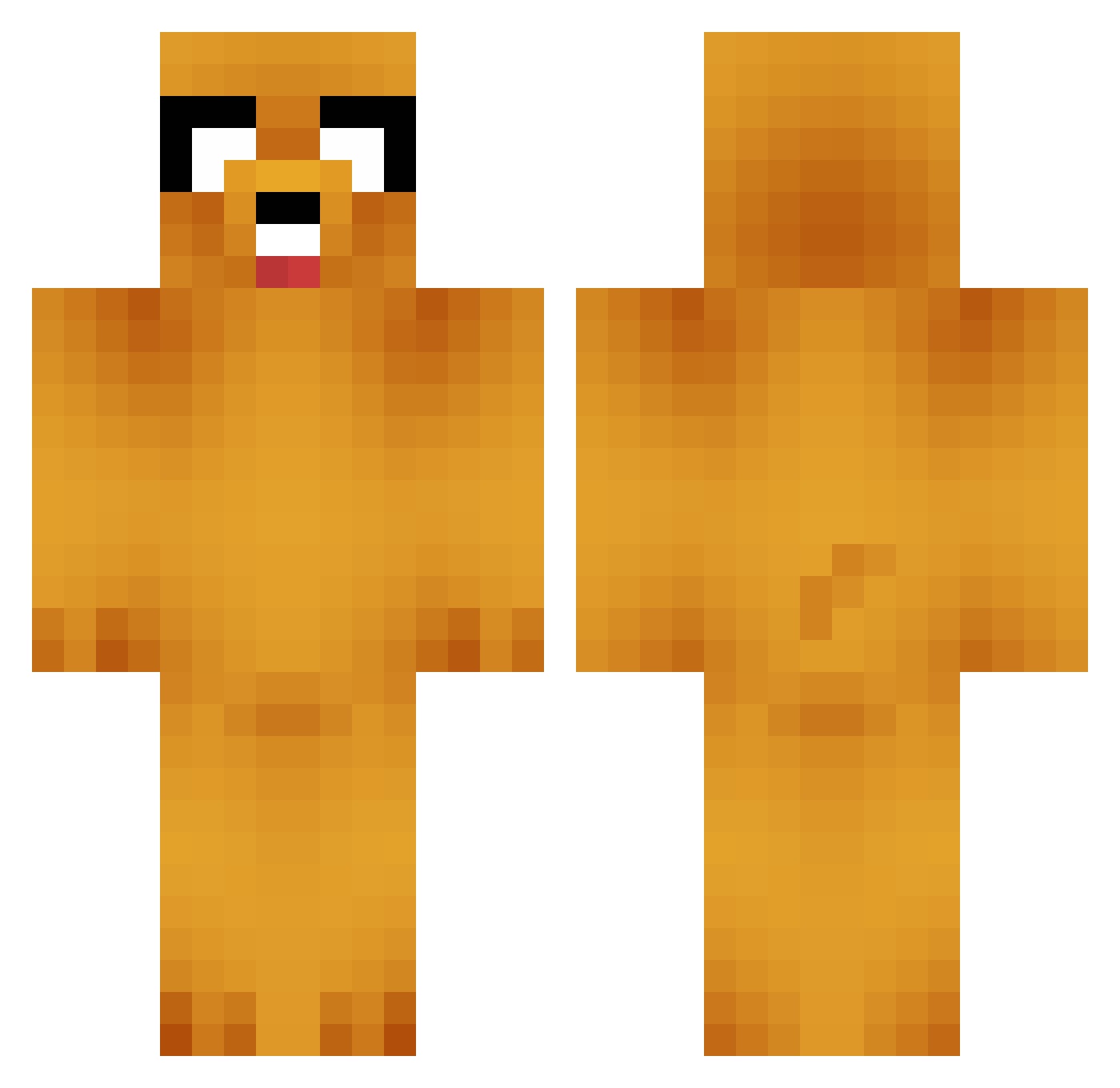
Current Minecraft skin of the player Rockshinet, loaded from the official Mojang API. Rotate the 3D model with your mouse or finger, then download the skin as a PNG file and use it in Minecraft: Bedrock Edition or Java Edition for free. When Rockshinet changes their skin, this page updates automatically and the old skin stays in the history below.
Other players with this skin (620)
Rockshinet was the 387th player we have seen with this skin, first spotted on 20.09.2026. The same skin was seen on these players. Open a nickname to see their current skin and skin history.
 HeyDumdum DerBlenderBender ahy0ni Alkoholic aleksioo Pacyfik sihwan222 FfsMilk PatroclusAD1 wodyd321 Tromka_ SimeAr sanang97 Blazer5612 Kairu1 Ppppping Premium003 Jennyx_x seungwoo_28 necatimusic whos_ur_buddha_ SkylerAffect Firelord_1577 Mayula IvanivX giraffe815 King_Ethan_s GammaToaster FrostyDrift SoupyPants22 trekkie1707 Argong123 Openearth DunkFart destinesky nnn0809 brunoarevalo Milesperhour1 tcolepearson donjevu W000S Jun98_ arachetoi OlldWolf GeneralGarfunk Blacklist112 alex2195 cogginz420 RONJANTON phh1202 Valeen_360 pengtingjay T1_____Faker____ StoneGArlic_ Goon_HxH Shxdow_v BigMagentaJr hy_213 mary_sue11 Magiray
More Jake Minecraft skins
How to install the Rockshinet skin
- Press the Download button above to save the skin as a PNG file.
- Minecraft: Bedrock Edition (PE): open the Dressing Room from the main menu (or tap your character → Edit Character), go to Classic Skins → Owned, press the + (new skin) button, choose the downloaded PNG and pick the Classic (Steve) model. Works on PC and mobile; consoles cannot import custom skins.
- Minecraft: Java Edition: open the Minecraft Launcher, go to the Skins tab, click New Skin, load the PNG, pick the Classic (Steve) model and press Save & Use. You can also upload it at minecraft.net → Profile → Change Skin.
The skin does not show up after import - what should I do?
Restart Minecraft and open the Dressing Room again - imported skins sometimes appear only after a restart. Also make sure you selected the imported skin and picked the Classic (Steve) model.
Which model should I choose, Classic or Slim?
This skin is designed for the Classic (Steve) model. If you pick the wrong model, the arms of the skin will look stretched or squeezed.
Is the skin of Rockshinet free to download?
Yes. Press Download, save the PNG file and use it in Minecraft: Bedrock Edition or Java Edition - no payment or registration needed. The skin also works on multiplayer servers and Realms.
More skins
Looking for more? Go back to all Minecraft skins and check the top skins of the week, month and all time, or find any player's skin by nickname.