
Ritarou06 - Minecraft Skins & Skin History
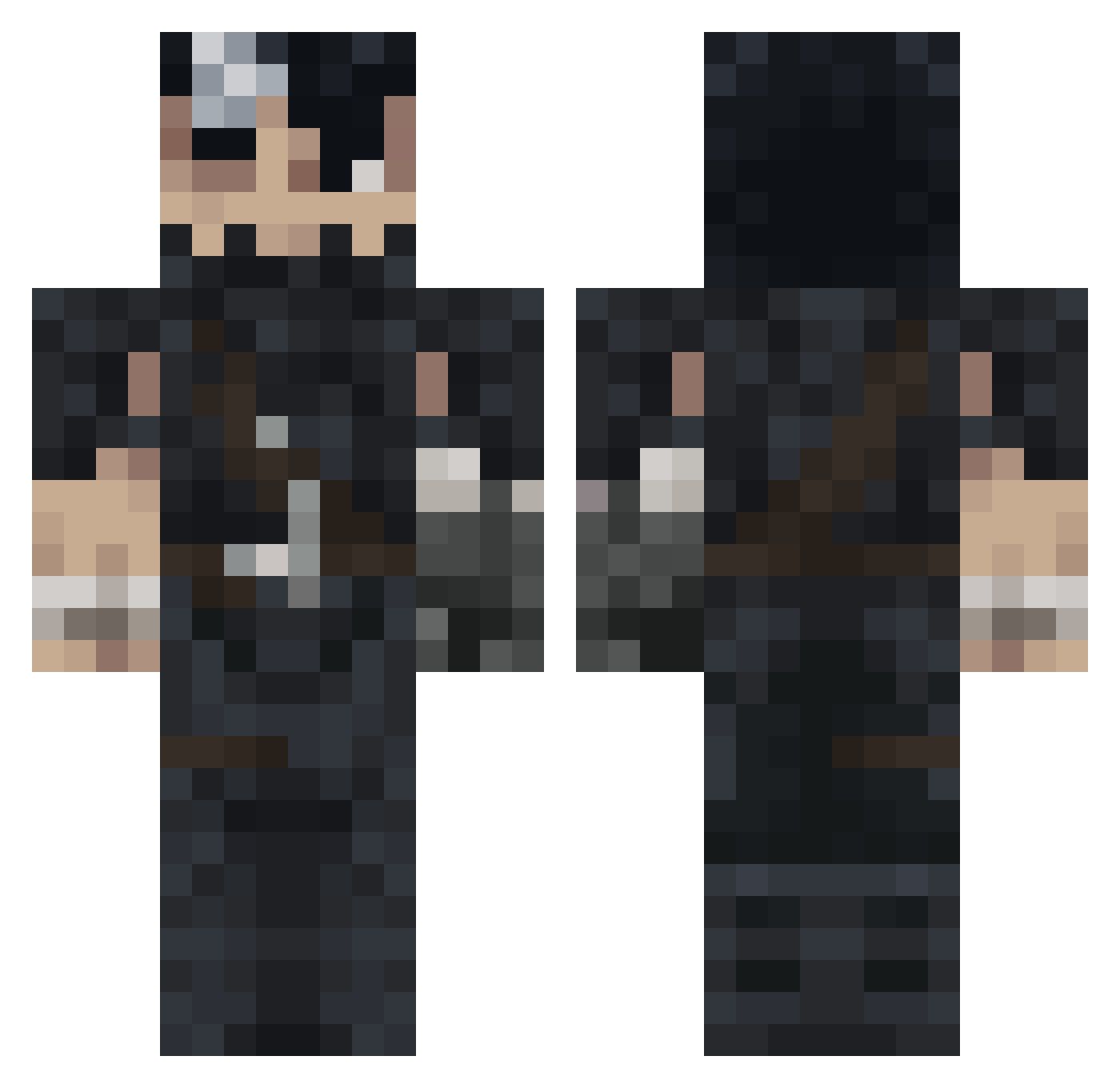
Current Minecraft skin of the player Ritarou06, loaded from the official Mojang API. Rotate the 3D model with your mouse or finger, then download the skin as a PNG file and use it in Minecraft: Bedrock Edition or Java Edition for free. When Ritarou06 changes their skin, this page updates automatically and the old skin stays in the history below.
Other players with this skin (1181)
Ritarou06 was the 1122nd player we have seen with this skin, first spotted on 14.11.2026. The same skin was seen on these players. Open a nickname to see their current skin and skin history.
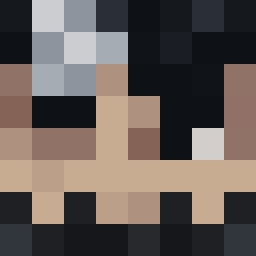 piotroooo sdhmx HughMongussy NaoFumiSamaXD TheCaptainJackk Mr_Building94 v1c7or99 Heiwart nicolwas xslat TacosDeBistecHD Daviprio Victx YaGaMaChiii BENSON0412 VallMaz UnholyCorny Sunaioki Grunio DrRTX bello06 Kaizerinho datboiraduc PassionatePetite Rrukuu 23Gern1 BMO139 By0s Innad Nocris9000 Theawesomeguy99 Exspair FabreKO shahlik17 ElfamosoRendut xMaldonadox JohnSnow1002 GoldenSlx6 Kami2452 Wikelson oMnia01 MKaJeBlade cofran33 Demitri_Dragon Rimuru_Senpai Amithaba MerryEmu Zodiace eskjere Arxuary PalmiX_ GAMBORT NemesisC _GUT_S_ vissstor1254 nanichou ALTAIR0044 Nerdyregent539 YungGothAngel KuroiKenshi6391
More Guts Minecraft skins
How to install the Ritarou06 skin
- Press the Download button above to save the skin as a PNG file.
- Minecraft: Bedrock Edition (PE): open the Dressing Room from the main menu (or tap your character → Edit Character), go to Classic Skins → Owned, press the + (new skin) button, choose the downloaded PNG and pick the Classic (Steve) model. Works on PC and mobile; consoles cannot import custom skins.
- Minecraft: Java Edition: open the Minecraft Launcher, go to the Skins tab, click New Skin, load the PNG, pick the Classic (Steve) model and press Save & Use. You can also upload it at minecraft.net → Profile → Change Skin.
The skin does not show up after import - what should I do?
Restart Minecraft and open the Dressing Room again - imported skins sometimes appear only after a restart. Also make sure you selected the imported skin and picked the Classic (Steve) model.
Which model should I choose, Classic or Slim?
This skin is designed for the Classic (Steve) model. If you pick the wrong model, the arms of the skin will look stretched or squeezed.
Is the skin of Ritarou06 free to download?
Yes. Press Download, save the PNG file and use it in Minecraft: Bedrock Edition or Java Edition - no payment or registration needed. The skin also works on multiplayer servers and Realms.
More skins
Looking for more? Go back to all Minecraft skins and check the top skins of the week, month and all time, or find any player's skin by nickname.