
RintaByte - Minecraft Skins & Skin History
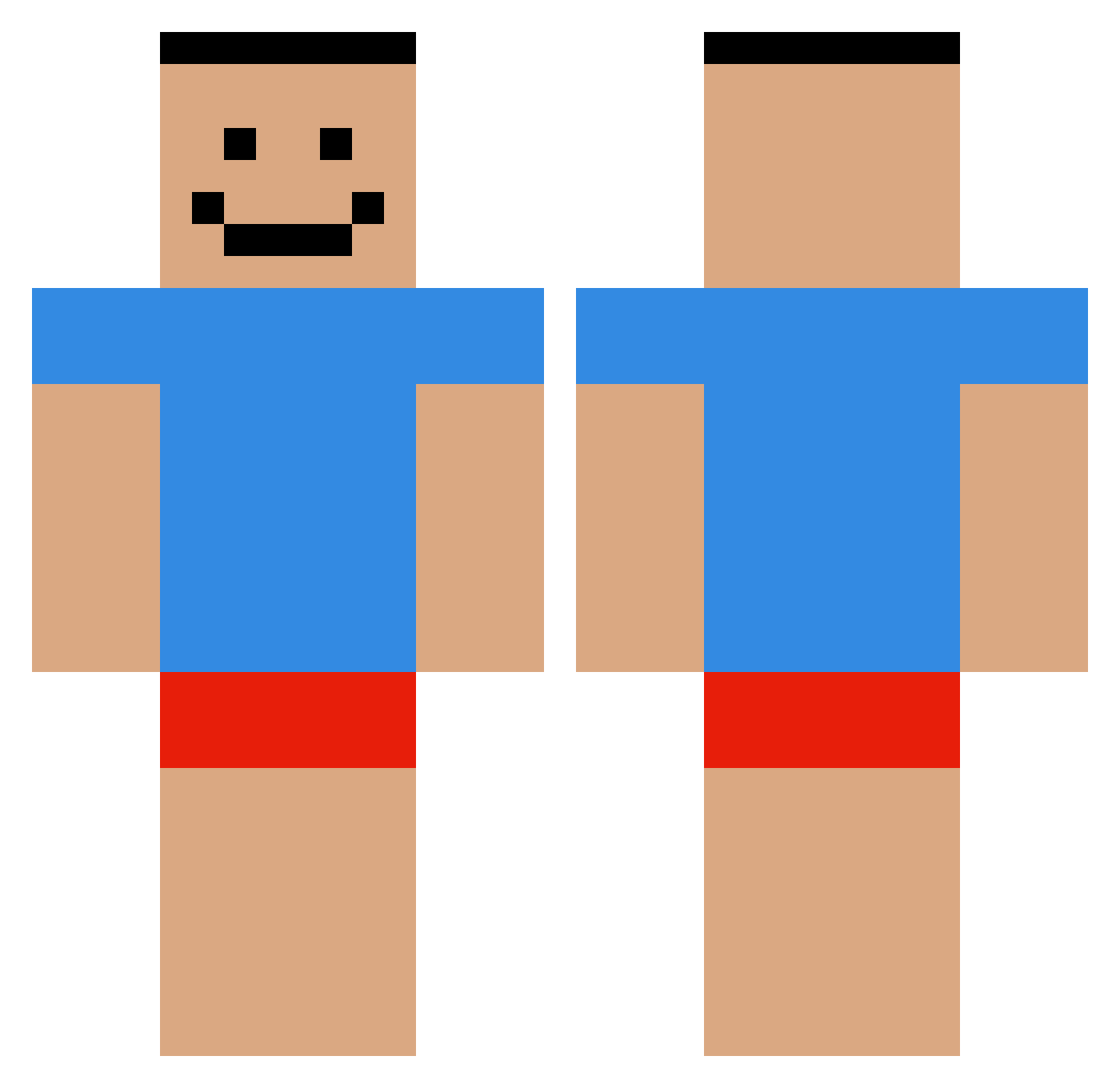
Current Minecraft skin of the player RintaByte, loaded from the official Mojang API. Rotate the 3D model with your mouse or finger, then download the skin as a PNG file and use it in Minecraft: Bedrock Edition or Java Edition for free. When RintaByte changes their skin, this page updates automatically and the old skin stays in the history below.
Other players with this skin (479)
RintaByte was the 275th player we have seen with this skin, first spotted on 22.09.2026. The same skin was seen on these players. Open a nickname to see their current skin and skin history.
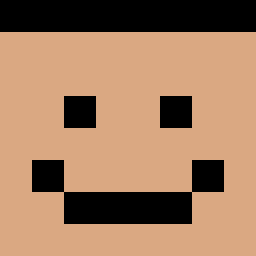 Myamy_Jakob OnlyB4d MultiColorSplash Xsesty Jhanderson ArtkSer cristoronaldo77 kurpiyer Amadeuss13 SDGV2410 GettingThatBread basung9649 Lissewan Dabio quag_miree tataSHOWDEBOLA Sad_Gio Igorczyca Bryleeleep NoahVehx YKT128 Yawlu just_hayoung Mal_eCuXqt Qtard Phonqqqqqq TobLanders BrokenMelons RUDCKS12345 TakibiSa SchlittenAss solorbomb gortskavitch HA5M TrapMaster256 Neclaar Suspectless MMMinvest LigmaLegends theasex CherryTheFoxx Bluetooth_99 harambezander NAMGUNWOO NeonB0t17 SpeedrunMan FreezerDeezNugg ChunkyCookie88 JcHernandez ch1taas Bruhimus AAAAAAGGHHHHH E_jibbung I_DOND_DOG lukasprimedition JesusLaPioche krishna14red menooz juhak0306 Xelzuu
How to install the RintaByte skin
- Press the Download button above to save the skin as a PNG file.
- Minecraft: Bedrock Edition (PE): open the Dressing Room from the main menu (or tap your character → Edit Character), go to Classic Skins → Owned, press the + (new skin) button, choose the downloaded PNG and pick the Classic (Steve) model. Works on PC and mobile; consoles cannot import custom skins.
- Minecraft: Java Edition: open the Minecraft Launcher, go to the Skins tab, click New Skin, load the PNG, pick the Classic (Steve) model and press Save & Use. You can also upload it at minecraft.net → Profile → Change Skin.
The skin does not show up after import - what should I do?
Restart Minecraft and open the Dressing Room again - imported skins sometimes appear only after a restart. Also make sure you selected the imported skin and picked the Classic (Steve) model.
Which model should I choose, Classic or Slim?
This skin is designed for the Classic (Steve) model. If you pick the wrong model, the arms of the skin will look stretched or squeezed.
Is the skin of RintaByte free to download?
Yes. Press Download, save the PNG file and use it in Minecraft: Bedrock Edition or Java Edition - no payment or registration needed. The skin also works on multiplayer servers and Realms.
More skins
Looking for more? Go back to all Minecraft skins and check the top skins of the week, month and all time, or find any player's skin by nickname.