
Rhorien - Minecraft Skins & Skin History
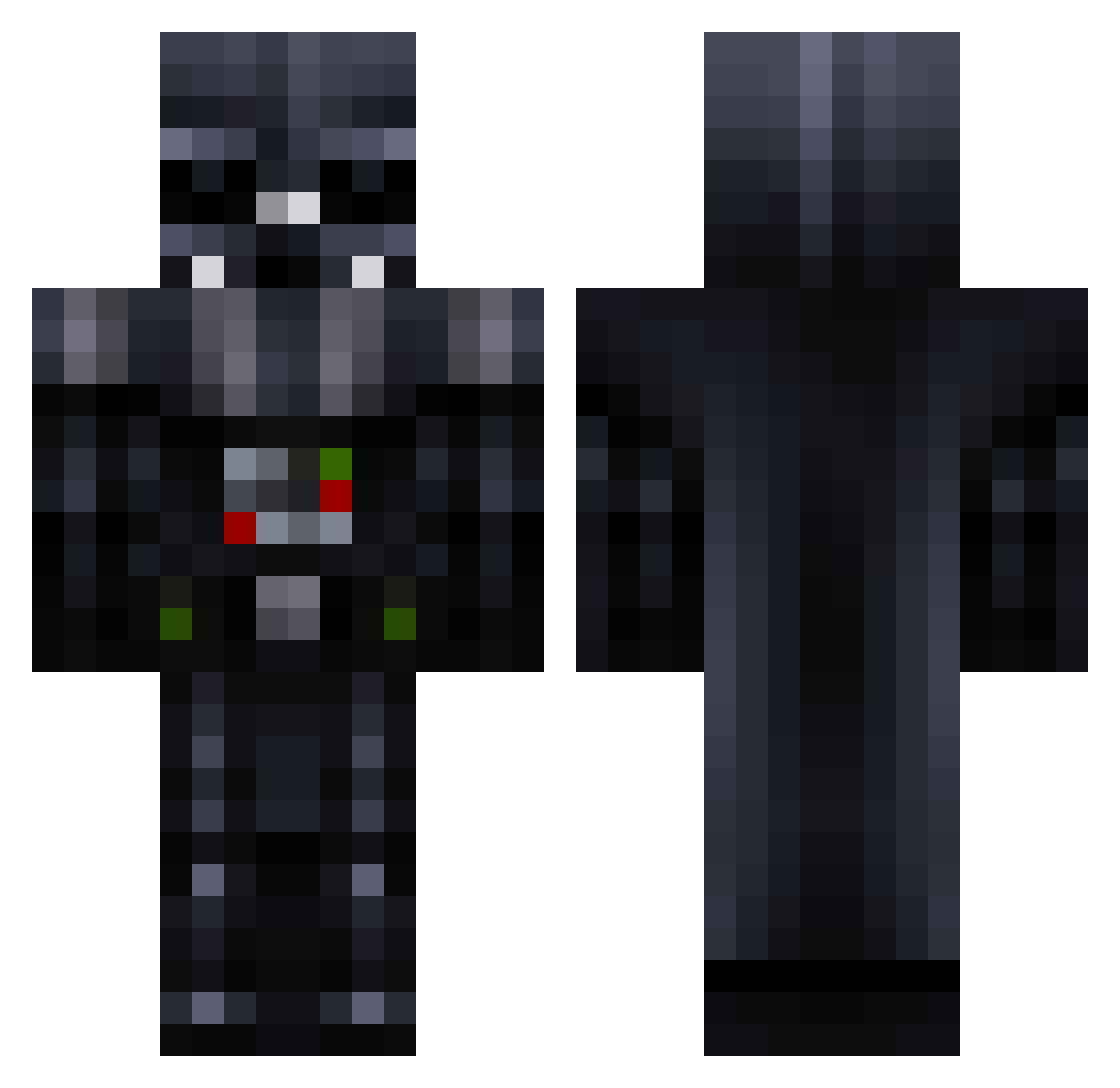
Current Minecraft skin of the player Rhorien, loaded from the official Mojang API. Rotate the 3D model with your mouse or finger, then download the skin as a PNG file and use it in Minecraft: Bedrock Edition or Java Edition for free. When Rhorien changes their skin, this page updates automatically and the old skin stays in the history below.
Other players with this skin (257)
Rhorien was the 53rd player we have seen with this skin, first spotted on 13.08.2026. The same skin was seen on these players. Open a nickname to see their current skin and skin history.
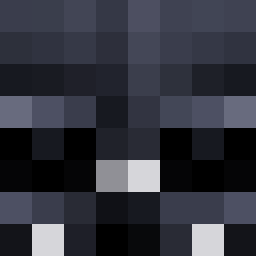 StarWars_Vader themilkman1414 Sakura35 lostworld2024 pureststealth1 HEISENBERG9122 Demonslayer658 IAyazStrafex Alyxyia matteomasuka CaptSharkyx Refreshing_BJ TheGreatGrackle WinterRanger88 fishm4ilbox yoshi6289 StarWars_Darth GhostlyBoost DartVaper Mottakuu DarthAwesome13a DesertPhantom18 ParthDarthVader ET2Clutch Tuskuy _D1mazz_ yongjin4521 PREPARATION_H EmilM1necraft PowWow843 MYUNGRAN washigerio Sploh JustGotWicked Noahenwolf arnav_kumar6969 Kashee shengrou JohnnyBeeds Brightsparx1996 Vader_420 ChickenDaWizard3 NotYourDadAnymor JonGotti69 FeedMrVader JimmySinss Funny3696 Lamft Foulscreen Axrace1 Qwags28 JusticeGX Jet_Flyer_62901 DarkKIng4598 MrAd1k Sideshow788 JediBENNYG ColinGotJokes EzFox14 KotzMitRotz
More Darth Vader Minecraft skins
How to install the Rhorien skin
- Press the Download button above to save the skin as a PNG file.
- Minecraft: Bedrock Edition (PE): open the Dressing Room from the main menu (or tap your character → Edit Character), go to Classic Skins → Owned, press the + (new skin) button, choose the downloaded PNG and pick the Classic (Steve) model. Works on PC and mobile; consoles cannot import custom skins.
- Minecraft: Java Edition: open the Minecraft Launcher, go to the Skins tab, click New Skin, load the PNG, pick the Classic (Steve) model and press Save & Use. You can also upload it at minecraft.net → Profile → Change Skin.
The skin does not show up after import - what should I do?
Restart Minecraft and open the Dressing Room again - imported skins sometimes appear only after a restart. Also make sure you selected the imported skin and picked the Classic (Steve) model.
Which model should I choose, Classic or Slim?
This skin is designed for the Classic (Steve) model. If you pick the wrong model, the arms of the skin will look stretched or squeezed.
Is the skin of Rhorien free to download?
Yes. Press Download, save the PNG file and use it in Minecraft: Bedrock Edition or Java Edition - no payment or registration needed. The skin also works on multiplayer servers and Realms.
More skins
Looking for more? Go back to all Minecraft skins and check the top skins of the week, month and all time, or find any player's skin by nickname.