
RetroHappyFace - Minecraft Skins & Skin History
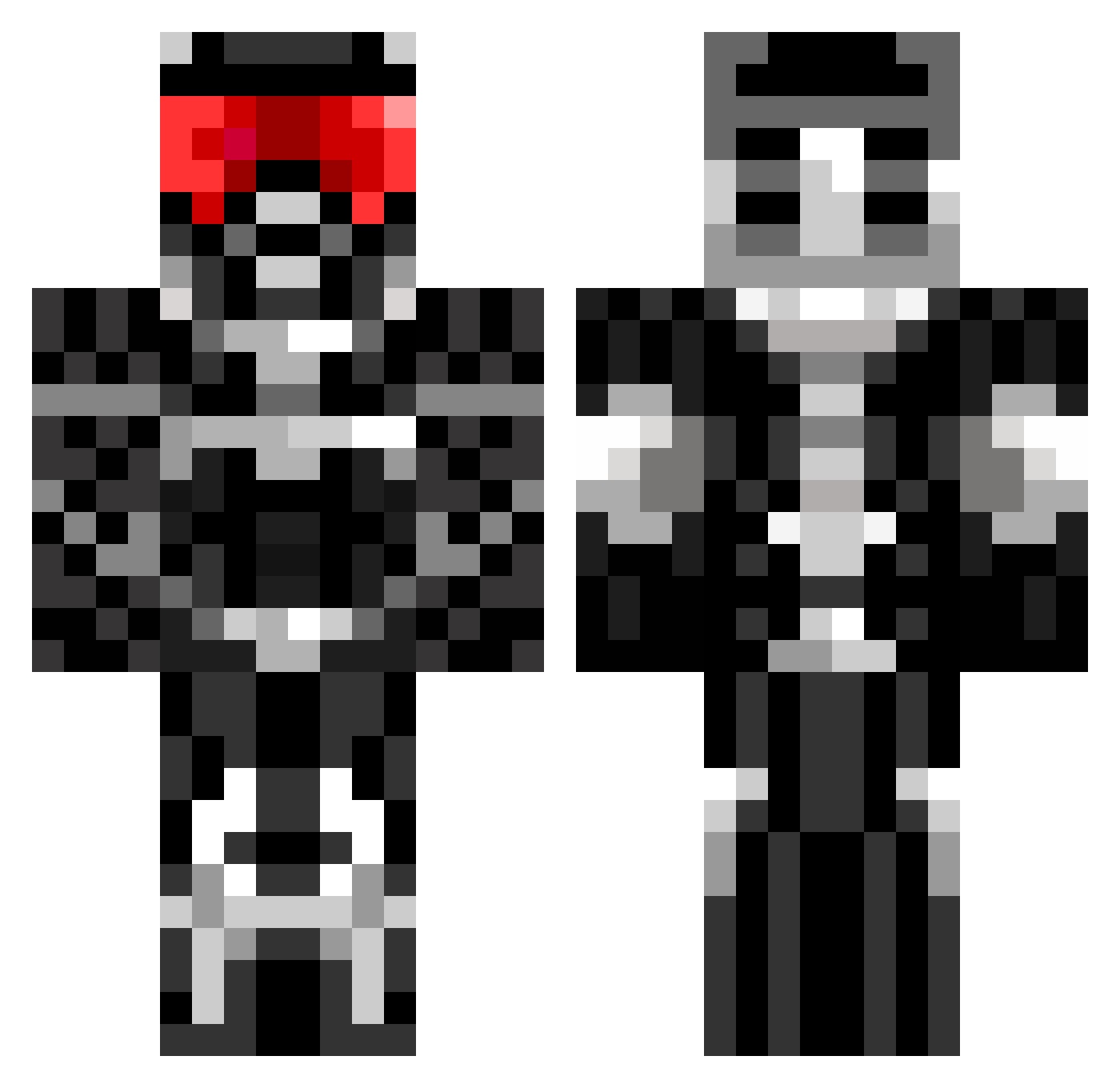
Current Minecraft skin of the player RetroHappyFace, loaded from the official Mojang API. Rotate the 3D model with your mouse or finger, then download the skin as a PNG file and use it in Minecraft: Bedrock Edition or Java Edition for free. When RetroHappyFace changes their skin, this page updates automatically and the old skin stays in the history below.
Other players with this skin (674)
RetroHappyFace was the 61st player we have seen with this skin, first spotted on 04.08.2026. The same skin was seen on these players. Open a nickname to see their current skin and skin history.
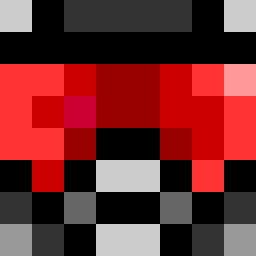 Degfan AV1999 conbon3 Killerjmzb phillip05 rofl1099 runkle Zoid_123 Jtmcflea117 sonicjlb dmwheeler beedals TikkTockk kdomer Wet_guccibag Rupture_X ElAlwO Al5ter Pubgamer Troyboyza 10Hstar exmodel jboone21 locust464 XeebyX trakmaniaco Wesaboo4060 mjasnik asteroide noahkeeper Finnsterbob Markiuti EPICPaddy Dominoldo blindmaniac CABOOSE_99 bart45565 trastor9 AKaptein nobodyishereOK shobu100 Lord_Jaketh raigo sgt_macmillan ipp97 alexbonnyman Monkey_man79 maxkin1996 Trevordunnigan M_Liland92 cesarelmeyo shadowatmir BrofistBrofist99 BoKhanh 5amgriff Covidious pwnzilla007 Wolfsius Trig614 owenf8
More Sci Fi Armor Minecraft skins
How to install the RetroHappyFace skin
- Press the Download button above to save the skin as a PNG file.
- Minecraft: Bedrock Edition (PE): open the Dressing Room from the main menu (or tap your character → Edit Character), go to Classic Skins → Owned, press the + (new skin) button, choose the downloaded PNG and pick the Classic (Steve) model. Works on PC and mobile; consoles cannot import custom skins.
- Minecraft: Java Edition: open the Minecraft Launcher, go to the Skins tab, click New Skin, load the PNG, pick the Classic (Steve) model and press Save & Use. You can also upload it at minecraft.net → Profile → Change Skin.
The skin does not show up after import - what should I do?
Restart Minecraft and open the Dressing Room again - imported skins sometimes appear only after a restart. Also make sure you selected the imported skin and picked the Classic (Steve) model.
Which model should I choose, Classic or Slim?
This skin is designed for the Classic (Steve) model. If you pick the wrong model, the arms of the skin will look stretched or squeezed.
Is the skin of RetroHappyFace free to download?
Yes. Press Download, save the PNG file and use it in Minecraft: Bedrock Edition or Java Edition - no payment or registration needed. The skin also works on multiplayer servers and Realms.
More skins
Looking for more? Go back to all Minecraft skins and check the top skins of the week, month and all time, or find any player's skin by nickname.