
Reez41 - Minecraft Skins & Skin History
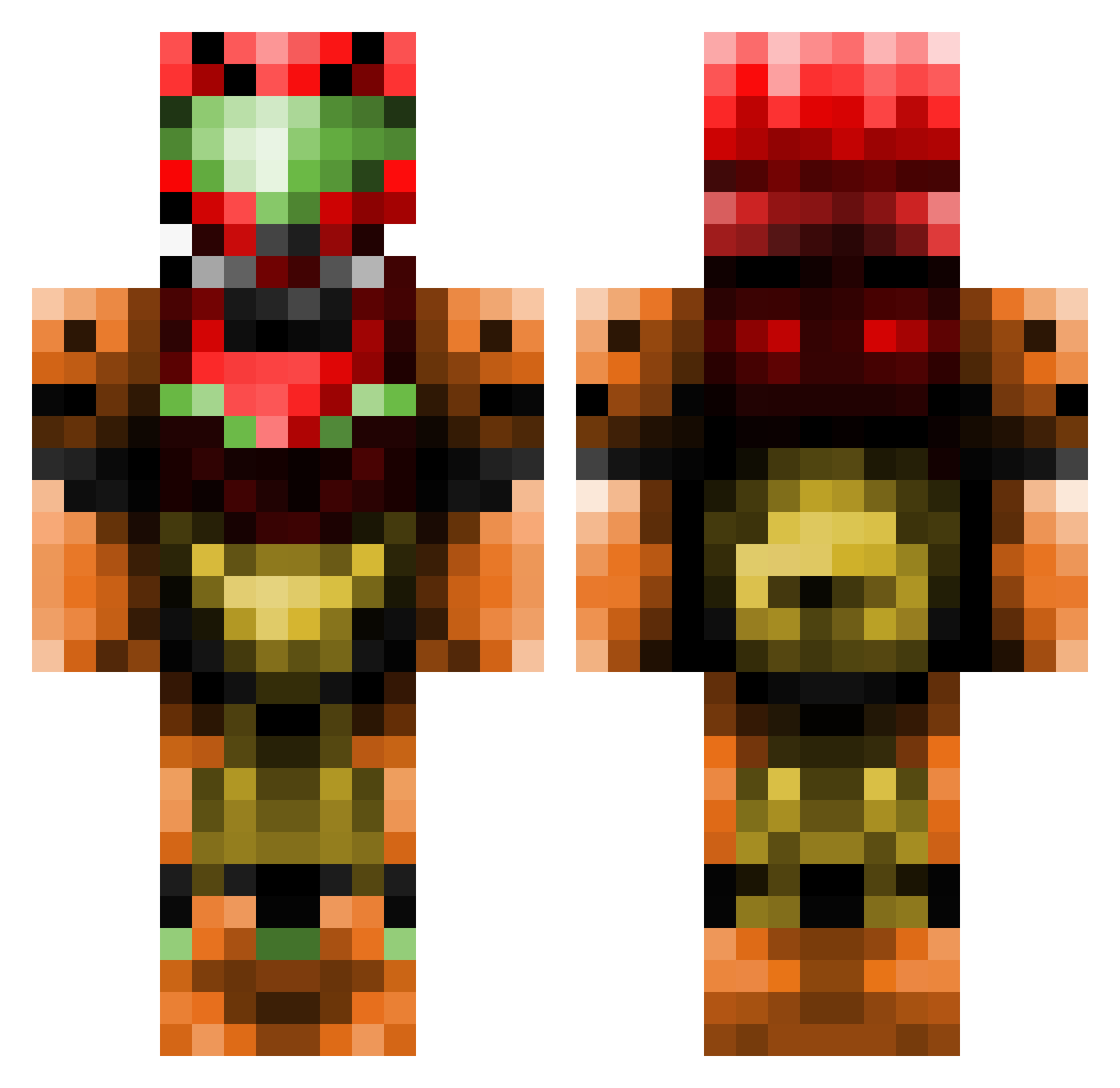
Current Minecraft skin of the player Reez41, loaded from the official Mojang API. Rotate the 3D model with your mouse or finger, then download the skin as a PNG file and use it in Minecraft: Bedrock Edition or Java Edition for free. When Reez41 changes their skin, this page updates automatically and the old skin stays in the history below.
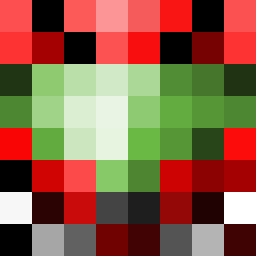
Other players with this skin (103)
Reez41 was the 53rd player we have seen with this skin, first spotted on 08.09.2026. The same skin was seen on these players. Open a nickname to see their current skin and skin history.
 ROEGIBI Deemand YellowMagicOgawa gandalfinetto basile_j44 remmie3 Axiom_Verge Tifum Clexious _UKZ_ FireGoliath thehundreds31 PhantomOfPhazon DeusBlackheart B0WLSHEET Silvanos_Prime SarahSwatty PickledNoodles Emerald455 HugoMBU94 Squiidy2 Livie0 streity7 Vedemdren JPIFTW rottenheadache bensantos nOZZZk Grippingfall1 zeldenyc stargun1000 Cuddle_Hammy A_Canadian popsimatt Celfon23 Gunert 2flux_ SpookWorm00 FrivolousBliss Ecrutar ItsThatDog Spankks Axandel AlyxKiller Acoustic_Rat Xalvador CRISPYCHIP105 DVous49 Fruchtkorper dark_link343 Sonps Minecrafter_Edu Gryt84 RTC_yt strategyradish Byakushiki HazeyHuman MarechalSamuel Argenter Huskyburgers
More Samus Aran Minecraft skins
How to install the Reez41 skin
- Press the Download button above to save the skin as a PNG file.
- Minecraft: Bedrock Edition (PE): open the Dressing Room from the main menu (or tap your character → Edit Character), go to Classic Skins → Owned, press the + (new skin) button, choose the downloaded PNG and pick the Classic (Steve) model. Works on PC and mobile; consoles cannot import custom skins.
- Minecraft: Java Edition: open the Minecraft Launcher, go to the Skins tab, click New Skin, load the PNG, pick the Classic (Steve) model and press Save & Use. You can also upload it at minecraft.net → Profile → Change Skin.
The skin does not show up after import - what should I do?
Restart Minecraft and open the Dressing Room again - imported skins sometimes appear only after a restart. Also make sure you selected the imported skin and picked the Classic (Steve) model.
Which model should I choose, Classic or Slim?
This skin is designed for the Classic (Steve) model. If you pick the wrong model, the arms of the skin will look stretched or squeezed.
Is the skin of Reez41 free to download?
Yes. Press Download, save the PNG file and use it in Minecraft: Bedrock Edition or Java Edition - no payment or registration needed. The skin also works on multiplayer servers and Realms.
More skins
Looking for more? Go back to all Minecraft skins and check the top skins of the week, month and all time, or find any player's skin by nickname.