
Redminer12 - Minecraft Skins & Skin History
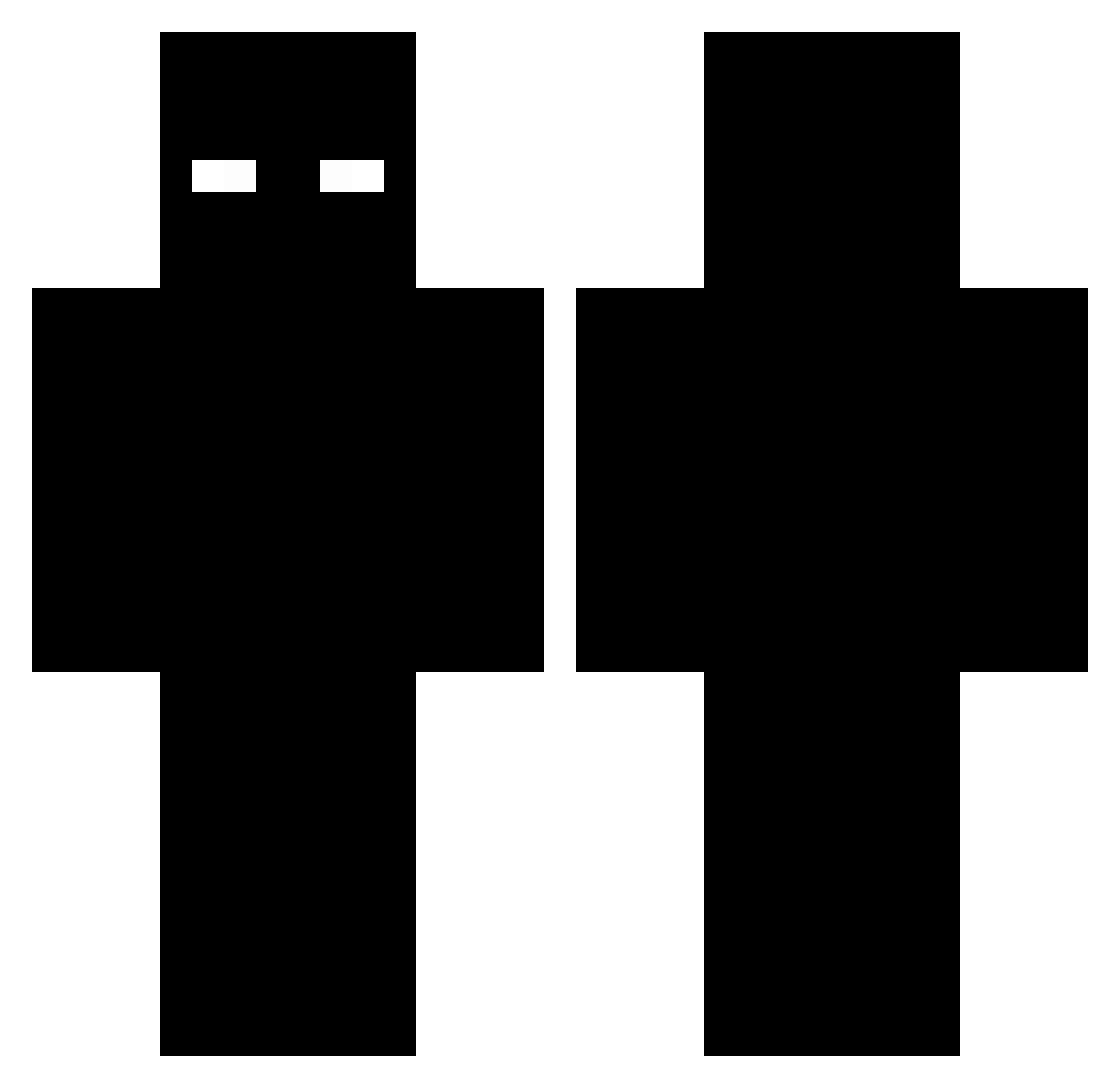
Current Minecraft skin of the player Redminer12, loaded from the official Mojang API. Rotate the 3D model with your mouse or finger, then download the skin as a PNG file and use it in Minecraft: Bedrock Edition or Java Edition for free. When Redminer12 changes their skin, this page updates automatically and the old skin stays in the history below.
Other players with this skin (225)
Redminer12 was the 213th player we have seen with this skin, first spotted on 24.10.2026. The same skin was seen on these players. Open a nickname to see their current skin and skin history.
 Jumeinaru Blaster09323 run770 o_Rayan WaxLog BagiSzczeniak samboooosa gaby_908 Shruminator guguti2 R4hzzX Blackday_777 Krampi_k eliot8197 XP56 xProvocative yorkydokey MAcieo DropTheSnap Hytes999 Espias86 Max15_Lisboa12 antekrower superYNS YeetMaster314 Zephyrxen stelion712 kkkkkkkkj xxxfelipexxx Snikers_16 Thiago_1123 SZPanda meapkahuuu hycel7 Just_Christian02 Val3nKp00 PotatoHunter205 Sl1myspace JokTOM MasterOfGreen noirek Sharp_Beak Kikofun00 1_pof guccimannn si_hu0308 destinySB Pberick Nuttebutta Skuici TanDyND SpechtHecht gabriel20131 dynafit_ xStefannnn kakaba21 phatboii_juan Tukan123 Yushabegl MarvexTHX
More Entity 303 Minecraft skins
How to install the Redminer12 skin
- Press the Download button above to save the skin as a PNG file.
- Minecraft: Bedrock Edition (PE): open the Dressing Room from the main menu (or tap your character → Edit Character), go to Classic Skins → Owned, press the + (new skin) button, choose the downloaded PNG and pick the Classic (Steve) model. Works on PC and mobile; consoles cannot import custom skins.
- Minecraft: Java Edition: open the Minecraft Launcher, go to the Skins tab, click New Skin, load the PNG, pick the Classic (Steve) model and press Save & Use. You can also upload it at minecraft.net → Profile → Change Skin.
The skin does not show up after import - what should I do?
Restart Minecraft and open the Dressing Room again - imported skins sometimes appear only after a restart. Also make sure you selected the imported skin and picked the Classic (Steve) model.
Which model should I choose, Classic or Slim?
This skin is designed for the Classic (Steve) model. If you pick the wrong model, the arms of the skin will look stretched or squeezed.
Is the skin of Redminer12 free to download?
Yes. Press Download, save the PNG file and use it in Minecraft: Bedrock Edition or Java Edition - no payment or registration needed. The skin also works on multiplayer servers and Realms.
More skins
Looking for more? Go back to all Minecraft skins and check the top skins of the week, month and all time, or find any player's skin by nickname.