
Raymondhawks13 - Minecraft Skins & Skin History
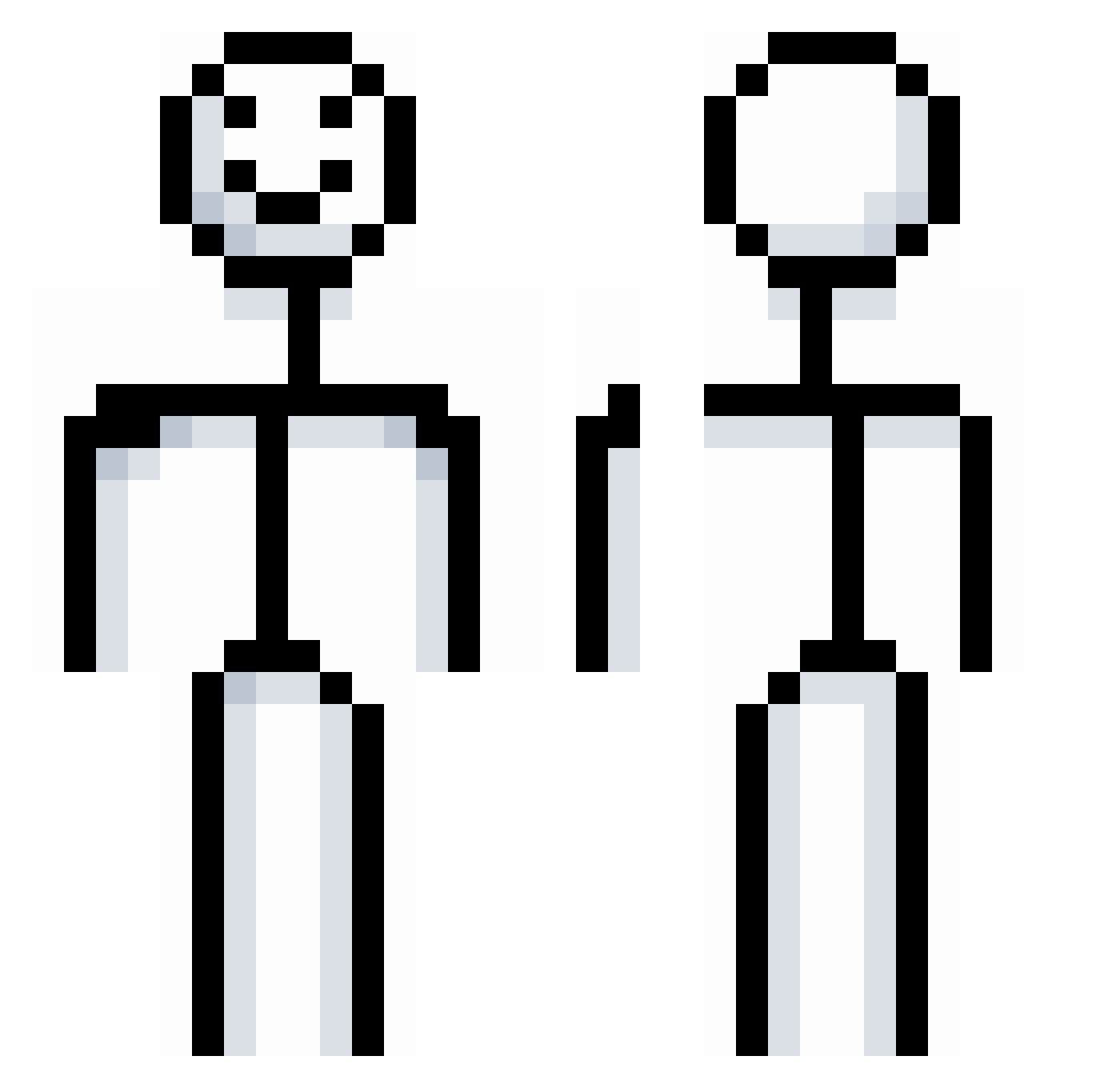
Current Minecraft skin of the player Raymondhawks13, loaded from the official Mojang API. Rotate the 3D model with your mouse or finger, then download the skin as a PNG file and use it in Minecraft: Bedrock Edition or Java Edition for free. When Raymondhawks13 changes their skin, this page updates automatically and the old skin stays in the history below.
Other players with this skin (722)
Raymondhawks13 was the 604th player we have seen with this skin, first spotted on 09.10.2026. The same skin was seen on these players. Open a nickname to see their current skin and skin history.
 Bandit_issue BloodCraveNZ Vince096 Toomins_ jealousnake lapse0924 DukeSwordz toyotaaaa matze20y CliffClavin Chang20060403 charc123 real_cowboy69 Huseyin12223333 limeyeah thelawnmowerman fooyu gogus231 BoolinBood Louini1122 rlkr L_R0n_Hubbard emmaxhtan sm0keythebear settman MURICARAHH _Gorbi_ J3rlok willb16 Mark0927123 mujifr McRobbe546 masukys0 tax_evasion420 Glock_in_my_rari adipies123 bell25 Cro_ss jet_exee FreezingBadly _stark_15 YesThisIsHarry Grykaa moonmelancholia caidoz9 Hxxn27 ZezoModnes GrandpaGotDrip djponr lorch8 drpelo namsem DripBro ZG3X Ir0nSpy al3rab0 tongspresident Jsmje biimboo DeliveryMan8369
More Stickman Minecraft skins
How to install the Raymondhawks13 skin
- Press the Download button above to save the skin as a PNG file.
- Minecraft: Bedrock Edition (PE): open the Dressing Room from the main menu (or tap your character → Edit Character), go to Classic Skins → Owned, press the + (new skin) button, choose the downloaded PNG and pick the Classic (Steve) model. Works on PC and mobile; consoles cannot import custom skins.
- Minecraft: Java Edition: open the Minecraft Launcher, go to the Skins tab, click New Skin, load the PNG, pick the Classic (Steve) model and press Save & Use. You can also upload it at minecraft.net → Profile → Change Skin.
The skin does not show up after import - what should I do?
Restart Minecraft and open the Dressing Room again - imported skins sometimes appear only after a restart. Also make sure you selected the imported skin and picked the Classic (Steve) model.
Which model should I choose, Classic or Slim?
This skin is designed for the Classic (Steve) model. If you pick the wrong model, the arms of the skin will look stretched or squeezed.
Is the skin of Raymondhawks13 free to download?
Yes. Press Download, save the PNG file and use it in Minecraft: Bedrock Edition or Java Edition - no payment or registration needed. The skin also works on multiplayer servers and Realms.
More skins
Looking for more? Go back to all Minecraft skins and check the top skins of the week, month and all time, or find any player's skin by nickname.