
Rayanosaurus - Minecraft Skins & Skin History
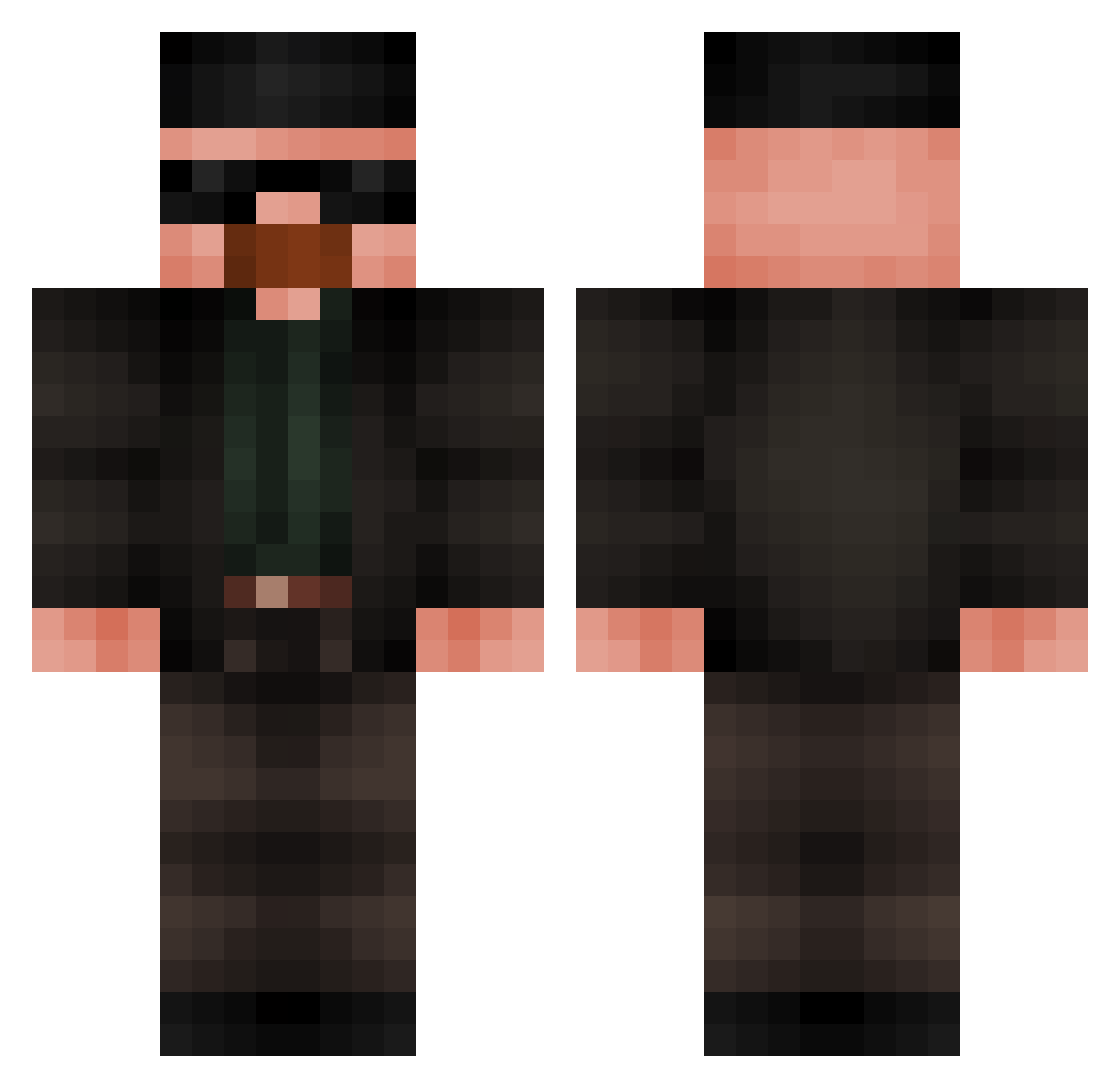
Current Minecraft skin of the player Rayanosaurus, loaded from the official Mojang API. Rotate the 3D model with your mouse or finger, then download the skin as a PNG file and use it in Minecraft: Bedrock Edition or Java Edition for free. When Rayanosaurus changes their skin, this page updates automatically and the old skin stays in the history below.
Other players with this skin (449)
Rayanosaurus was the 36th player we have seen with this skin, first spotted on 29.07.2026. The same skin was seen on these players. Open a nickname to see their current skin and skin history.
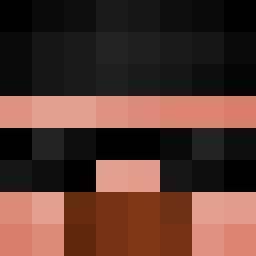 AllCapp Xjlon chinchillaaa maslik49 apple_slices1 skibbidybop69420 ronlisman AITCAMU Hamudischocki62 LamboMan274
 JayAlbie Zewiiz noGyunyu nep_nepss ProAssassin146 Fennrissss marius_lel L_W_K_x 6FINCH666 mendai4 Riccardo0991 shskakad MilthonDH Ramodo Giao10 1SSA187 asdfmovie422 FingerMeElmo69 Matty_Vaz ItsNotStilixYT skfb0 couldntcareless2 EdyAdam Vinci1608 _Mithrandhir matejmart BumpNRun57 maincraaaf Uclergnlts Natorior maiggi_ where_is_the_h MonZe4 PabloTacobar69 Tamatea Pavanelson matcholaskk MasterWaflles69 Cgy063 rammsteineric Waltuh_White69 Cosmicb33f Hydrosaxophon zmblita
 FVnn_115 cr1del Slakke Cabajek xncx temarine
More Heisenberg Minecraft skins
How to install the Rayanosaurus skin
- Press the Download button above to save the skin as a PNG file.
- Minecraft: Bedrock Edition (PE): open the Dressing Room from the main menu (or tap your character → Edit Character), go to Classic Skins → Owned, press the + (new skin) button, choose the downloaded PNG and pick the Classic (Steve) model. Works on PC and mobile; consoles cannot import custom skins.
- Minecraft: Java Edition: open the Minecraft Launcher, go to the Skins tab, click New Skin, load the PNG, pick the Classic (Steve) model and press Save & Use. You can also upload it at minecraft.net → Profile → Change Skin.
The skin does not show up after import - what should I do?
Restart Minecraft and open the Dressing Room again - imported skins sometimes appear only after a restart. Also make sure you selected the imported skin and picked the Classic (Steve) model.
Which model should I choose, Classic or Slim?
This skin is designed for the Classic (Steve) model. If you pick the wrong model, the arms of the skin will look stretched or squeezed.
Is the skin of Rayanosaurus free to download?
Yes. Press Download, save the PNG file and use it in Minecraft: Bedrock Edition or Java Edition - no payment or registration needed. The skin also works on multiplayer servers and Realms.
More skins
Looking for more? Go back to all Minecraft skins and check the top skins of the week, month and all time, or find any player's skin by nickname.