
RayLinGood - Minecraft Skins & Skin History
Current Minecraft skin of the player RayLinGood, loaded from the official Mojang API. Rotate the 3D model with your mouse or finger, then download the skin as a PNG file and use it in Minecraft: Bedrock Edition or Java Edition for free. When RayLinGood changes their skin, this page updates automatically and the old skin stays in the history below.
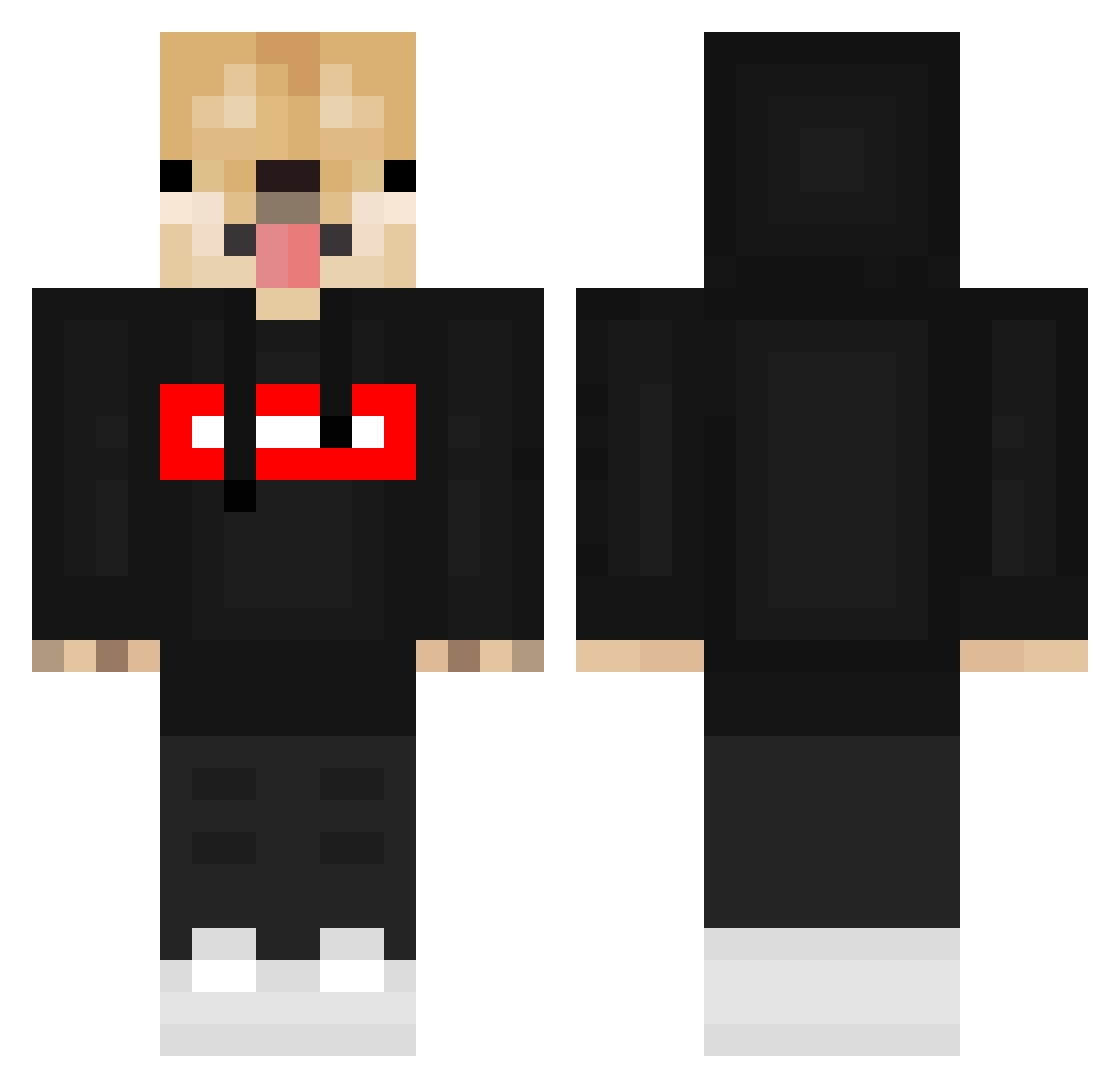
Other players with this skin (548)
RayLinGood was the 470th player we have seen with this skin, first spotted on 20.10.2026. The same skin was seen on these players. Open a nickname to see their current skin and skin history.
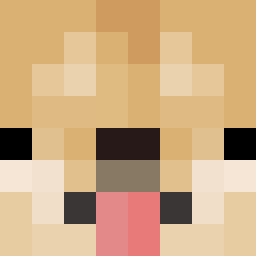 _MAIXXX JellyManGamer Mohheyy Slayyz2k FlimB0t QHanHan heime_the_D0G Brun10 ForgetJacob noth1ng_ j_hwan0331 HrasekTX vBalenxi MODZ_GIOVYXgx 007Andre mg0128 BJlaDblKa Skinsty oEddCDo RoskarP The_Soretto reitsnowJ Shronix nekOoPunch WackyFlame5 bigGAYenergy69 KILIAN_187 scottie44 CrazyAntony yunan030 sunghun7956 Belqta_11 BlessedIIPrime SWC2009 STATIC_raZor ktk1005 gosu77 MIGUELP1C0L1 NawKai25 Tomy816 MORGAN7800 Stoqnoff951 CanadianKing75 GabiAK47 gamingpuppy1 ddang0504 Bugi_Boo Tataia96 Patty2Tall ElectroCreeper Kacperk07 niwaccho_main DTrev14 Joan_kpo Lil_Yukichi deksu_zapasowy blipwastaken Jekxs ZenKR37 lottexddd
More Doge Minecraft skins
How to install the RayLinGood skin
- Press the Download button above to save the skin as a PNG file.
- Minecraft: Bedrock Edition (PE): open the Dressing Room from the main menu (or tap your character → Edit Character), go to Classic Skins → Owned, press the + (new skin) button, choose the downloaded PNG and pick the Classic (Steve) model. Works on PC and mobile; consoles cannot import custom skins.
- Minecraft: Java Edition: open the Minecraft Launcher, go to the Skins tab, click New Skin, load the PNG, pick the Classic (Steve) model and press Save & Use. You can also upload it at minecraft.net → Profile → Change Skin.
The skin does not show up after import - what should I do?
Restart Minecraft and open the Dressing Room again - imported skins sometimes appear only after a restart. Also make sure you selected the imported skin and picked the Classic (Steve) model.
Which model should I choose, Classic or Slim?
This skin is designed for the Classic (Steve) model. If you pick the wrong model, the arms of the skin will look stretched or squeezed.
Is the skin of RayLinGood free to download?
Yes. Press Download, save the PNG file and use it in Minecraft: Bedrock Edition or Java Edition - no payment or registration needed. The skin also works on multiplayer servers and Realms.
More skins
Looking for more? Go back to all Minecraft skins and check the top skins of the week, month and all time, or find any player's skin by nickname.