
Rato_Ralf - Minecraft Skins & Skin History
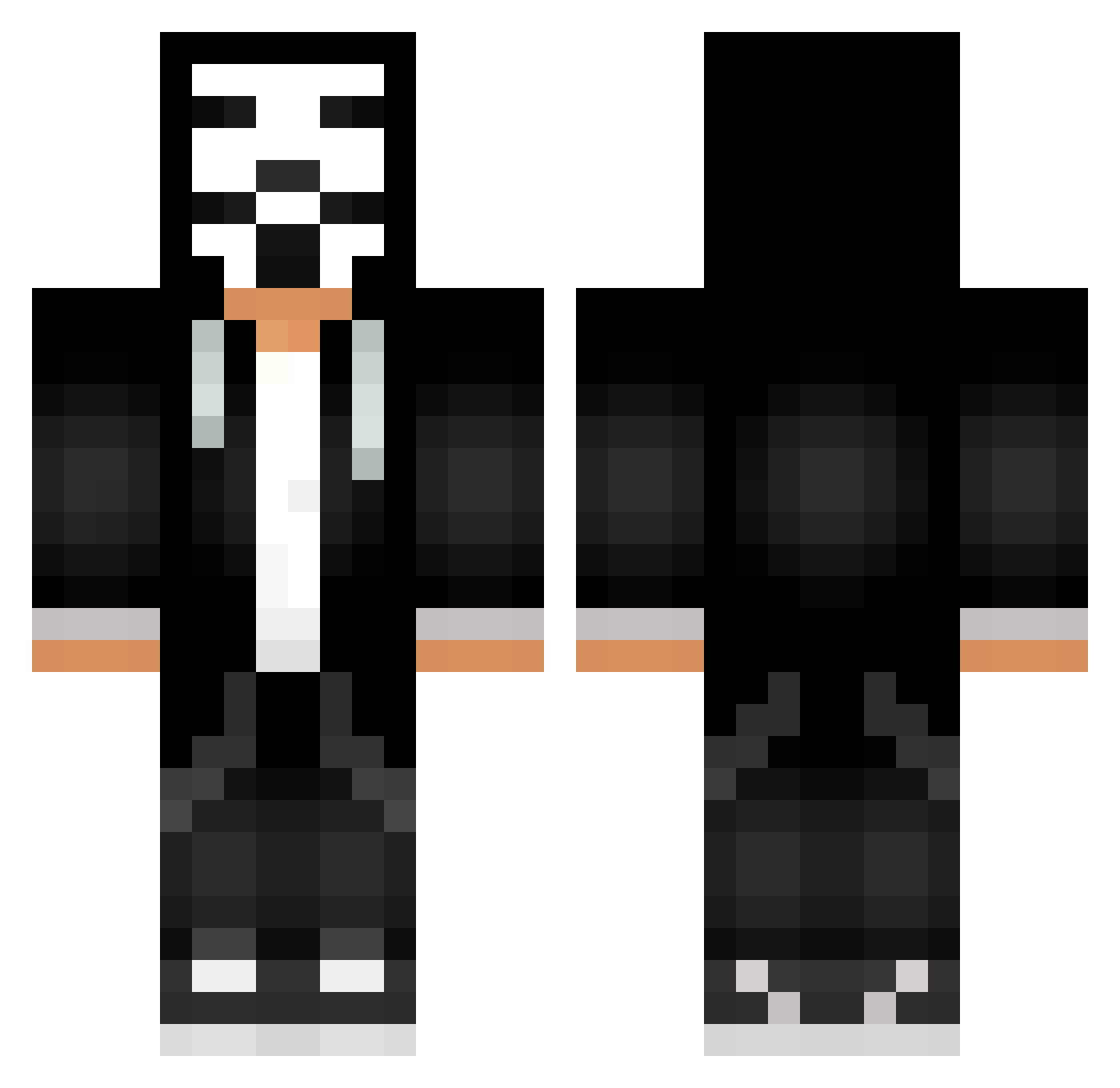
Current Minecraft skin of the player Rato_Ralf, loaded from the official Mojang API. Rotate the 3D model with your mouse or finger, then download the skin as a PNG file and use it in Minecraft: Bedrock Edition or Java Edition for free. When Rato_Ralf changes their skin, this page updates automatically and the old skin stays in the history below.
Other players with this skin (623)
Rato_Ralf was the 332nd player we have seen with this skin, first spotted on 22.09.2026. The same skin was seen on these players. Open a nickname to see their current skin and skin history.
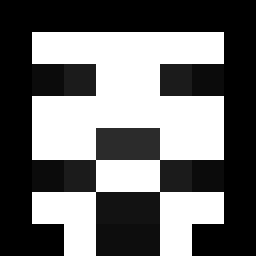 gervinhoo Ciruzz_ ALEJANDROCL99 nottoxic___ GUSTAVO1213 simeon2 PTW27 jg1809 DieuKemet nikola101 MrGenius2014 Isabell_Bien ALEXKORZHIK Ocy246 StrongerFight KEPEL5696 yudai1109 kegwanek loleeePvP TNTGoD1115 UnderATK lhdPl4yer kylemair GREG_TV singing101101 SUPERENAEL SoapChamp sherllow Lasltlislailtali Foreveryoung_224 fh6fh7 Yur41k pro_minecraf Kawaii_Weeb Hero286 binhtng1 KINGOXN KenanKomutan28 MustafaAgaaa38 Ozzyak Palette37 CheckmateBRUH heizenburgers Hakerek320 LeroyIspedoo ener1108 nUUaiR arth7706 JONFIORE1 GeT_RiGhT0721 bedir222 pupro2000 robsuperJ KovoranPlay holitim spust13 godmen4 Punyash cheongchoon Nathansavage1
More Anonymous Minecraft skins
How to install the Rato_Ralf skin
- Press the Download button above to save the skin as a PNG file.
- Minecraft: Bedrock Edition (PE): open the Dressing Room from the main menu (or tap your character → Edit Character), go to Classic Skins → Owned, press the + (new skin) button, choose the downloaded PNG and pick the Classic (Steve) model. Works on PC and mobile; consoles cannot import custom skins.
- Minecraft: Java Edition: open the Minecraft Launcher, go to the Skins tab, click New Skin, load the PNG, pick the Classic (Steve) model and press Save & Use. You can also upload it at minecraft.net → Profile → Change Skin.
The skin does not show up after import - what should I do?
Restart Minecraft and open the Dressing Room again - imported skins sometimes appear only after a restart. Also make sure you selected the imported skin and picked the Classic (Steve) model.
Which model should I choose, Classic or Slim?
This skin is designed for the Classic (Steve) model. If you pick the wrong model, the arms of the skin will look stretched or squeezed.
Is the skin of Rato_Ralf free to download?
Yes. Press Download, save the PNG file and use it in Minecraft: Bedrock Edition or Java Edition - no payment or registration needed. The skin also works on multiplayer servers and Realms.
More skins
Looking for more? Go back to all Minecraft skins and check the top skins of the week, month and all time, or find any player's skin by nickname.