
Rask1121 - Minecraft Skins & Skin History
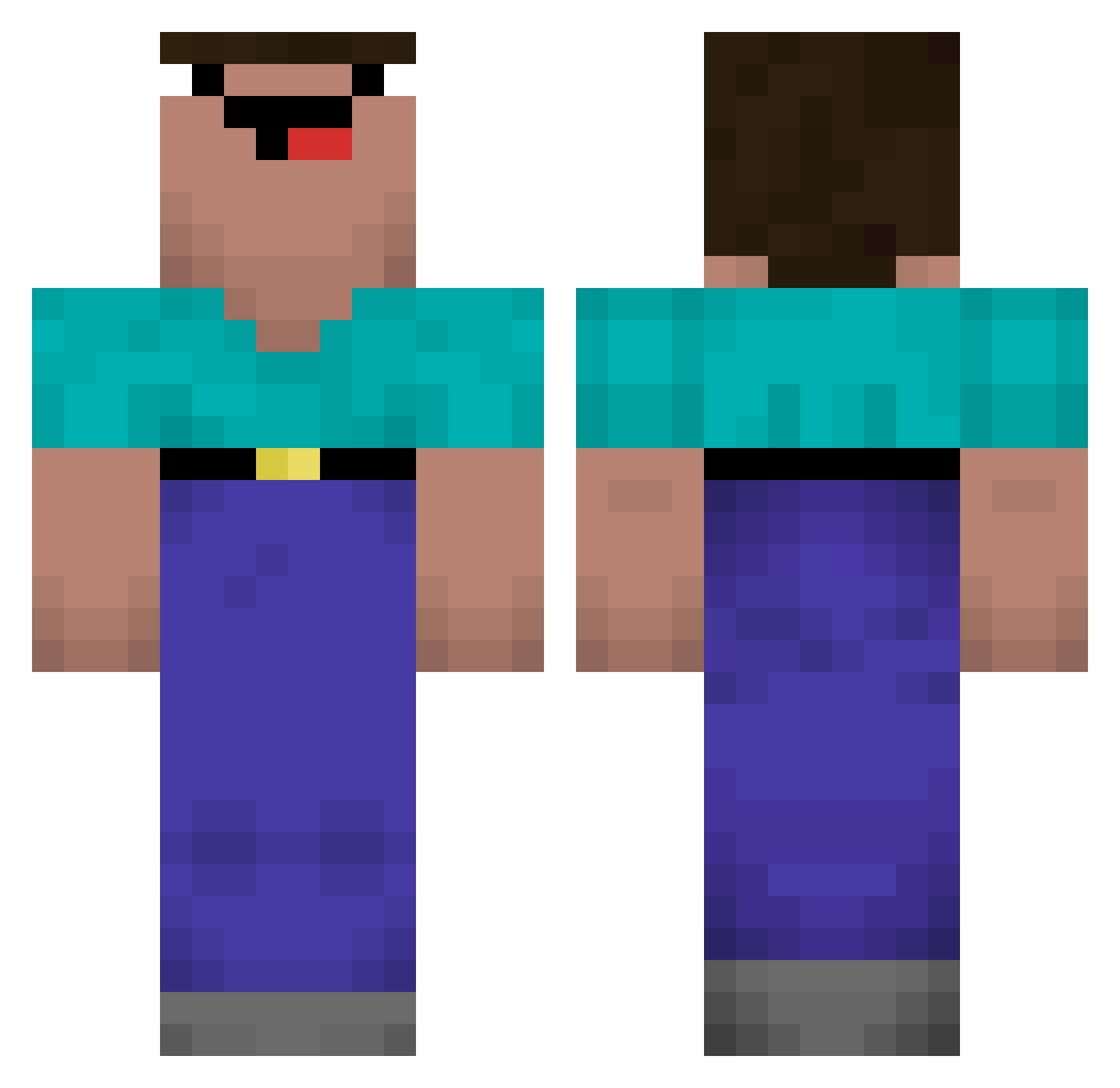
Current Minecraft skin of the player Rask1121, loaded from the official Mojang API. Rotate the 3D model with your mouse or finger, then download the skin as a PNG file and use it in Minecraft: Bedrock Edition or Java Edition for free. When Rask1121 changes their skin, this page updates automatically and the old skin stays in the history below.
Other players with this skin (570)
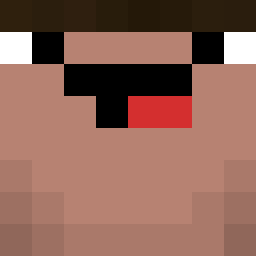
Rask1121 was the 310th player we have seen with this skin, first spotted on 26.09.2026. The same skin was seen on these players. Open a nickname to see their current skin and skin history.
 Ibrahim123456789 bartuonlyfwns SlenzyYt51 Hawuna5 Lef1x0000 Waaizer voldemort5 KoiG_ NOTNOTLARD Lqvkn Nutellanugget67 Zezinhdecaros jdhyde10 Maraa_42 THEO_TIM94 MonkeyMinerMC ZmT_Draze perseu_c scott910612 KenHaise_ NovaNoot Weeber33 jukatopy _K99 Suffiiix ApfelTV33 HomicidalxPanda1 JeanzinXitadinho PopescuIoan NabilSky22 Oro_0 Riskyyyyyy Snowg_ FIlhoDaSuaSogra SullyTB Crysl3r SKYFAALL jppanato QKA122233 boriboldo dceosilver garywinthrpe vixins Renomou takuan1 _curryKING_ chubakinha bzyyl Raymondix XEP_NAPYTO swiftyleader777 OkayStingray405 Himller Lencz FUTURECRAZYGAMER Kachup1n OafmondomBeano Tr1pZii Octopus_Ball hunt3rkkkj
More Classic Minecraft skins
How to install the Rask1121 skin
- Press the Download button above to save the skin as a PNG file.
- Minecraft: Bedrock Edition (PE): open the Dressing Room from the main menu (or tap your character → Edit Character), go to Classic Skins → Owned, press the + (new skin) button, choose the downloaded PNG and pick the Classic (Steve) model. Works on PC and mobile; consoles cannot import custom skins.
- Minecraft: Java Edition: open the Minecraft Launcher, go to the Skins tab, click New Skin, load the PNG, pick the Classic (Steve) model and press Save & Use. You can also upload it at minecraft.net → Profile → Change Skin.
The skin does not show up after import - what should I do?
Restart Minecraft and open the Dressing Room again - imported skins sometimes appear only after a restart. Also make sure you selected the imported skin and picked the Classic (Steve) model.
Which model should I choose, Classic or Slim?
This skin is designed for the Classic (Steve) model. If you pick the wrong model, the arms of the skin will look stretched or squeezed.
Is the skin of Rask1121 free to download?
Yes. Press Download, save the PNG file and use it in Minecraft: Bedrock Edition or Java Edition - no payment or registration needed. The skin also works on multiplayer servers and Realms.
More skins
Looking for more? Go back to all Minecraft skins and check the top skins of the week, month and all time, or find any player's skin by nickname.