
Rararea - Minecraft Skins & Skin History
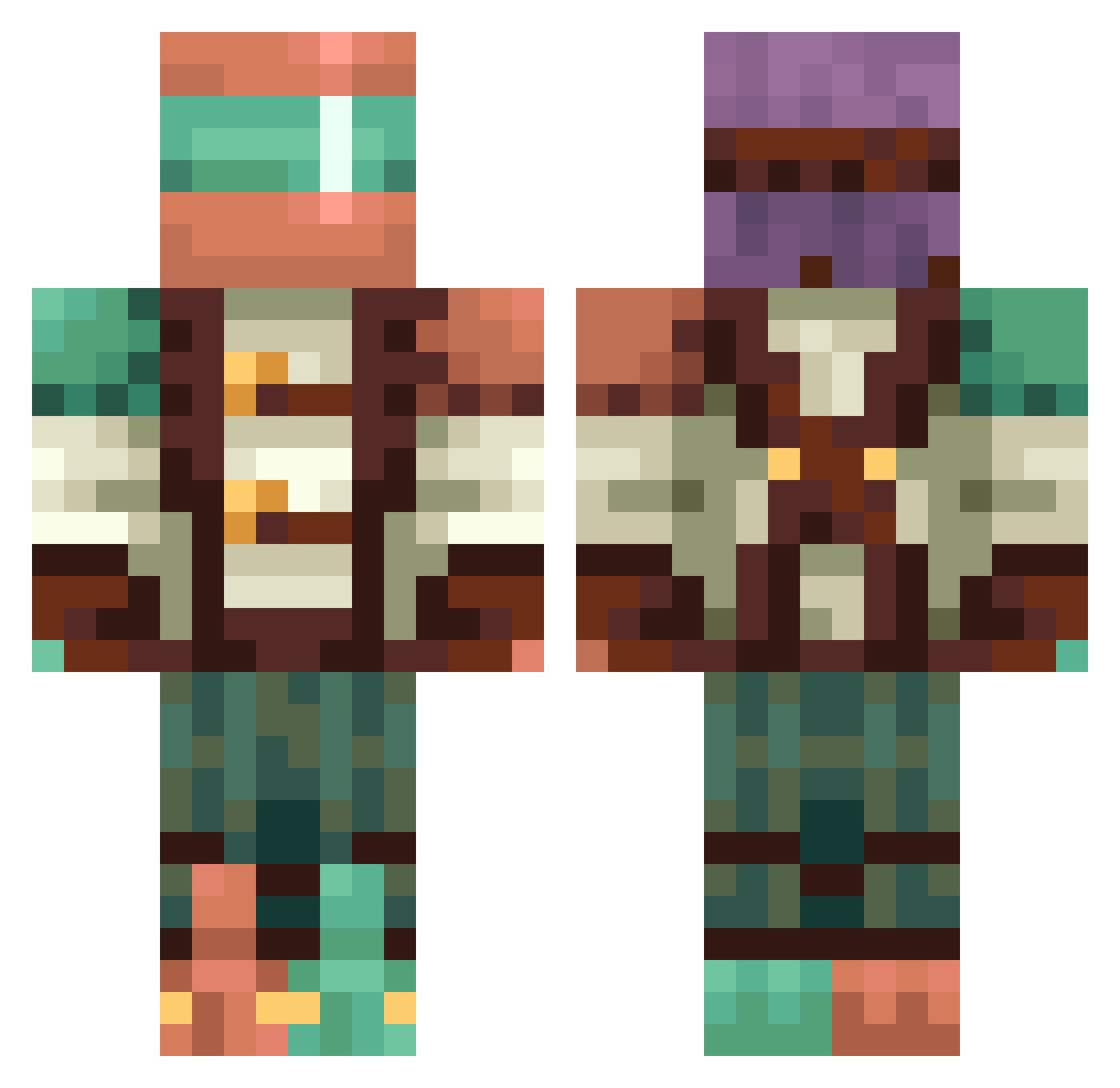
Current Minecraft skin of the player Rararea, loaded from the official Mojang API. Rotate the 3D model with your mouse or finger, then download the skin as a PNG file and use it in Minecraft: Bedrock Edition or Java Edition for free. When Rararea changes their skin, this page updates automatically and the old skin stays in the history below.
Other players with this skin (421)
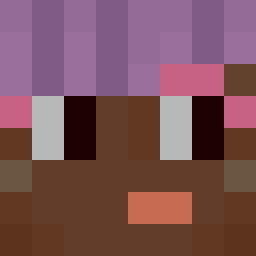
Rararea was the 307th player we have seen with this skin, first spotted on 06.10.2026. The same skin was seen on these players. Open a nickname to see their current skin and skin history.
 Fireboy638 Bruhchacho Camsqy Corvus583 lolskiplol Alexandivy Lugzag Theo___GHG fwtf Ipadboy99 Collins97x 4everfantastic Viedito SettlingForTall Bellerofonte hazelarsh happythedragon14 Kevin900777 Hunthrope MaBu12 Zoooo123 PixelRushW Idkfa82 shimi416 gabriel__mk Hatrick0721 AleHyrule GammaFelix1 Lasay lo_SBUNTEX daneres GabetheDog43 Subapreza5559 OK_Diamond852 smile_happy1201 GreenGrenade617 bishalkills Emmelolz edfeed8kai INKAPE21 BebeT_0 Claredini 1900tel bronk4 paraskevas90 C1t3 Mandi1010vs BlockBound RyeWhisky623 PapeBiH DeamonG ItsGlizen Alexizaurus Smoker4_6 dnem iampaintbucket dinnerbone111111 PlymouthFury Babyboydrew1 66xue
More Explorer Minecraft skins
How to install the Rararea skin
- Press the Download button above to save the skin as a PNG file.
- Minecraft: Bedrock Edition (PE): open the Dressing Room from the main menu (or tap your character → Edit Character), go to Classic Skins → Owned, press the + (new skin) button, choose the downloaded PNG and pick the Classic (Steve) model. Works on PC and mobile; consoles cannot import custom skins.
- Minecraft: Java Edition: open the Minecraft Launcher, go to the Skins tab, click New Skin, load the PNG, pick the Classic (Steve) model and press Save & Use. You can also upload it at minecraft.net → Profile → Change Skin.
The skin does not show up after import - what should I do?
Restart Minecraft and open the Dressing Room again - imported skins sometimes appear only after a restart. Also make sure you selected the imported skin and picked the Classic (Steve) model.
Which model should I choose, Classic or Slim?
This skin is designed for the Classic (Steve) model. If you pick the wrong model, the arms of the skin will look stretched or squeezed.
Is the skin of Rararea free to download?
Yes. Press Download, save the PNG file and use it in Minecraft: Bedrock Edition or Java Edition - no payment or registration needed. The skin also works on multiplayer servers and Realms.
More skins
Looking for more? Go back to all Minecraft skins and check the top skins of the week, month and all time, or find any player's skin by nickname.