
Rapido0o - Minecraft Skins & Skin History
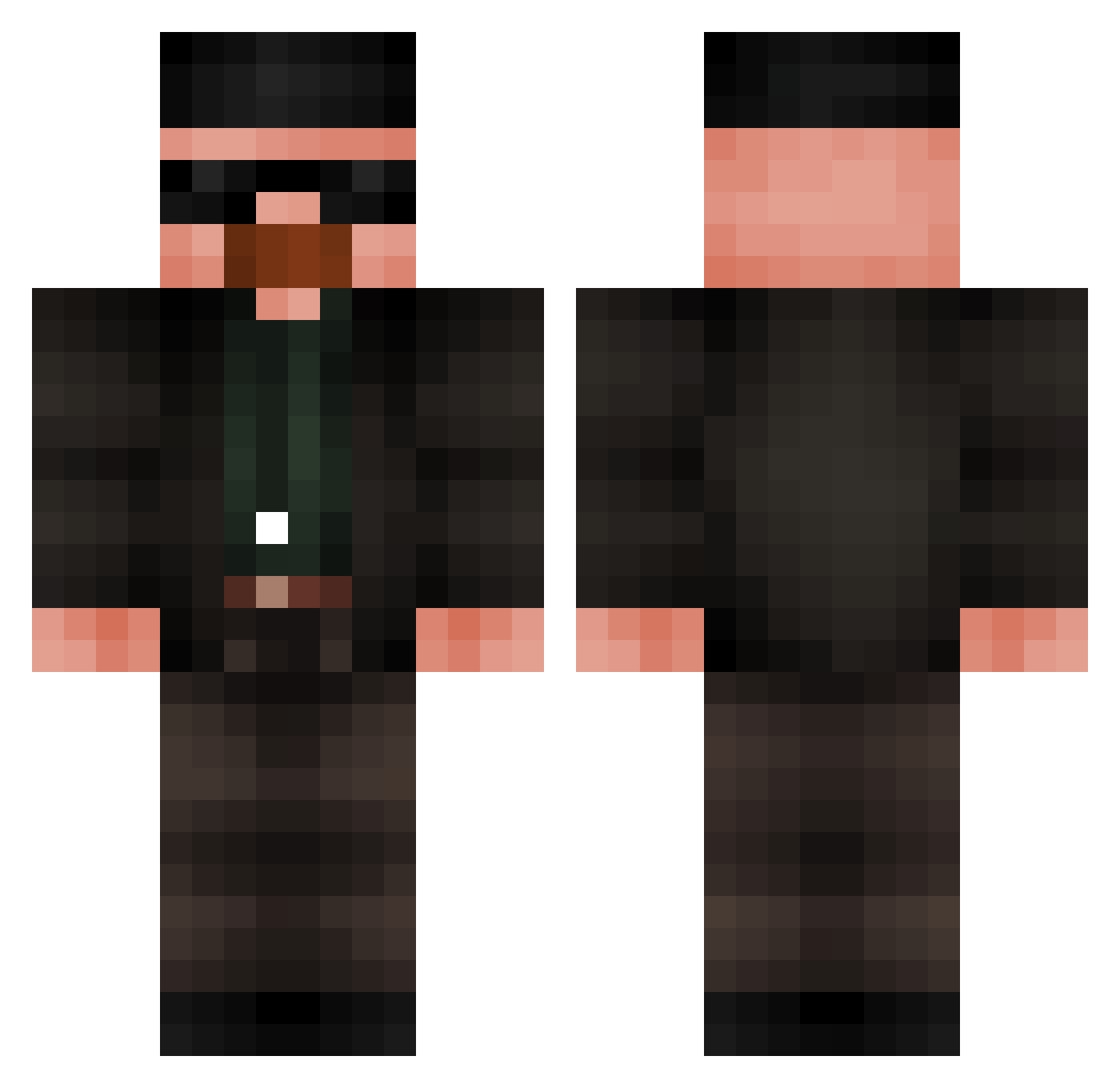
Current Minecraft skin of the player Rapido0o, loaded from the official Mojang API. Rotate the 3D model with your mouse or finger, then download the skin as a PNG file and use it in Minecraft: Bedrock Edition or Java Edition for free. When Rapido0o changes their skin, this page updates automatically and the old skin stays in the history below.
Other players with this skin (591)
Rapido0o was the 560th player we have seen with this skin, first spotted on 17.10.2026. The same skin was seen on these players. Open a nickname to see their current skin and skin history.
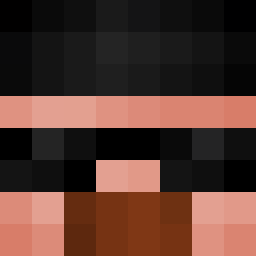 AleQuell0Ver0 EternalEnvy6 EnderBytes _Shrumpy_ SilentShot110 ArnauBoots Peppino72 Prime_fusionXx BonanoDucc jiggyjessika PepeNOComePapa Emil22 Bim9457 BusterStirling reinis11 showspeeds Marmormolch molodoi_bishkek BrightTip23 deKinnek ICY4UNNA bericx7 Fardington_CEO ar7huro SumZeczny Chernoba Itz_BoRsAk coinslot_filler mangeur_de_pain get_boofed69 TryingEl15 DoofenDic Yesssssir Blastr3 Bread_Skyf Hotshot_179 MillerTime9 or74i johnoppro ArdaLD _Damii_Mz_ Symbiotian KeeganDz OceanWeasley Raii21 stormybum Yawwhh Sh00ter9843 ThatsNotSMX Portal_Girl_7 Fantom227 TCMBbro batuhanzi Dani5433 Le0_a1v hExy28 Serosai CannotErase kaktus395 Xiwhakim
More Heisenberg Minecraft skins
How to install the Rapido0o skin
- Press the Download button above to save the skin as a PNG file.
- Minecraft: Bedrock Edition (PE): open the Dressing Room from the main menu (or tap your character → Edit Character), go to Classic Skins → Owned, press the + (new skin) button, choose the downloaded PNG and pick the Classic (Steve) model. Works on PC and mobile; consoles cannot import custom skins.
- Minecraft: Java Edition: open the Minecraft Launcher, go to the Skins tab, click New Skin, load the PNG, pick the Classic (Steve) model and press Save & Use. You can also upload it at minecraft.net → Profile → Change Skin.
The skin does not show up after import - what should I do?
Restart Minecraft and open the Dressing Room again - imported skins sometimes appear only after a restart. Also make sure you selected the imported skin and picked the Classic (Steve) model.
Which model should I choose, Classic or Slim?
This skin is designed for the Classic (Steve) model. If you pick the wrong model, the arms of the skin will look stretched or squeezed.
Is the skin of Rapido0o free to download?
Yes. Press Download, save the PNG file and use it in Minecraft: Bedrock Edition or Java Edition - no payment or registration needed. The skin also works on multiplayer servers and Realms.
More skins
Looking for more? Go back to all Minecraft skins and check the top skins of the week, month and all time, or find any player's skin by nickname.