
Raducu101 - Minecraft Skins & Skin History
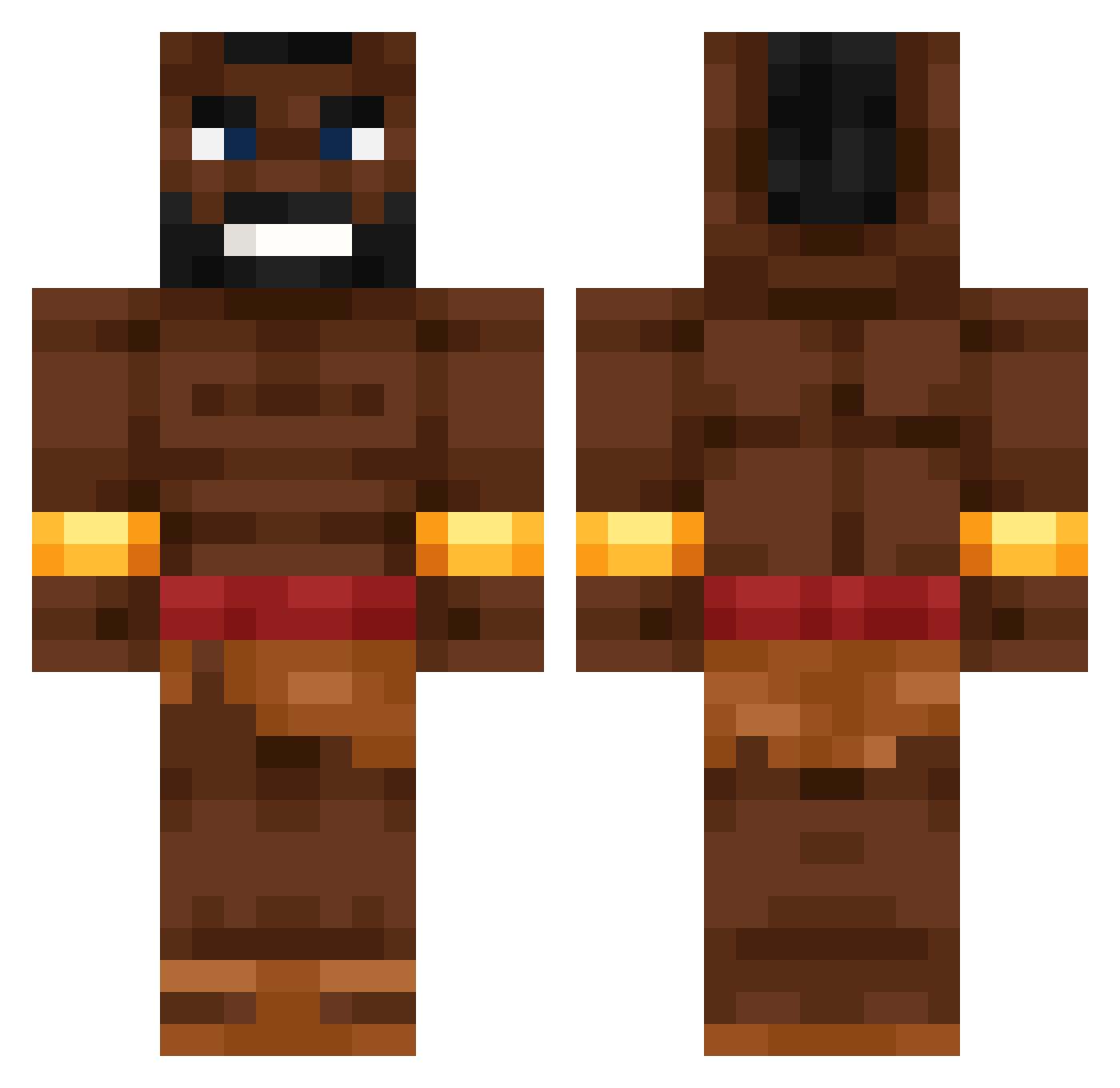
Current Minecraft skin of the player Raducu101, loaded from the official Mojang API. Rotate the 3D model with your mouse or finger, then download the skin as a PNG file and use it in Minecraft: Bedrock Edition or Java Edition for free. When Raducu101 changes their skin, this page updates automatically and the old skin stays in the history below.
Other players with this skin (531)
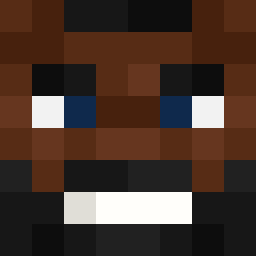
Raducu101 was the 47th player we have seen with this skin, first spotted on 30.07.2026. The same skin was seen on these players. Open a nickname to see their current skin and skin history.
 axoyy Chelux32 Shaquilleoak GoStealAHellcat PhqntomSword Zeusspieler DonnerKarton447 GoldWertyDude _odiw_ CheezyBurrito02 TigerSimon110 solatui _JD_ Materius09 TalkingBlock _hazyboi Sipulixx Plateneckerrr Xvetraix24689 badziewiak1 BionixBoi YG_Felton NXT_ Moneygears Pkorni123 Sandy_Chan gshiestyuwu OCreaper FixorPDB OliwiaSerduszko1 Sykzl MamaImaCreaminal dayvon7h timtimtim79 Disco_adamus alexgooner1231 XIiaowei_7 Xen0_VR matthypixel
 Pasuuu lighter03 Sipper47 napletinni FatihDaSavage M11n henalne10 Fifek098 Lxnli r8dhex Olek_2013 aeriiazzz
 OgnistyGracz Welsi228 weluvwill gianovb N199ersaretrash CHEVETE98 vectorohyeahh MILLONETI13 Arbuckle23
More Actor Minecraft skins
How to install the Raducu101 skin
- Press the Download button above to save the skin as a PNG file.
- Minecraft: Bedrock Edition (PE): open the Dressing Room from the main menu (or tap your character → Edit Character), go to Classic Skins → Owned, press the + (new skin) button, choose the downloaded PNG and pick the Classic (Steve) model. Works on PC and mobile; consoles cannot import custom skins.
- Minecraft: Java Edition: open the Minecraft Launcher, go to the Skins tab, click New Skin, load the PNG, pick the Classic (Steve) model and press Save & Use. You can also upload it at minecraft.net → Profile → Change Skin.
The skin does not show up after import - what should I do?
Restart Minecraft and open the Dressing Room again - imported skins sometimes appear only after a restart. Also make sure you selected the imported skin and picked the Classic (Steve) model.
Which model should I choose, Classic or Slim?
This skin is designed for the Classic (Steve) model. If you pick the wrong model, the arms of the skin will look stretched or squeezed.
Is the skin of Raducu101 free to download?
Yes. Press Download, save the PNG file and use it in Minecraft: Bedrock Edition or Java Edition - no payment or registration needed. The skin also works on multiplayer servers and Realms.
More skins
Looking for more? Go back to all Minecraft skins and check the top skins of the week, month and all time, or find any player's skin by nickname.