
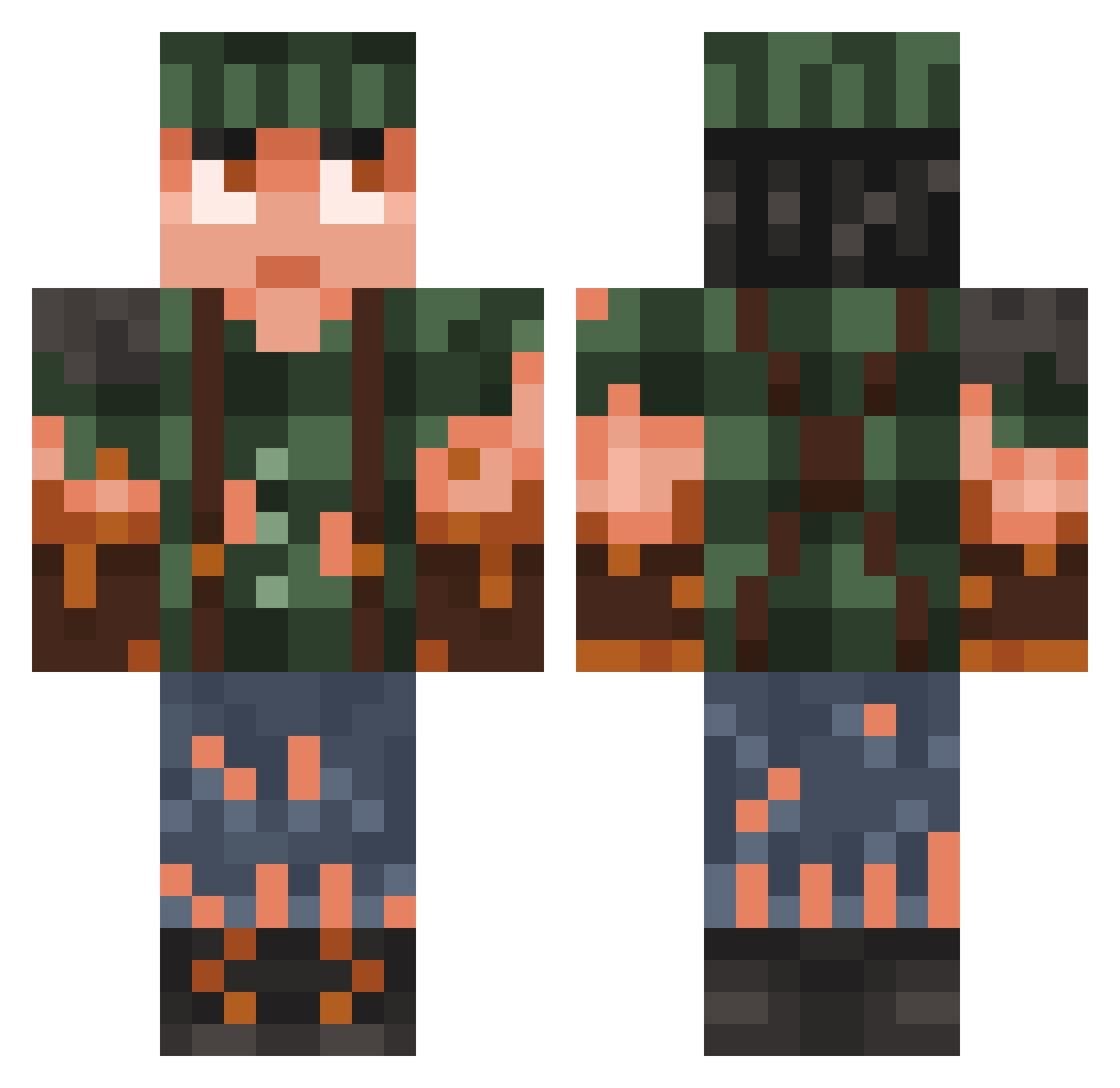
Current Minecraft skin of the player RVSG92, loaded from the official Mojang API. Rotate the 3D model with your mouse or finger, then download the skin as a PNG file and use it in Minecraft: Bedrock Edition or Java Edition for free. When RVSG92 changes their skin, this page updates automatically and the old skin stays in the history below.
Other players with this skin (728)
RVSG92 was the 681st player we have seen with this skin, first spotted on 11.10.2026. The same skin was seen on these players. Open a nickname to see their current skin and skin history.
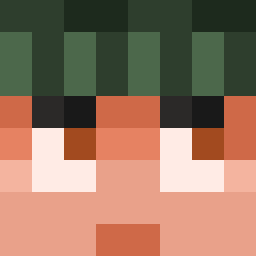 MrGrenzdebil Giuseppe1999 ThisIsHyum MoonlightLance notorious7130 Unholy_Sluce forukozo thatcatlover The_Scurenzo SGT555 ShaPushkin minime0819 Diekjung Grizknife blazinguns13 AlpakaSierra Johann5560 EL_KucHo AmazingGoldy Botrelo L0rnex oscarin00 shadoor Cit1zeN4 Quickhands77 JsYetti Georgecm19 jinsol2948 VolNoi J0uIe alexnerva RIBBLETT Bokul _holmis RememberThe90s gabbarr FerGuzman PR8v edubeja minininja128 Kasmone p1et13 Dofuxios zubavv Gamerks223 snakysek Yong_Lee Niklaus0909 Yeere Karmelowa67 Gremen seven_cube Kamkittykat Stultus_Cell Mynusk HanojLP Micbrod porschiiii LorddBusiness Galaxypro117
More Survivor Minecraft skins
How to install the RVSG92 skin
- Press the Download button above to save the skin as a PNG file.
- Minecraft: Bedrock Edition (PE): open the Dressing Room from the main menu (or tap your character → Edit Character), go to Classic Skins → Owned, press the + (new skin) button, choose the downloaded PNG and pick the Classic (Steve) model. Works on PC and mobile; consoles cannot import custom skins.
- Minecraft: Java Edition: open the Minecraft Launcher, go to the Skins tab, click New Skin, load the PNG, pick the Classic (Steve) model and press Save & Use. You can also upload it at minecraft.net → Profile → Change Skin.
The skin does not show up after import - what should I do?
Restart Minecraft and open the Dressing Room again - imported skins sometimes appear only after a restart. Also make sure you selected the imported skin and picked the Classic (Steve) model.
Which model should I choose, Classic or Slim?
This skin is designed for the Classic (Steve) model. If you pick the wrong model, the arms of the skin will look stretched or squeezed.
Is the skin of RVSG92 free to download?
Yes. Press Download, save the PNG file and use it in Minecraft: Bedrock Edition or Java Edition - no payment or registration needed. The skin also works on multiplayer servers and Realms.
More skins
Looking for more? Go back to all Minecraft skins and check the top skins of the week, month and all time, or find any player's skin by nickname.