
Current Minecraft skin of the player RUA__Cat, loaded from the official Mojang API. Rotate the 3D model with your mouse or finger, then download the skin as a PNG file and use it in Minecraft: Bedrock Edition or Java Edition for free. When RUA__Cat changes their skin, this page updates automatically and the old skin stays in the history below.
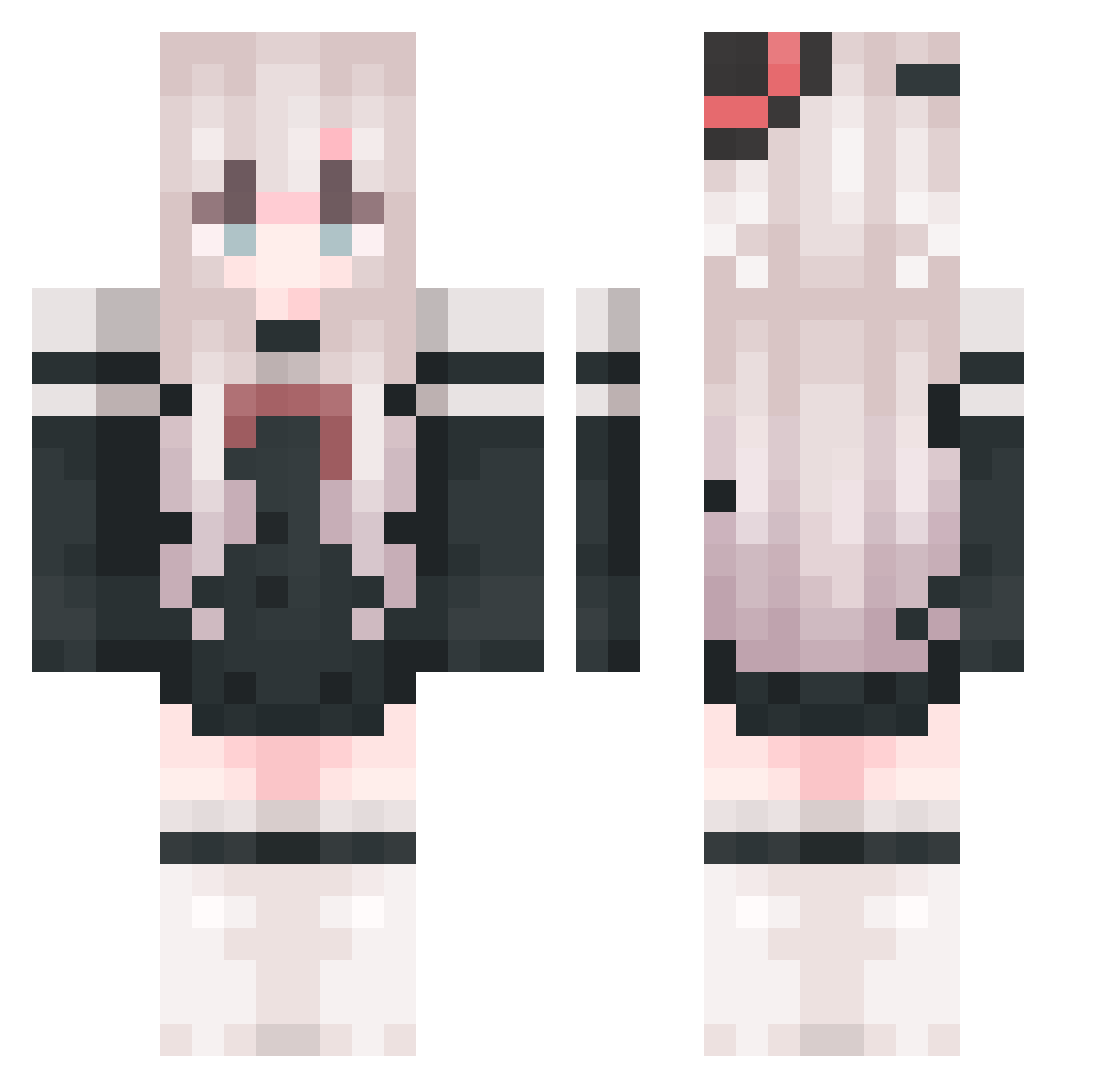
Other players with this skin (764)
RUA__Cat was the 399th player we have seen with this skin, first spotted on 06.09.2026. The same skin was seen on these players. Open a nickname to see their current skin and skin history.
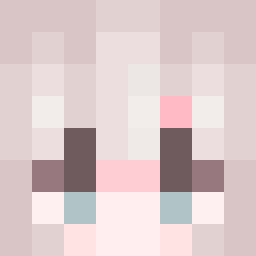 yemem MayRain1 Niki_7923 Whitetrue qqqqiii Gubi187361 Siokonbu_009 ilystats WYCAN23 nnxt
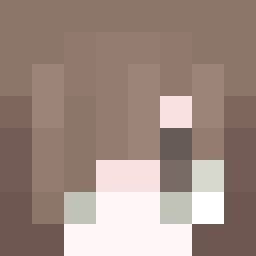 yumQAQ Cheng_shu EcAY16 080FISH yjfyyds Yunanki07 FallAmber Sheep9008 hanhanchengzi GirllnShell Jonny_2024 kgao11 GKRSJamie shiroi_kasa shadou258 jyb_chinahonke xinyu_xy Echo16250 a_SkLWbJBICJd304 5dxyy scvj Yachio_Ne
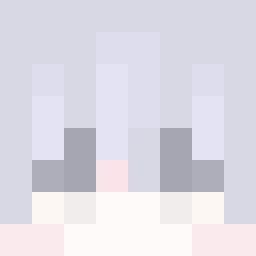 ohanyan meng5221 kaiti37 QUQ_WAW wuyima YUE0Moon fenghau zhaowei789 SureFe konghenYY MC__h Ambrosel DMDking666 iukoitwt blqp daidd64 KYl1n_ TaoYao__ovo 05030813 ggargantuaa YouZaiii super_Stroh kittenQAQ Auroral__ Ultra_Yy Xin_ci WSCK47 MBSheep
More Top Hat Minecraft skins
How to install the RUA__Cat skin
- Press the Download button above to save the skin as a PNG file.
- Minecraft: Bedrock Edition (PE): open the Dressing Room from the main menu (or tap your character → Edit Character), go to Classic Skins → Owned, press the + (new skin) button, choose the downloaded PNG and pick the Classic (Steve) model. Works on PC and mobile; consoles cannot import custom skins.
- Minecraft: Java Edition: open the Minecraft Launcher, go to the Skins tab, click New Skin, load the PNG, pick the Classic (Steve) model and press Save & Use. You can also upload it at minecraft.net → Profile → Change Skin.
The skin does not show up after import - what should I do?
Restart Minecraft and open the Dressing Room again - imported skins sometimes appear only after a restart. Also make sure you selected the imported skin and picked the Classic (Steve) model.
Which model should I choose, Classic or Slim?
This skin is designed for the Classic (Steve) model. If you pick the wrong model, the arms of the skin will look stretched or squeezed.
Is the skin of RUA__Cat free to download?
Yes. Press Download, save the PNG file and use it in Minecraft: Bedrock Edition or Java Edition - no payment or registration needed. The skin also works on multiplayer servers and Realms.
More skins
Looking for more? Go back to all Minecraft skins and check the top skins of the week, month and all time, or find any player's skin by nickname.