
RForREXXXXXX - Minecraft Skins & Skin History
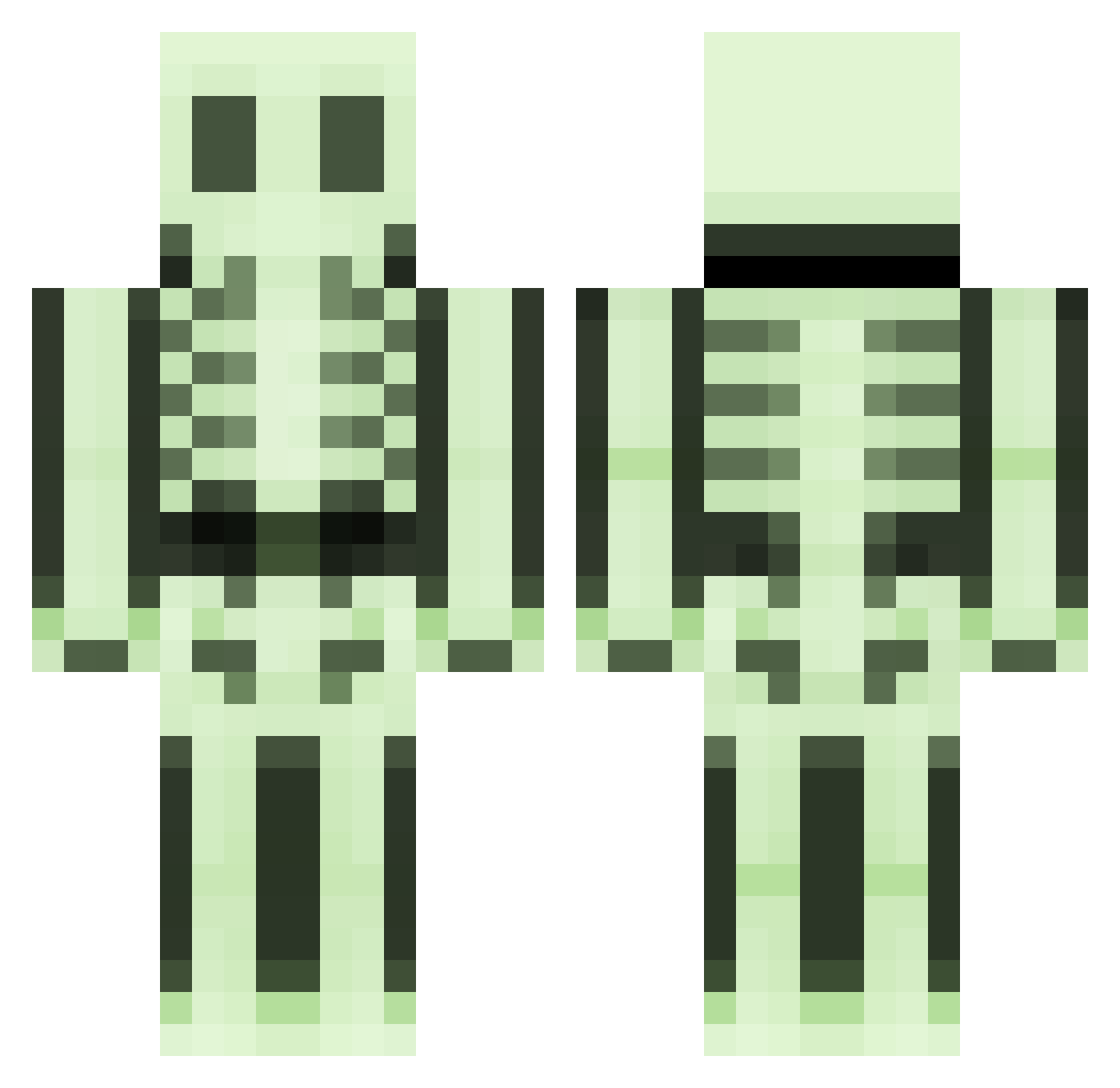
Current Minecraft skin of the player RForREXXXXXX, loaded from the official Mojang API. Rotate the 3D model with your mouse or finger, then download the skin as a PNG file and use it in Minecraft: Bedrock Edition or Java Edition for free. When RForREXXXXXX changes their skin, this page updates automatically and the old skin stays in the history below.
Other players with this skin (496)
RForREXXXXXX was the 420th player we have seen with this skin, first spotted on 22.10.2026. The same skin was seen on these players. Open a nickname to see their current skin and skin history.
 Tirak35 TheMoobert Qakell Molark ADAMBR99 Vascooo djsmall skyzonium dormano luukeek1 Shiido77 Humankimchi Lantow HKimbo Intuos4 Aifrt marriuss syhar joransin manliketeeth Hugecookman Apotheose44 Aspertame emy83 SuperWhy silentsiren7 jessmonster tomos9 zerieeoo gargoyle118 peppe1223 F1REZz stepke77 Tony39100 alfa1112 Roccobln roykov beskarbunny xXitzHDLPYTL2PXx Gwenevieve TaylorDean89 C3S9 sindre120397 Da_gold_thief chirstopherscott MR_Pizza_Slicer Elix59 LotusEnrage Mugglewumpss Unknown991 Guserman GreypFruit ViciousFortune etakis creeper_face1220 Stykis marshmallow88 LastTears Ghostplayer_XD Quizzic
More Skeleton Minecraft skins
How to install the RForREXXXXXX skin
- Press the Download button above to save the skin as a PNG file.
- Minecraft: Bedrock Edition (PE): open the Dressing Room from the main menu (or tap your character → Edit Character), go to Classic Skins → Owned, press the + (new skin) button, choose the downloaded PNG and pick the Classic (Steve) model. Works on PC and mobile; consoles cannot import custom skins.
- Minecraft: Java Edition: open the Minecraft Launcher, go to the Skins tab, click New Skin, load the PNG, pick the Classic (Steve) model and press Save & Use. You can also upload it at minecraft.net → Profile → Change Skin.
The skin does not show up after import - what should I do?
Restart Minecraft and open the Dressing Room again - imported skins sometimes appear only after a restart. Also make sure you selected the imported skin and picked the Classic (Steve) model.
Which model should I choose, Classic or Slim?
This skin is designed for the Classic (Steve) model. If you pick the wrong model, the arms of the skin will look stretched or squeezed.
Is the skin of RForREXXXXXX free to download?
Yes. Press Download, save the PNG file and use it in Minecraft: Bedrock Edition or Java Edition - no payment or registration needed. The skin also works on multiplayer servers and Realms.
More skins
Looking for more? Go back to all Minecraft skins and check the top skins of the week, month and all time, or find any player's skin by nickname.