
Pupfish - Minecraft Skins & Skin History
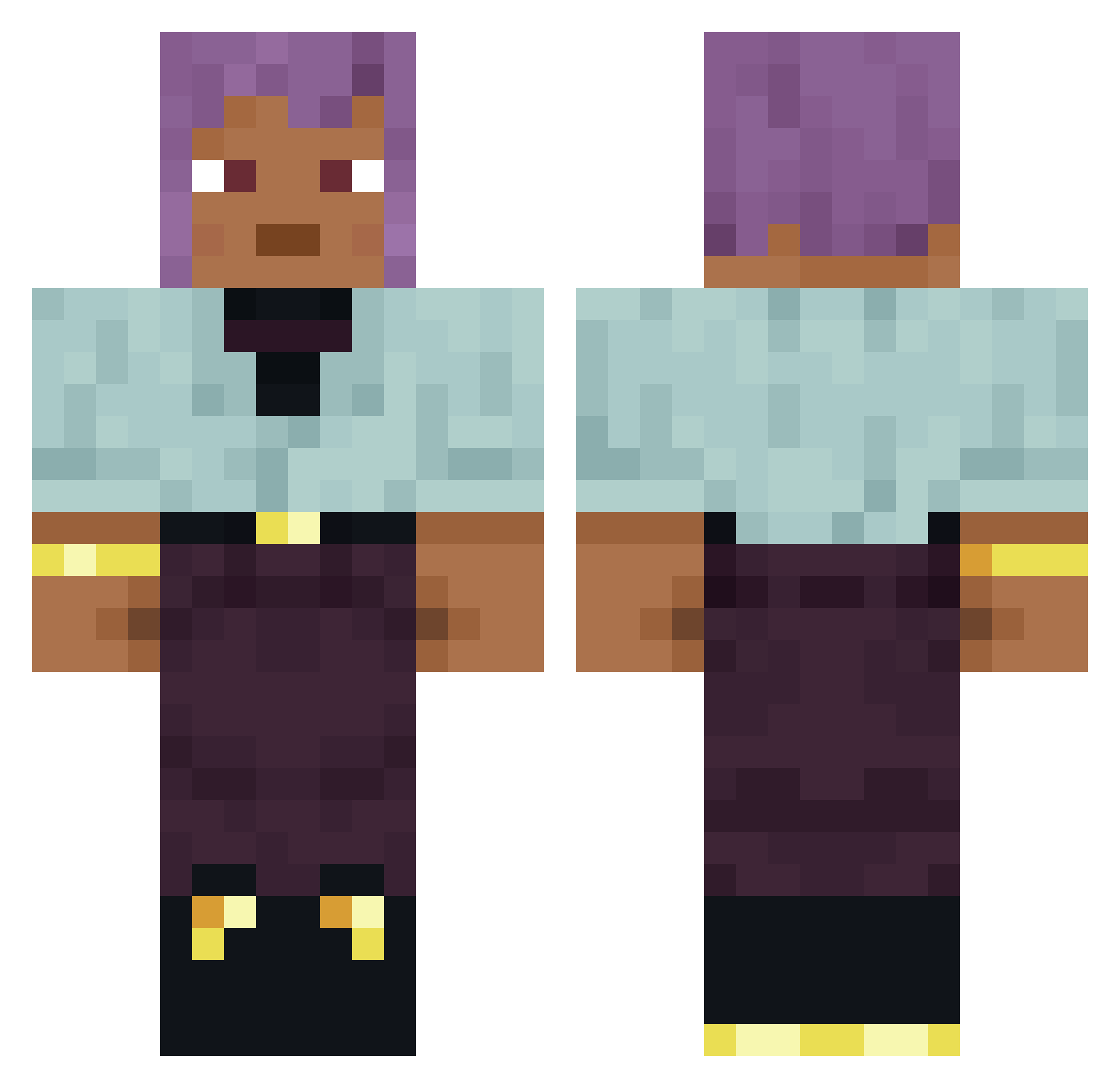
Current Minecraft skin of the player Pupfish, loaded from the official Mojang API. Rotate the 3D model with your mouse or finger, then download the skin as a PNG file and use it in Minecraft: Bedrock Edition or Java Edition for free. When Pupfish changes their skin, this page updates automatically and the old skin stays in the history below.
Other players with this skin (900)
Pupfish was the 718th player we have seen with this skin, first spotted on 20.10.2026. The same skin was seen on these players. Open a nickname to see their current skin and skin history.
 idkctk GrumpyOtter Untucked hydroxyapatite AutoRail Lanason overcasual Fallency ClownNinga kocayinee _ninka_ninus_ dodrantal LinhHFVwt0205 pyrophanous Herbalize Priapulida DWORKO Hub DoctorCyber Woodynooob123 Averruncate Prebend Ohzyyyy joaozin_bacana cosmads microcycles Adjustor NovaG0 Hyoscyamus Astrographer creemateplayz SmittenInk41255 Sourata embows Tilbury __M1lek hannahstromberg lovelydda_ Schenji arbitrarily APurpose BlueBreast Aurorary ShupaChichi Ventofunesto FlyFlower MCWater1234 Skytos Rit JorgoAL Loxy_0908 qq3092306412_012 monodon Wildvale Uncaptivated Geotropic booley Semx3 Loadstones Derma
How to install the Pupfish skin
- Press the Download button above to save the skin as a PNG file.
- Minecraft: Bedrock Edition (PE): open the Dressing Room from the main menu (or tap your character → Edit Character), go to Classic Skins → Owned, press the + (new skin) button, choose the downloaded PNG and pick the Classic (Steve) model. Works on PC and mobile; consoles cannot import custom skins.
- Minecraft: Java Edition: open the Minecraft Launcher, go to the Skins tab, click New Skin, load the PNG, pick the Classic (Steve) model and press Save & Use. You can also upload it at minecraft.net → Profile → Change Skin.
The skin does not show up after import - what should I do?
Restart Minecraft and open the Dressing Room again - imported skins sometimes appear only after a restart. Also make sure you selected the imported skin and picked the Classic (Steve) model.
Which model should I choose, Classic or Slim?
This skin is designed for the Classic (Steve) model. If you pick the wrong model, the arms of the skin will look stretched or squeezed.
Is the skin of Pupfish free to download?
Yes. Press Download, save the PNG file and use it in Minecraft: Bedrock Edition or Java Edition - no payment or registration needed. The skin also works on multiplayer servers and Realms.
More skins
Looking for more? Go back to all Minecraft skins and check the top skins of the week, month and all time, or find any player's skin by nickname.