
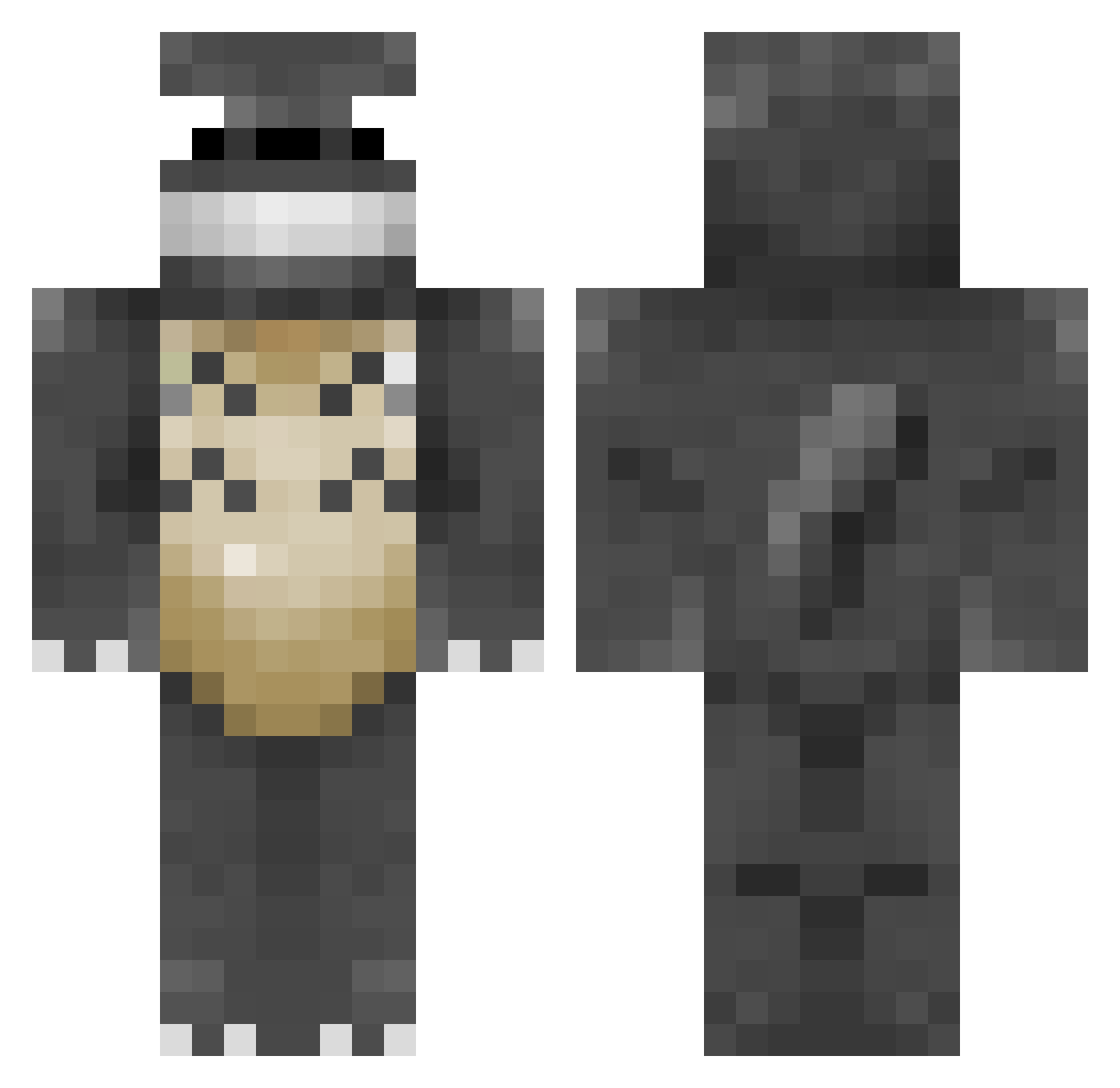
Current Minecraft skin of the player Psychotic_Pixie, loaded from the official Mojang API. Rotate the 3D model with your mouse or finger, then download the skin as a PNG file and use it in Minecraft: Bedrock Edition or Java Edition for free. When Psychotic_Pixie changes their skin, this page updates automatically and the old skin stays in the history below.
Other players with this skin (203)
Psychotic_Pixie was the 95th player we have seen with this skin, first spotted on 02.09.2026. The same skin was seen on these players. Open a nickname to see their current skin and skin history.
 Minli marcus2stars Sinnderelle JayKross_ VP5 hookiemookie Neon_Snake Iansool Kaztanje The_Totoro hbs9800 CallMeTotoro 2000redbull Xrossfade minaj2000 Reronage Yabbii H0neyBadgerz thebingbong1 Toby_NewVegas Vader_bunny23 Thanhou bobby56 MaryYuan juke123fgh Ariawel CritterHeather xAsuradAx bodach919 nebulawanderer Tonari_no_Totoro MrTeddyWaffles LedjinofEzra Klara_g Integra2k Matt_LordBritish clarachristensen dangerousrabidog HomereckrHugo LaFoudre_ Makistaart kontraks GokuZ24 N3D TheStrudelKing Gugli Sky_MG Razrankov Mimichan2002 Hugegoat mael2911 Kim_Jeti retrainor lnxfan BallonBobby philippchen13 lex6ki BlackjackS92 louie322 DankMemeLord911
More My Neighbor Totoro Minecraft skins
See all 17 My Neighbor Totoro skins
How to install the Psychotic_Pixie skin
- Press the Download button above to save the skin as a PNG file.
- Minecraft: Bedrock Edition (PE): open the Dressing Room from the main menu (or tap your character → Edit Character), go to Classic Skins → Owned, press the + (new skin) button, choose the downloaded PNG and pick the Classic (Steve) model. Works on PC and mobile; consoles cannot import custom skins.
- Minecraft: Java Edition: open the Minecraft Launcher, go to the Skins tab, click New Skin, load the PNG, pick the Classic (Steve) model and press Save & Use. You can also upload it at minecraft.net → Profile → Change Skin.
The skin does not show up after import - what should I do?
Restart Minecraft and open the Dressing Room again - imported skins sometimes appear only after a restart. Also make sure you selected the imported skin and picked the Classic (Steve) model.
Which model should I choose, Classic or Slim?
This skin is designed for the Classic (Steve) model. If you pick the wrong model, the arms of the skin will look stretched or squeezed.
Is the skin of Psychotic_Pixie free to download?
Yes. Press Download, save the PNG file and use it in Minecraft: Bedrock Edition or Java Edition - no payment or registration needed. The skin also works on multiplayer servers and Realms.
More skins
Looking for more? Go back to all Minecraft skins and check the top skins of the week, month and all time, or find any player's skin by nickname.