
Psychoben59 - Minecraft Skins & Skin History
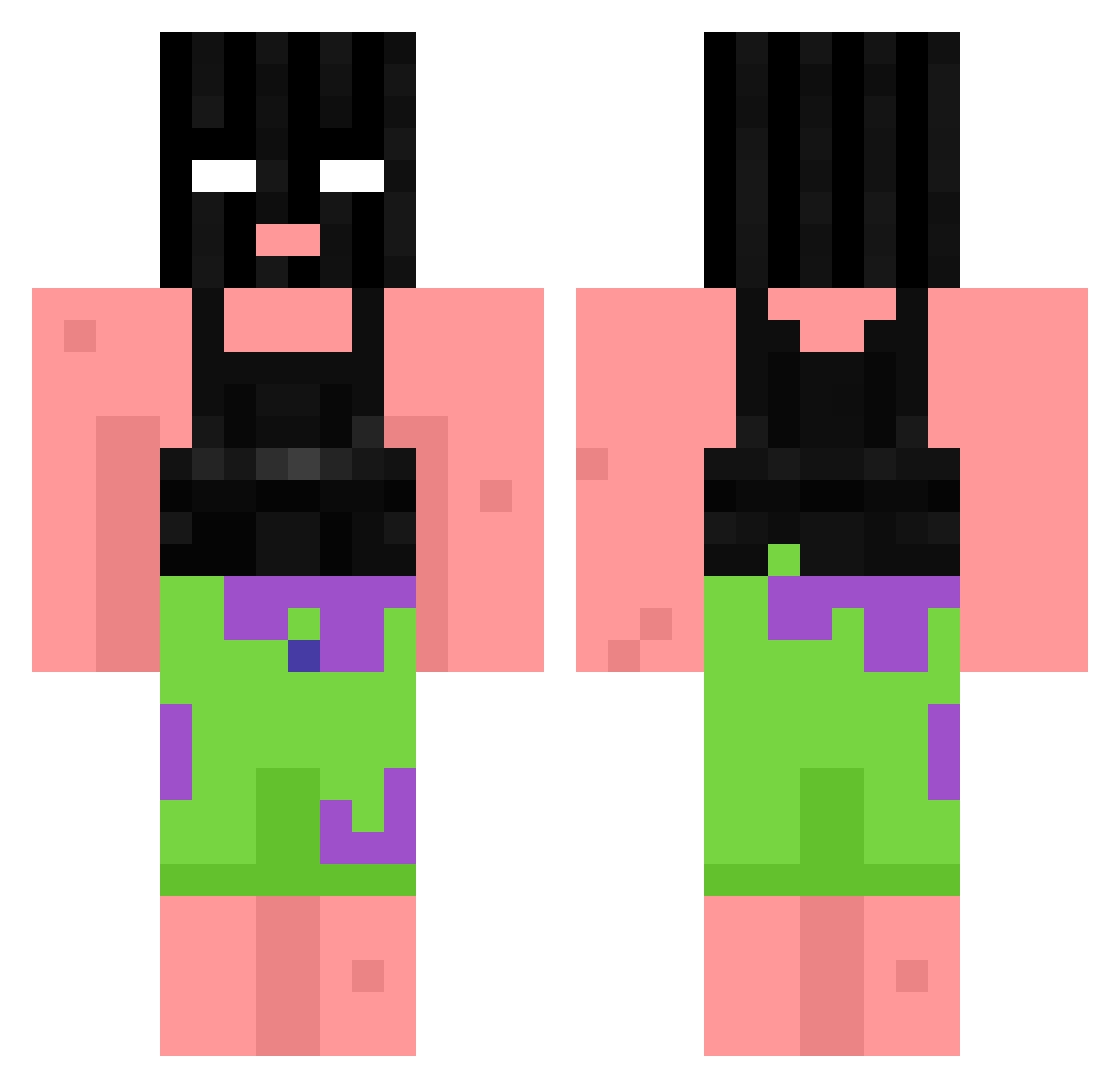
Current Minecraft skin of the player Psychoben59, loaded from the official Mojang API. Rotate the 3D model with your mouse or finger, then download the skin as a PNG file and use it in Minecraft: Bedrock Edition or Java Edition for free. When Psychoben59 changes their skin, this page updates automatically and the old skin stays in the history below.
Other players with this skin (866)
Psychoben59 was the 801st player we have seen with this skin, first spotted on 24.10.2026. The same skin was seen on these players. Open a nickname to see their current skin and skin history.
 Tyra_lm1 Beren99 chilledaura1 TosamiWasabi VyXink arizzzzz CubePlayer Toch64 DeadHopes realopse_21 EthanBB4L Jkeanse qxyro Oxtrne Katamaruu Bolado VivedDreams av7nged Nxnce_chef CLAUBERTONIOUS Jxssxy qwin282 Alegre004 noel8_twitch triplecrong marsh777 jakefromSF069 UncleBuss Clurn _FoksanLegend_ __Can K8EL AN_FADEL VxV__Maitre Rifflettn_ALT18 SupremeBrik TheOriginalACEz NitroReject JRezzy Eneoji_SneakyCat negalt Solid_purp XRATTYX Der_Dau Tetrasulfide TerroristOrgan Sirop2Litchi ITryHard23 Dohack makoos ViniGouveia 4ro5 Omlik HunchoJaack bananaeagle jorgepm__ sentacon G0rky v4lkz codyladd
More Ski Mask Minecraft skins
How to install the Psychoben59 skin
- Press the Download button above to save the skin as a PNG file.
- Minecraft: Bedrock Edition (PE): open the Dressing Room from the main menu (or tap your character → Edit Character), go to Classic Skins → Owned, press the + (new skin) button, choose the downloaded PNG and pick the Classic (Steve) model. Works on PC and mobile; consoles cannot import custom skins.
- Minecraft: Java Edition: open the Minecraft Launcher, go to the Skins tab, click New Skin, load the PNG, pick the Classic (Steve) model and press Save & Use. You can also upload it at minecraft.net → Profile → Change Skin.
The skin does not show up after import - what should I do?
Restart Minecraft and open the Dressing Room again - imported skins sometimes appear only after a restart. Also make sure you selected the imported skin and picked the Classic (Steve) model.
Which model should I choose, Classic or Slim?
This skin is designed for the Classic (Steve) model. If you pick the wrong model, the arms of the skin will look stretched or squeezed.
Is the skin of Psychoben59 free to download?
Yes. Press Download, save the PNG file and use it in Minecraft: Bedrock Edition or Java Edition - no payment or registration needed. The skin also works on multiplayer servers and Realms.
More skins
Looking for more? Go back to all Minecraft skins and check the top skins of the week, month and all time, or find any player's skin by nickname.