
Psyce - Minecraft Skins & Skin History
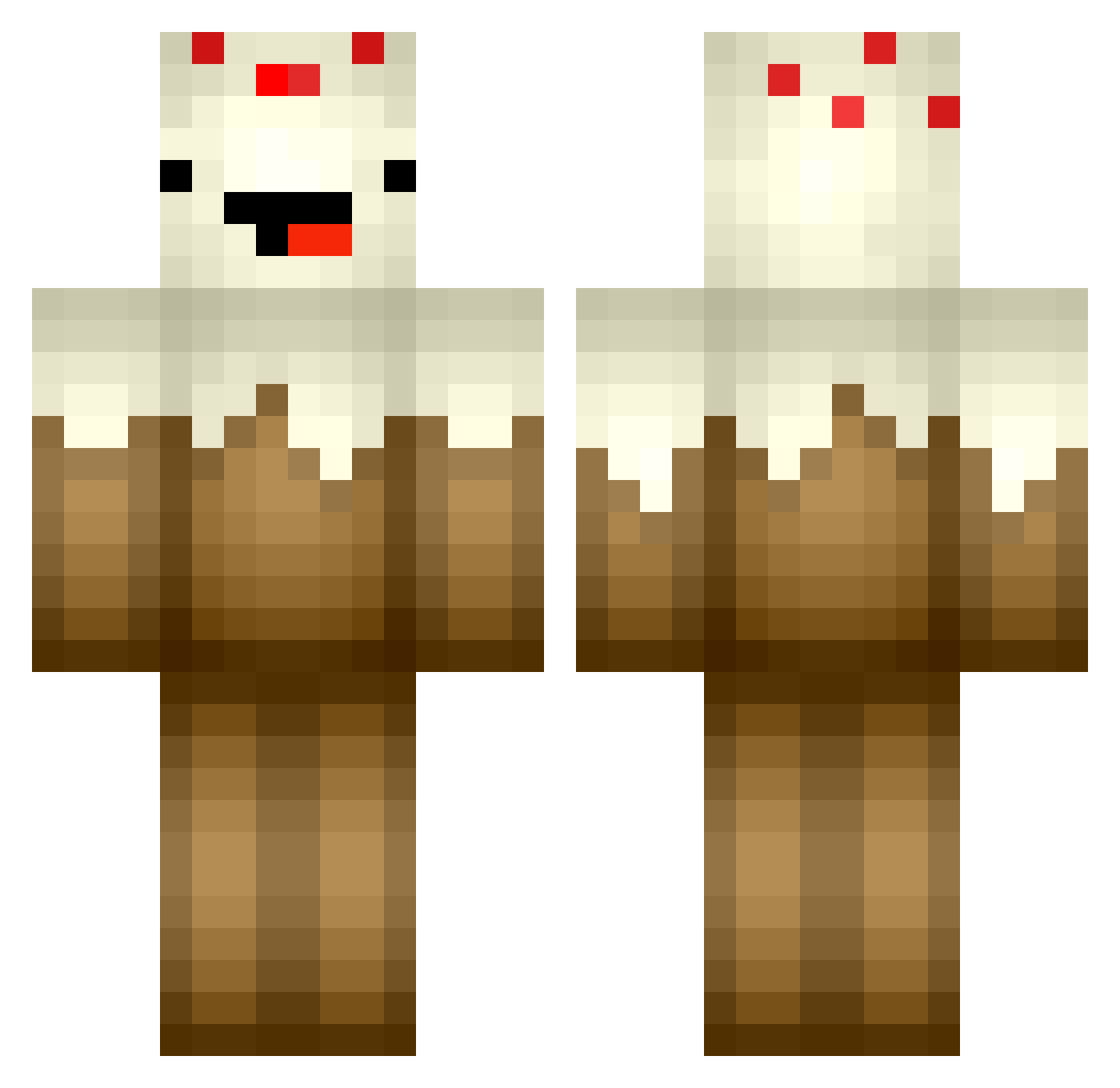
Current Minecraft skin of the player Psyce, loaded from the official Mojang API. Rotate the 3D model with your mouse or finger, then download the skin as a PNG file and use it in Minecraft: Bedrock Edition or Java Edition for free. When Psyce changes their skin, this page updates automatically and the old skin stays in the history below.
Other players with this skin (439)
Psyce was the 375th player we have seen with this skin, first spotted on 04.11.2026. The same skin was seen on these players. Open a nickname to see their current skin and skin history.
 the_POKEMACHINE Charlie3334 Moomoo204 goblue3 BigWhiteYeti aratnani kingkarlegend alalalalalalex Mufcfan7 xAlek mushroom494 eva636 GP105 CakkyYT tomdu dahwit funman525 Gustta_HM Mr_Steve_67 EmiB juleshausie pinewood blackpickle08 camiemeowmeow Kurkora iHunta_ splitnebula Lazy__Ninja matth502 SolarHexx hazreddish buildergirl407 Ma_ah LILRUSSKE Budschu da_ye__ Space_Ed_Boy mrdc555 TheBlockyBlocker Electric_Cake Belisa144 jkit11 ilovethishorse69 emilschwaerter mirandapop20 bigdaddysaj blacksquareLT APoorLittleScrub pemaatta AyePoeTayToe PippoCraft03_ nelisBr0 richiekruger DCChicken cloverkid13 AJcakess SOHCAHNOAH420 Dannoh403 Kirkin NoMoreTeeth
More Cake Minecraft skins
How to install the Psyce skin
- Press the Download button above to save the skin as a PNG file.
- Minecraft: Bedrock Edition (PE): open the Dressing Room from the main menu (or tap your character → Edit Character), go to Classic Skins → Owned, press the + (new skin) button, choose the downloaded PNG and pick the Classic (Steve) model. Works on PC and mobile; consoles cannot import custom skins.
- Minecraft: Java Edition: open the Minecraft Launcher, go to the Skins tab, click New Skin, load the PNG, pick the Classic (Steve) model and press Save & Use. You can also upload it at minecraft.net → Profile → Change Skin.
The skin does not show up after import - what should I do?
Restart Minecraft and open the Dressing Room again - imported skins sometimes appear only after a restart. Also make sure you selected the imported skin and picked the Classic (Steve) model.
Which model should I choose, Classic or Slim?
This skin is designed for the Classic (Steve) model. If you pick the wrong model, the arms of the skin will look stretched or squeezed.
Is the skin of Psyce free to download?
Yes. Press Download, save the PNG file and use it in Minecraft: Bedrock Edition or Java Edition - no payment or registration needed. The skin also works on multiplayer servers and Realms.
More skins
Looking for more? Go back to all Minecraft skins and check the top skins of the week, month and all time, or find any player's skin by nickname.