
Prosto_N_Korea - Minecraft Skins & Skin History
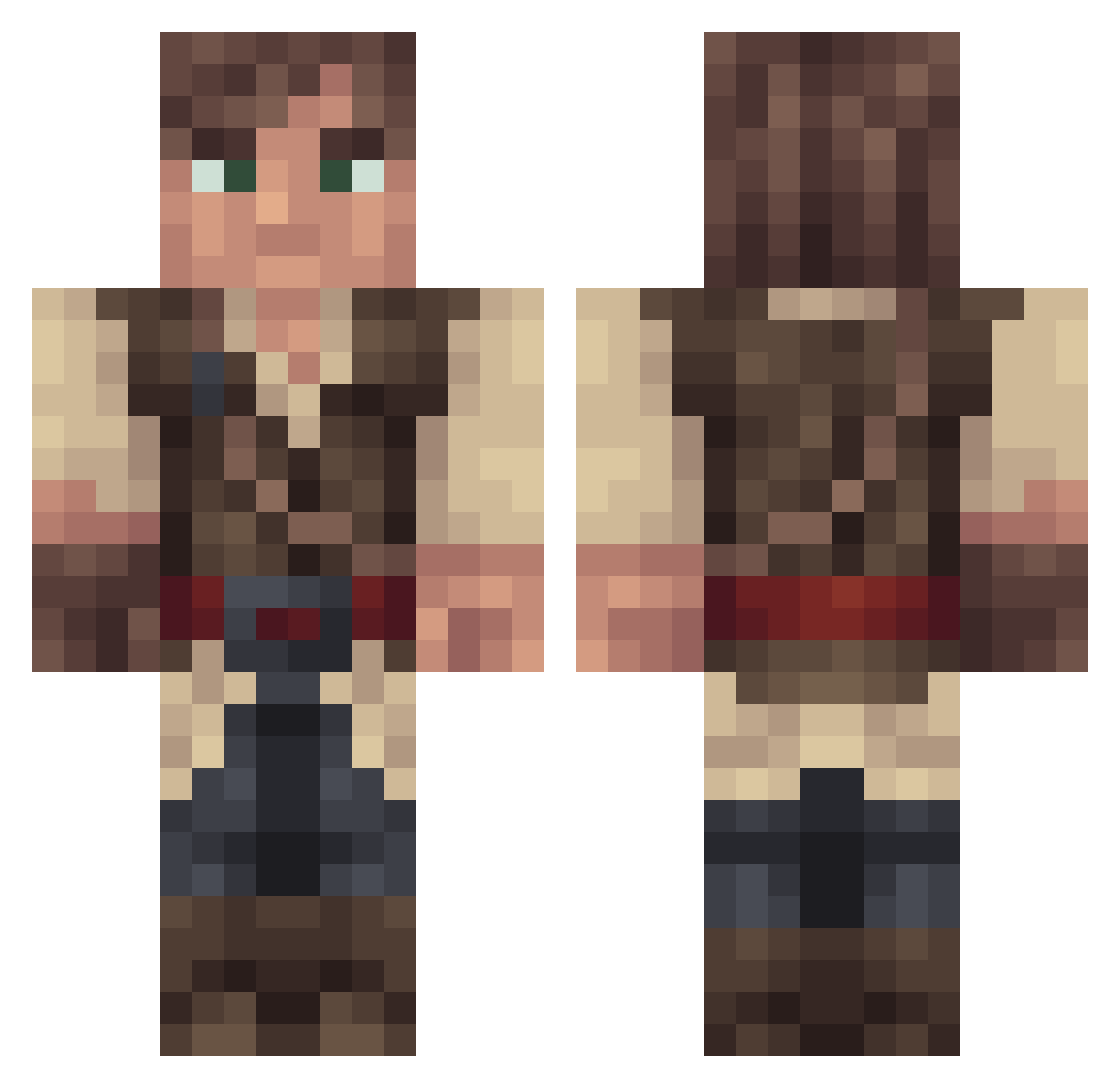
Current Minecraft skin of the player Prosto_N_Korea, loaded from the official Mojang API. Rotate the 3D model with your mouse or finger, then download the skin as a PNG file and use it in Minecraft: Bedrock Edition or Java Edition for free. When Prosto_N_Korea changes their skin, this page updates automatically and the old skin stays in the history below.
Other players with this skin (316)
Prosto_N_Korea was the 188th player we have seen with this skin, first spotted on 29.09.2026. The same skin was seen on these players. Open a nickname to see their current skin and skin history.
 OSubieO Dovahdrim kanils acmnnor Chris_26107 JacobSuk Galyndaan ChiefCraig TotalBacon DevineXperiment WondrousWrld Bluebarrel Maxoemoe BootyStacks MontyMond alekszockt Autokran8Axer Shenanigus saintjarvis _Azerio_ bjorvack GentlemanLoser Diiink Alfradil fksique Toruk01 Ghost897 Salabadon_ EerlijkHuis eliiop99 Yemmster kriperosO12 Cowboycaleb ChaffyJeans foreverjun ghastings59 RAW1209 ConfirmedCrit BrandoRobbo wickedmonkey sn33kyb33ky UllrBravnikh HanXiYa _Wattz NichtsKoenner evl4evr django24 Vibholm TreeMapled Jaroros Rtyti N0xus07 SailorSanta__ Narinovich JasSTee heiejej blaujaful Alektrion PatrickSNZ Claud_eb
More Nathan Drake Minecraft skins
See all 114 Nathan Drake skins
How to install the Prosto_N_Korea skin
- Press the Download button above to save the skin as a PNG file.
- Minecraft: Bedrock Edition (PE): open the Dressing Room from the main menu (or tap your character → Edit Character), go to Classic Skins → Owned, press the + (new skin) button, choose the downloaded PNG and pick the Classic (Steve) model. Works on PC and mobile; consoles cannot import custom skins.
- Minecraft: Java Edition: open the Minecraft Launcher, go to the Skins tab, click New Skin, load the PNG, pick the Classic (Steve) model and press Save & Use. You can also upload it at minecraft.net → Profile → Change Skin.
The skin does not show up after import - what should I do?
Restart Minecraft and open the Dressing Room again - imported skins sometimes appear only after a restart. Also make sure you selected the imported skin and picked the Classic (Steve) model.
Which model should I choose, Classic or Slim?
This skin is designed for the Classic (Steve) model. If you pick the wrong model, the arms of the skin will look stretched or squeezed.
Is the skin of Prosto_N_Korea free to download?
Yes. Press Download, save the PNG file and use it in Minecraft: Bedrock Edition or Java Edition - no payment or registration needed. The skin also works on multiplayer servers and Realms.
More skins
Looking for more? Go back to all Minecraft skins and check the top skins of the week, month and all time, or find any player's skin by nickname.