
ProReality - Minecraft Skins & Skin History
Current Minecraft skin of the player ProReality, loaded from the official Mojang API. Rotate the 3D model with your mouse or finger, then download the skin as a PNG file and use it in Minecraft: Bedrock Edition or Java Edition for free. When ProReality changes their skin, this page updates automatically and the old skin stays in the history below.
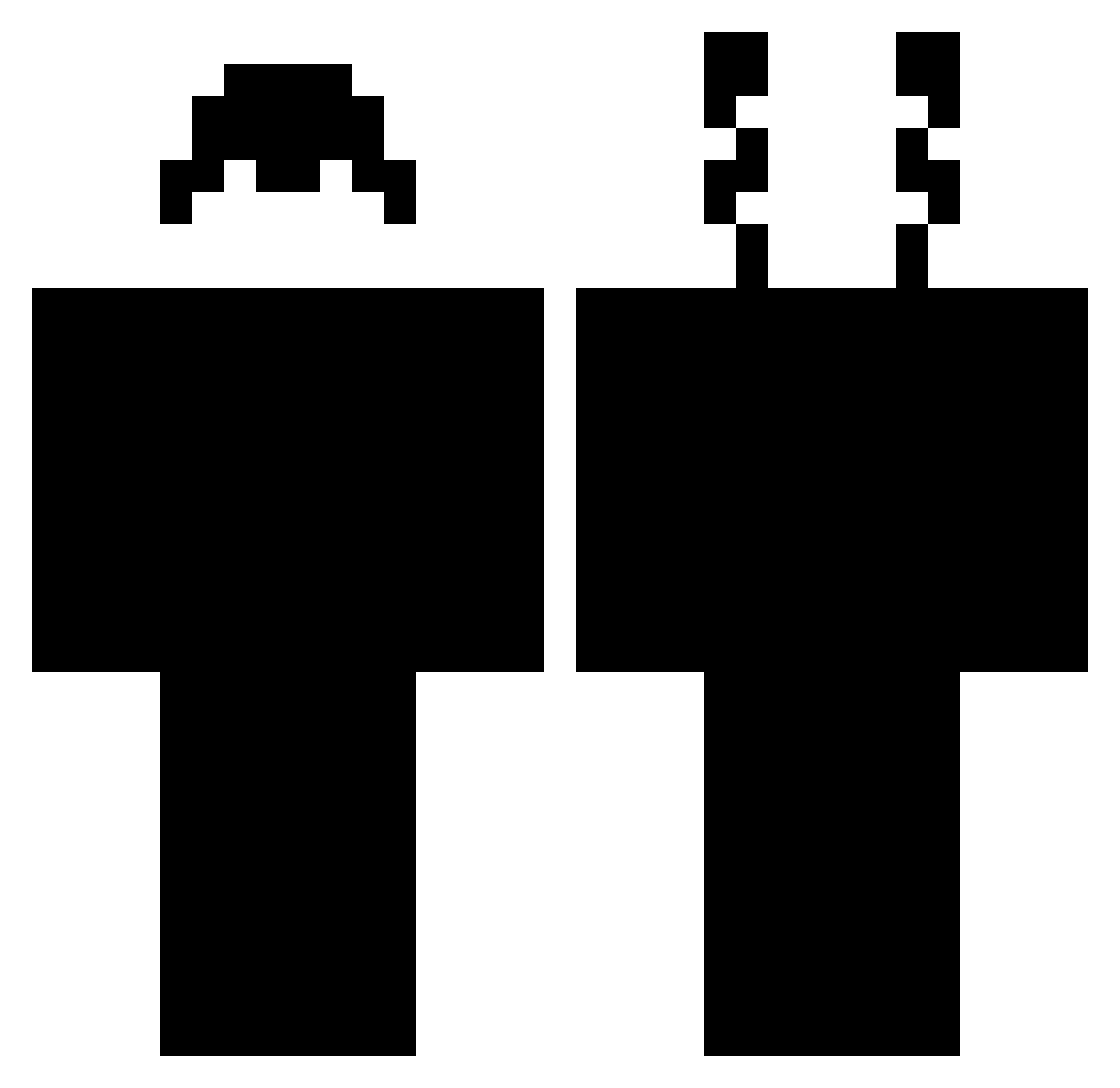
Other players with this skin (386)
ProReality was the 357th player we have seen with this skin, first spotted on 13.11.2026. The same skin was seen on these players. Open a nickname to see their current skin and skin history.
 crazy_gamer69 Mistell Ibrahim_61 Tuckerman50 Zerx69 JunKKz yNg_zaQu f5night Tudor06 _Asmodey_ Klausys Paula1996 Viktorcho ytjoshgaming SShefS FixiFelix F4El445 4ZUUU Naruto230 LEGALU Misterix789 YuJi_TW Thryrx onwooo Fruity1k RodzinGG JabyBoi Pazotek6 qRorRo_ ezz12 PoppedByOnTop FreazY666 omegaluka ermattew_ritorno 0Acted0 horitens Z_K1ller K1ngOfD1amonds IIIIIIII11 entisify Katsucron legenda_new hacker_channel oehsam RoninNinja80 Kielichu 2Bolo VlurYT vnmpxx NotMilded Scuuf_ qox2k3 SoundWolf_ GhibliJiji xLeeyZz sneakyturtule SIRESOMBRE57 xbonn1y ode_wav BreadCatFan6234
How to install the ProReality skin
- Press the Download button above to save the skin as a PNG file.
- Minecraft: Bedrock Edition (PE): open the Dressing Room from the main menu (or tap your character → Edit Character), go to Classic Skins → Owned, press the + (new skin) button, choose the downloaded PNG and pick the Classic (Steve) model. Works on PC and mobile; consoles cannot import custom skins.
- Minecraft: Java Edition: open the Minecraft Launcher, go to the Skins tab, click New Skin, load the PNG, pick the Classic (Steve) model and press Save & Use. You can also upload it at minecraft.net → Profile → Change Skin.
The skin does not show up after import - what should I do?
Restart Minecraft and open the Dressing Room again - imported skins sometimes appear only after a restart. Also make sure you selected the imported skin and picked the Classic (Steve) model.
Which model should I choose, Classic or Slim?
This skin is designed for the Classic (Steve) model. If you pick the wrong model, the arms of the skin will look stretched or squeezed.
Is the skin of ProReality free to download?
Yes. Press Download, save the PNG file and use it in Minecraft: Bedrock Edition or Java Edition - no payment or registration needed. The skin also works on multiplayer servers and Realms.
More skins
Looking for more? Go back to all Minecraft skins and check the top skins of the week, month and all time, or find any player's skin by nickname.