
ProCatination - Minecraft Skins & Skin History
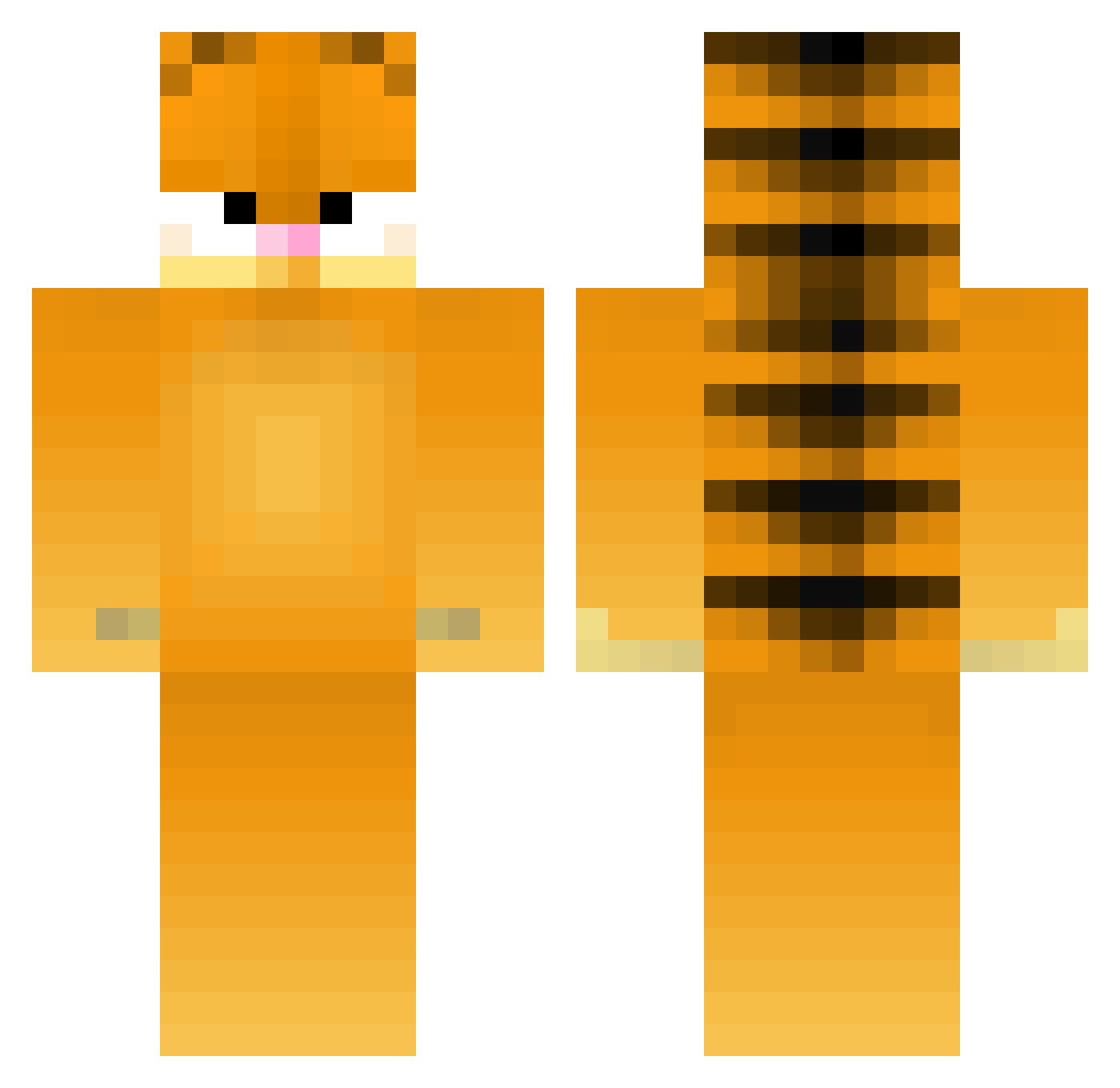
Current Minecraft skin of the player ProCatination, loaded from the official Mojang API. Rotate the 3D model with your mouse or finger, then download the skin as a PNG file and use it in Minecraft: Bedrock Edition or Java Edition for free. When ProCatination changes their skin, this page updates automatically and the old skin stays in the history below.
Other players with this skin (394)
ProCatination was the 43rd player we have seen with this skin, first spotted on 06.08.2026. The same skin was seen on these players. Open a nickname to see their current skin and skin history.
 Dr_Gay_Huge SwarthyTag5128 GodzSunny Ptiloupii Vannadi Goat0709 AnoukVroege holly90897275 aloraw29 lszuishuai leandro231 Fshisbest
 Grandfeldus Wexiepooh nickyysult BigoleGarf qiuqili vamprii FatCatLeader21 Exon_ fkox Marcomang daprio Groquin jumaloajj kiwininja007 Dre4mCat Andmgd spicymcchicken69 Shadowwing7 chlobock ghostingfelix Trev119950 melmeliscool Dec88 lvstvamp tunatoot LG2710 AnimeChild9066 rockydoo BeefBlaster24 Nickdoggx4 HolyMolyJoely Cshark_ d1nob0nes Mr__BigT fartshifu HotSause xx_Linc cokee420 chaiis 1scrambledeggs1 partyinthecia Garfield_Luvah VoidMoney Makayla1418 ItzCrUncHy WoosWes HahaYS 3lliecat
More Garfield Minecraft skins
How to install the ProCatination skin
- Press the Download button above to save the skin as a PNG file.
- Minecraft: Bedrock Edition (PE): open the Dressing Room from the main menu (or tap your character → Edit Character), go to Classic Skins → Owned, press the + (new skin) button, choose the downloaded PNG and pick the Classic (Steve) model. Works on PC and mobile; consoles cannot import custom skins.
- Minecraft: Java Edition: open the Minecraft Launcher, go to the Skins tab, click New Skin, load the PNG, pick the Classic (Steve) model and press Save & Use. You can also upload it at minecraft.net → Profile → Change Skin.
The skin does not show up after import - what should I do?
Restart Minecraft and open the Dressing Room again - imported skins sometimes appear only after a restart. Also make sure you selected the imported skin and picked the Classic (Steve) model.
Which model should I choose, Classic or Slim?
This skin is designed for the Classic (Steve) model. If you pick the wrong model, the arms of the skin will look stretched or squeezed.
Is the skin of ProCatination free to download?
Yes. Press Download, save the PNG file and use it in Minecraft: Bedrock Edition or Java Edition - no payment or registration needed. The skin also works on multiplayer servers and Realms.
More skins
Looking for more? Go back to all Minecraft skins and check the top skins of the week, month and all time, or find any player's skin by nickname.