
Pooplord_mc - Minecraft Skins & Skin History
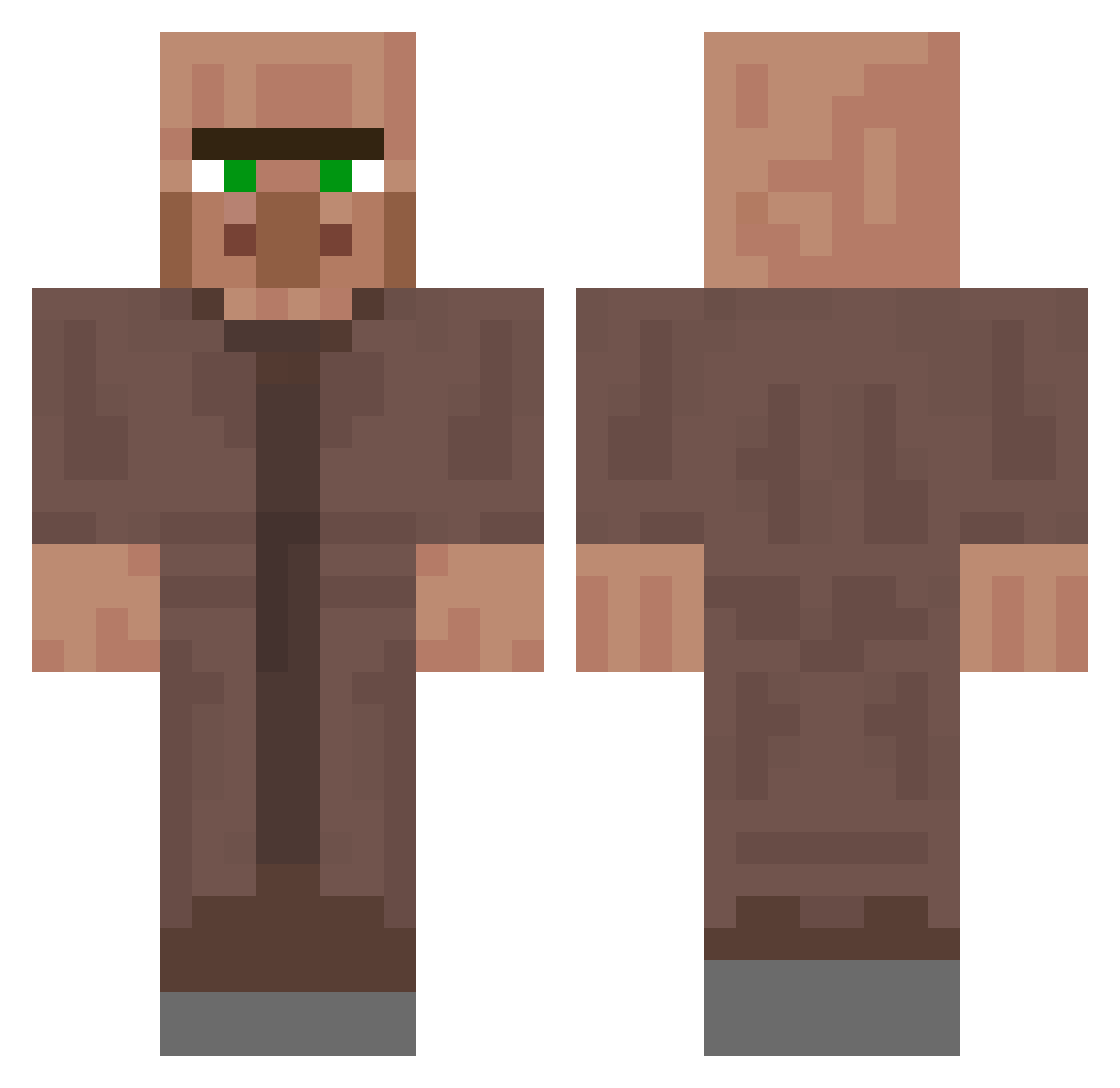
Current Minecraft skin of the player Pooplord_mc, loaded from the official Mojang API. Rotate the 3D model with your mouse or finger, then download the skin as a PNG file and use it in Minecraft: Bedrock Edition or Java Edition for free. When Pooplord_mc changes their skin, this page updates automatically and the old skin stays in the history below.
Other players with this skin (250)
Pooplord_mc was the 149th player we have seen with this skin, first spotted on 21.09.2026. The same skin was seen on these players. Open a nickname to see their current skin and skin history.
 Alefiss Satoru_Yoda ilcarde sihx31 Shinigamii21 il_tommaso ballneverlies M5faerg N0t_A_HAckEr Millansito juve7700 alpasas SubToLightspeed Pidy11 OleJung EnDave urp301 Wiwachu69 PepiV3liz Genm099 AndreasTedYT Foot6000 MinecraftGuy404 Snowy_31 Rabitoo Hazzahm osurukcanavari55 Life_of_chicken Zorbabas lekutis1234 Movako UcanKatil00 manoleek GeneralBear13 louis999l gkals09 Marisa_nido eshinis Mousespammer ApleKore UltimateBanker Ben_MC nahyan919 YN_Shizzu Lowtale HasimFlex Tigrou2210 HonoredOne12 DeadOops Carrera20 aaa1a cobann xgnehs Kiki_La_Friture hotboijerr OrinonYT ssmokeer Amanto0731 N3qhewJR EhyunE
More NPC Minecraft skins
How to install the Pooplord_mc skin
- Press the Download button above to save the skin as a PNG file.
- Minecraft: Bedrock Edition (PE): open the Dressing Room from the main menu (or tap your character → Edit Character), go to Classic Skins → Owned, press the + (new skin) button, choose the downloaded PNG and pick the Classic (Steve) model. Works on PC and mobile; consoles cannot import custom skins.
- Minecraft: Java Edition: open the Minecraft Launcher, go to the Skins tab, click New Skin, load the PNG, pick the Classic (Steve) model and press Save & Use. You can also upload it at minecraft.net → Profile → Change Skin.
The skin does not show up after import - what should I do?
Restart Minecraft and open the Dressing Room again - imported skins sometimes appear only after a restart. Also make sure you selected the imported skin and picked the Classic (Steve) model.
Which model should I choose, Classic or Slim?
This skin is designed for the Classic (Steve) model. If you pick the wrong model, the arms of the skin will look stretched or squeezed.
Is the skin of Pooplord_mc free to download?
Yes. Press Download, save the PNG file and use it in Minecraft: Bedrock Edition or Java Edition - no payment or registration needed. The skin also works on multiplayer servers and Realms.
More skins
Looking for more? Go back to all Minecraft skins and check the top skins of the week, month and all time, or find any player's skin by nickname.