
PobrezaGames - Minecraft Skins & Skin History
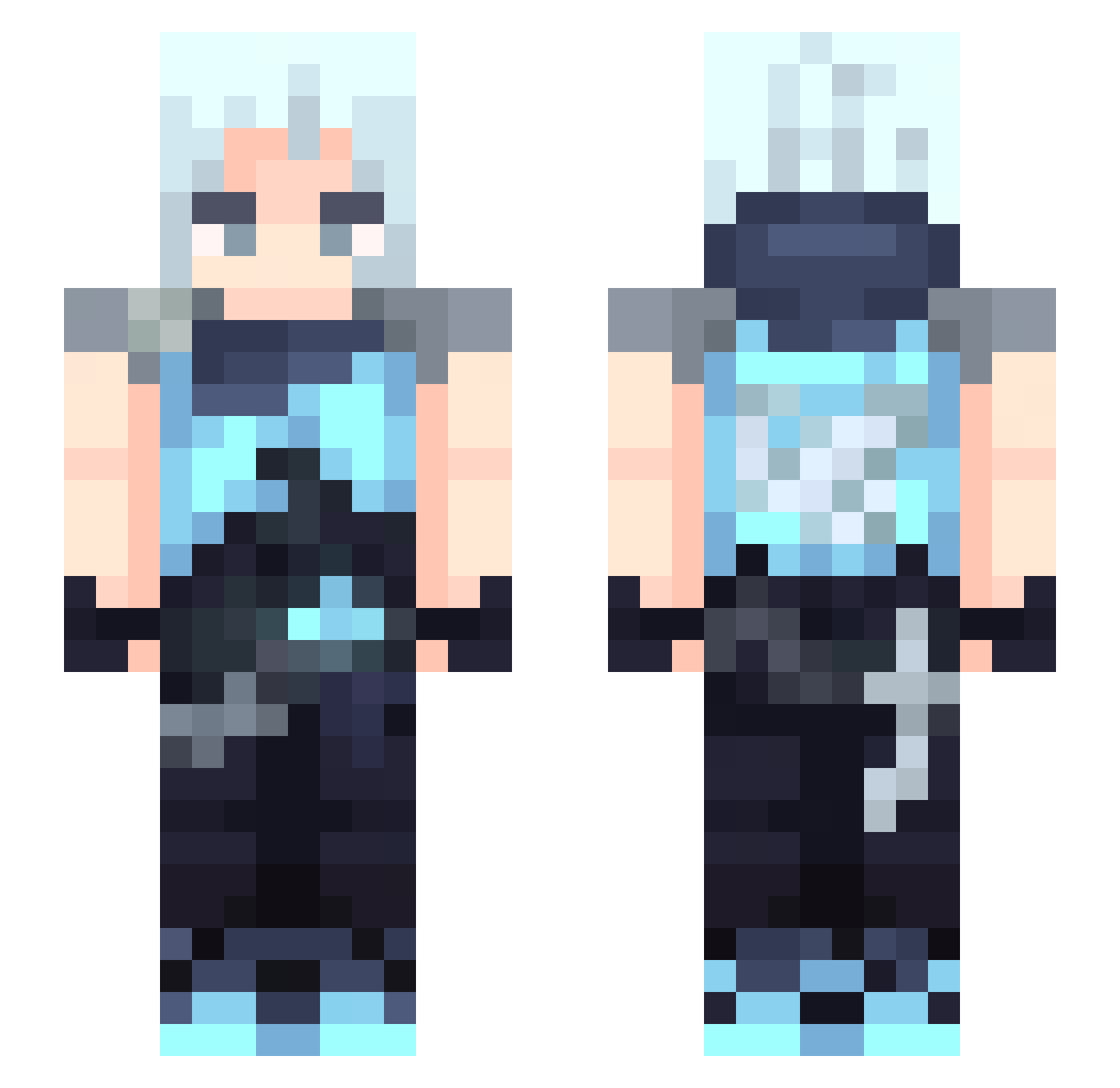
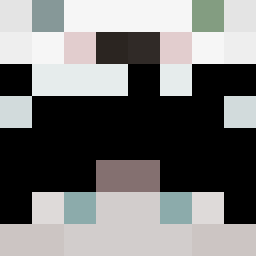
Current Minecraft skin of the player PobrezaGames, loaded from the official Mojang API. Rotate the 3D model with your mouse or finger, then download the skin as a PNG file and use it in Minecraft: Bedrock Edition or Java Edition for free. When PobrezaGames changes their skin, this page updates automatically and the old skin stays in the history below.
Other players with this skin (327)
PobrezaGames was the 60th player we have seen with this skin, first spotted on 08.08.2026. The same skin was seen on these players. Open a nickname to see their current skin and skin history.
 whzy_3185 suasake hirobow deittas evemwahaha AdiLittleGamer Xiaochengzinie liyus59423 Dean1243XD poopywindows
 Airsuu ThinkingAboutYoo MattyPara baudax21 MankoGokkun fvlop3ro YuuKnows Nanemiii
 Se1Maru rupitt DRX_ArK WIKI7772
 cloudy_clouxy_ nftrobber MiAo0219 MyoNarik naruto_chen Chebat VTN_Nerox Regeear TheStrongest07 XIUVERQ SketchySherlock OrioArio0705 JustAokl m1z0re_ Jk_exiled SoyElMae carloshum Potato_LV YFYA123 JUasep feiyuuuu axylxr j_xm73 Cykssssss zerotwo781 Joordaann23 LecheKlim GYUKING the_small_slime Khyxem Coldmaxx Chromize tomato5614 sattzz lilbaked865 okaayanna TT5IVE MlleHailey
More Jett Minecraft skins
How to install the PobrezaGames skin
- Press the Download button above to save the skin as a PNG file.
- Minecraft: Bedrock Edition (PE): open the Dressing Room from the main menu (or tap your character → Edit Character), go to Classic Skins → Owned, press the + (new skin) button, choose the downloaded PNG and pick the Slim (Alex) model. Works on PC and mobile; consoles cannot import custom skins.
- Minecraft: Java Edition: open the Minecraft Launcher, go to the Skins tab, click New Skin, load the PNG, pick the Slim (Alex) model and press Save & Use. You can also upload it at minecraft.net → Profile → Change Skin.
The skin does not show up after import - what should I do?
Restart Minecraft and open the Dressing Room again - imported skins sometimes appear only after a restart. Also make sure you selected the imported skin and picked the Slim (Alex) model.
Which model should I choose, Classic or Slim?
This skin is designed for the Slim (Alex) model. If you pick the wrong model, the arms of the skin will look stretched or squeezed.
Is the skin of PobrezaGames free to download?
Yes. Press Download, save the PNG file and use it in Minecraft: Bedrock Edition or Java Edition - no payment or registration needed. The skin also works on multiplayer servers and Realms.
More skins
Looking for more? Go back to all Minecraft skins and check the top skins of the week, month and all time, or find any player's skin by nickname.