
PlumVS - Minecraft Skins & Skin History
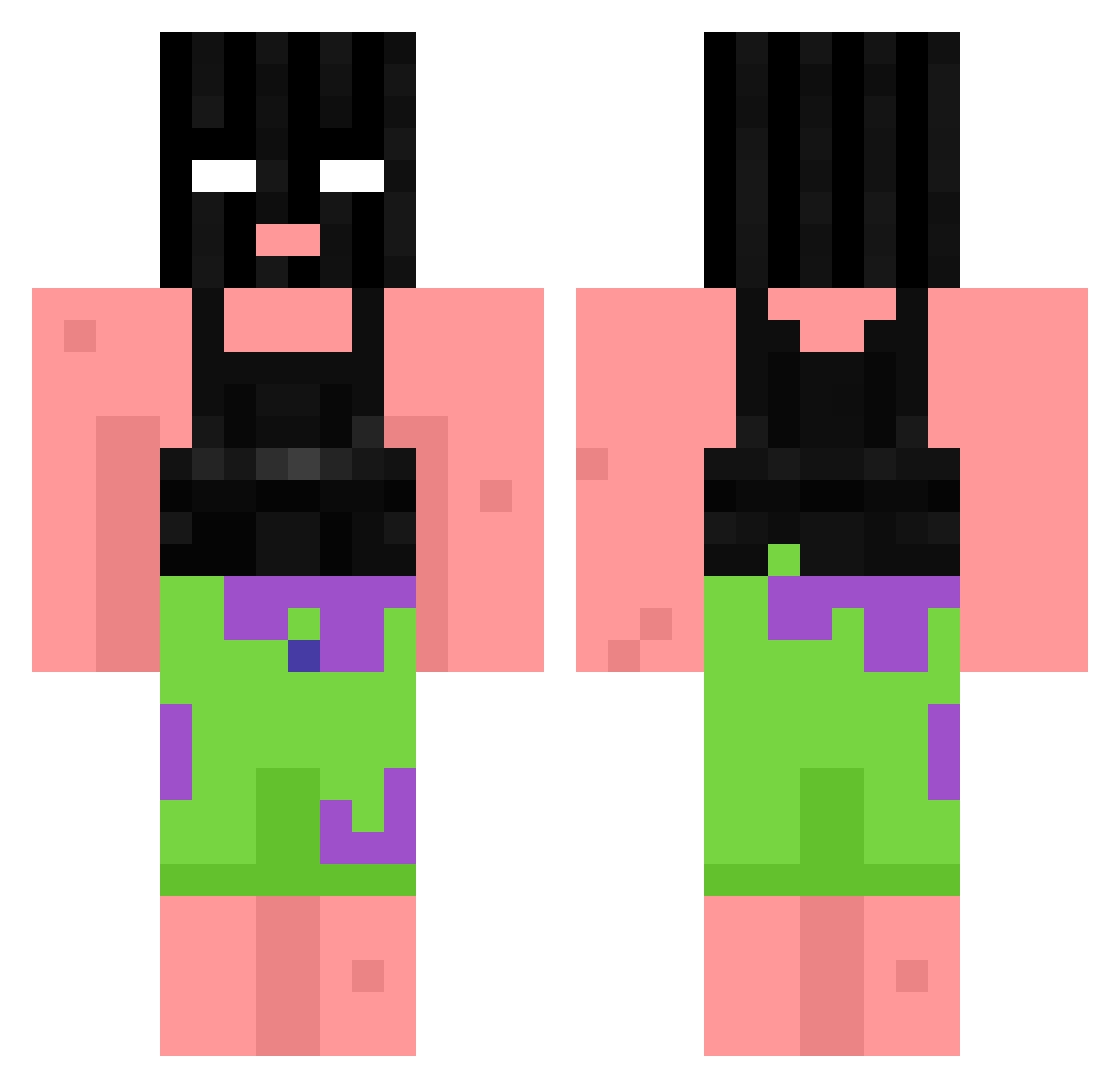
Current Minecraft skin of the player PlumVS, loaded from the official Mojang API. Rotate the 3D model with your mouse or finger, then download the skin as a PNG file and use it in Minecraft: Bedrock Edition or Java Edition for free. When PlumVS changes their skin, this page updates automatically and the old skin stays in the history below.
Other players with this skin (868)
PlumVS was the 383rd player we have seen with this skin, first spotted on 12.09.2026. The same skin was seen on these players. Open a nickname to see their current skin and skin history.
 StinoValentino21 TROUSERMASTER 0Marine FreshLMAO SaltDawg727 natala37 HowGeneric Zayyyyy superharam NeonTheGreat11 hoodrichrappy WorldMapperZ Uhhlyssuhhh GiangiaGang stepgrandpa BDOG4567 sevenpython1711 Arik3 Maaarxy BambiBombera spycandy Hazmaticpixel11 BeercanButty Mabo013 TheSwedishfarmer miosh yank__ _POFU_ Saggs_ NOAHNXTDOOR WHISKY_RON
 DoutorDark josechorizo Jmon24 Kosilius Dr_Schwaxen Woofmenik RatatouilleIsHOT m1lgo zebiiiiii IndominusRex1337 supersucker guiga3108 Dawid12871 B_0red_ sushirainbows PapaJ0nko69 Erickcast02 Sxyo783 MaXmArT sorenjedi bxzzin7x SMIRNOFFSS yuan1020 Negro___ Claydoe4646 Beatlife101 EarthSmurf11 pinkfloydtool Borovoy
More Ski Mask Minecraft skins
How to install the PlumVS skin
- Press the Download button above to save the skin as a PNG file.
- Minecraft: Bedrock Edition (PE): open the Dressing Room from the main menu (or tap your character → Edit Character), go to Classic Skins → Owned, press the + (new skin) button, choose the downloaded PNG and pick the Classic (Steve) model. Works on PC and mobile; consoles cannot import custom skins.
- Minecraft: Java Edition: open the Minecraft Launcher, go to the Skins tab, click New Skin, load the PNG, pick the Classic (Steve) model and press Save & Use. You can also upload it at minecraft.net → Profile → Change Skin.
The skin does not show up after import - what should I do?
Restart Minecraft and open the Dressing Room again - imported skins sometimes appear only after a restart. Also make sure you selected the imported skin and picked the Classic (Steve) model.
Which model should I choose, Classic or Slim?
This skin is designed for the Classic (Steve) model. If you pick the wrong model, the arms of the skin will look stretched or squeezed.
Is the skin of PlumVS free to download?
Yes. Press Download, save the PNG file and use it in Minecraft: Bedrock Edition or Java Edition - no payment or registration needed. The skin also works on multiplayer servers and Realms.
More skins
Looking for more? Go back to all Minecraft skins and check the top skins of the week, month and all time, or find any player's skin by nickname.