
PinguPancake123 - Minecraft Skins & Skin History
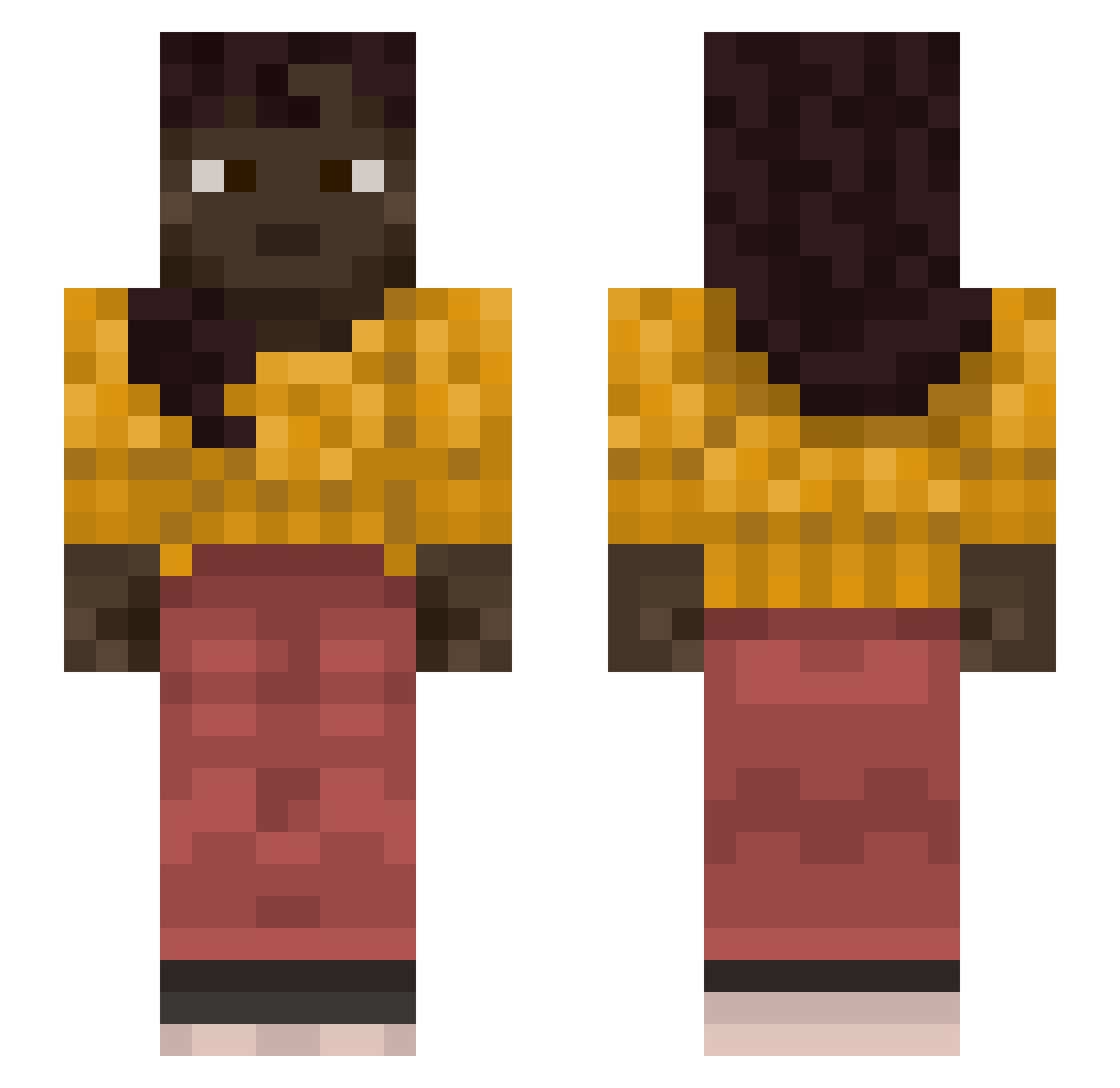
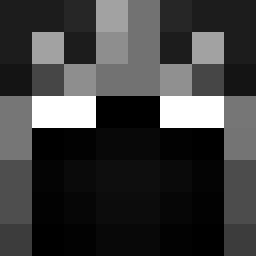
Current Minecraft skin of the player PinguPancake123, loaded from the official Mojang API. Rotate the 3D model with your mouse or finger, then download the skin as a PNG file and use it in Minecraft: Bedrock Edition or Java Edition for free. When PinguPancake123 changes their skin, this page updates automatically and the old skin stays in the history below.
Other players with this skin (1127)
PinguPancake123 was the 126th player we have seen with this skin, first spotted on 06.08.2026. The same skin was seen on these players. Open a nickname to see their current skin and skin history.
 Elite_gamer11 hhok23 Blisteringly irrefutably Glebes
 clownberries YouDoneYetBro tonchann gorkun
 DiddyEpsteinK1rk natyandake scud911 droud Tasco uspotted Mayten Ballooning Generalists quipper mario_mangione GpCouch ttkrTV zuiop2002 gamberge002 _PushedLamp1492 Yoruba kernish N1trox_ qowndhks linctus ChromosoomBoom Utilitarianism _bekon MegzeNurse Blablagun JohnnyHands0me runvojta TheMotherBrother Swisses
 ahjz Archetypic Primmed Armpad Winks Sambamski GothPancakes Mozicraft Anointer WaterDog07 welq CaveCloud unco Cozened
 BeruangHaul
 cuddleduds pathfinders Misapprehensions
 desinence Exile XDawgg
More Braid Minecraft skins
How to install the PinguPancake123 skin
- Press the Download button above to save the skin as a PNG file.
- Minecraft: Bedrock Edition (PE): open the Dressing Room from the main menu (or tap your character → Edit Character), go to Classic Skins → Owned, press the + (new skin) button, choose the downloaded PNG and pick the Slim (Alex) model. Works on PC and mobile; consoles cannot import custom skins.
- Minecraft: Java Edition: open the Minecraft Launcher, go to the Skins tab, click New Skin, load the PNG, pick the Slim (Alex) model and press Save & Use. You can also upload it at minecraft.net → Profile → Change Skin.
The skin does not show up after import - what should I do?
Restart Minecraft and open the Dressing Room again - imported skins sometimes appear only after a restart. Also make sure you selected the imported skin and picked the Slim (Alex) model.
Which model should I choose, Classic or Slim?
This skin is designed for the Slim (Alex) model. If you pick the wrong model, the arms of the skin will look stretched or squeezed.
Is the skin of PinguPancake123 free to download?
Yes. Press Download, save the PNG file and use it in Minecraft: Bedrock Edition or Java Edition - no payment or registration needed. The skin also works on multiplayer servers and Realms.
More skins
Looking for more? Go back to all Minecraft skins and check the top skins of the week, month and all time, or find any player's skin by nickname.