
PingNawty - Minecraft Skins & Skin History
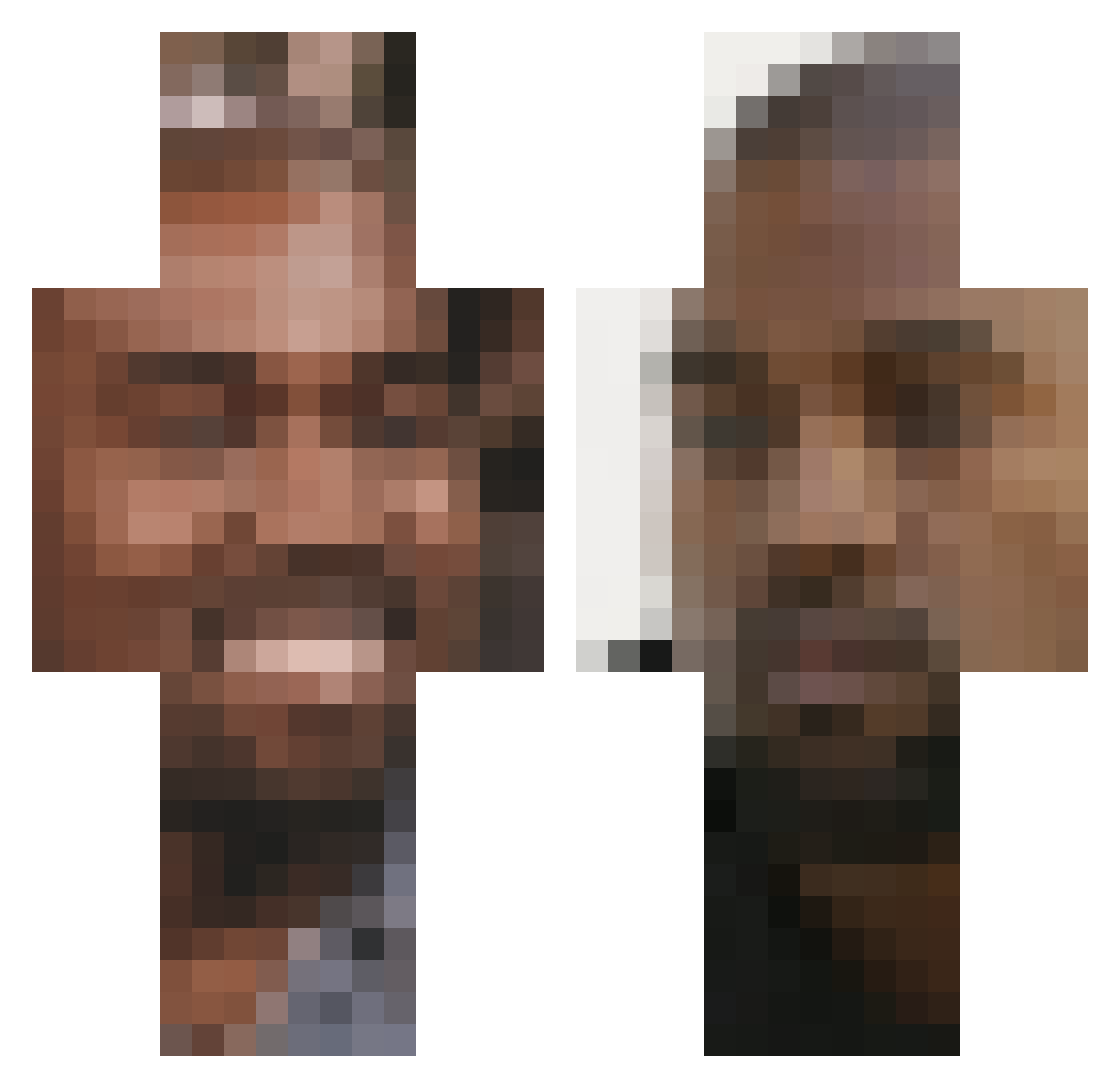
Current Minecraft skin of the player PingNawty, loaded from the official Mojang API. Rotate the 3D model with your mouse or finger, then download the skin as a PNG file and use it in Minecraft: Bedrock Edition or Java Edition for free. When PingNawty changes their skin, this page updates automatically and the old skin stays in the history below.
Other players with this skin (300)
PingNawty was the 293rd player we have seen with this skin, first spotted on 15.11.2026. The same skin was seen on these players. Open a nickname to see their current skin and skin history.
 papast3w BeegMush OffsetYRNMigos Bregg24 eevvicct kr_2e_ Usagi karinerthewein3r FunnyTurtleXD MMmmamaxaxx blankedfaces CharliX974 VCFOIAVISADO CobaltBlazeIt BPW07 Conye69 kanyeomariwezt footeee EdgyCrust Feaju Britney_Spears_2 BigmanSarah quarterkorean SlothToast cheeky_chungus pooplobber beforeadam marla0724 Matatasas Relich606 immoneyman HasBeanSumtimes lachloser grabchen0 Bagietka_ euhpp Chronocast BoazVdM morees_ ProArcher904 SyQBeast Nopkhanji meadical auroreyyy Lucas22m5 Glock_Lesnar69 Mansesh Blueboys_YT s777w xTipo JJK73 cjv512 KanyeWestsPits mac_54 Paaat69 mlanglois33682 UserVIII Mfinda Sorry4TheClap Luxean
More Kanye West Minecraft skins
How to install the PingNawty skin
- Press the Download button above to save the skin as a PNG file.
- Minecraft: Bedrock Edition (PE): open the Dressing Room from the main menu (or tap your character → Edit Character), go to Classic Skins → Owned, press the + (new skin) button, choose the downloaded PNG and pick the Classic (Steve) model. Works on PC and mobile; consoles cannot import custom skins.
- Minecraft: Java Edition: open the Minecraft Launcher, go to the Skins tab, click New Skin, load the PNG, pick the Classic (Steve) model and press Save & Use. You can also upload it at minecraft.net → Profile → Change Skin.
The skin does not show up after import - what should I do?
Restart Minecraft and open the Dressing Room again - imported skins sometimes appear only after a restart. Also make sure you selected the imported skin and picked the Classic (Steve) model.
Which model should I choose, Classic or Slim?
This skin is designed for the Classic (Steve) model. If you pick the wrong model, the arms of the skin will look stretched or squeezed.
Is the skin of PingNawty free to download?
Yes. Press Download, save the PNG file and use it in Minecraft: Bedrock Edition or Java Edition - no payment or registration needed. The skin also works on multiplayer servers and Realms.
More skins
Looking for more? Go back to all Minecraft skins and check the top skins of the week, month and all time, or find any player's skin by nickname.