
Phaness - Minecraft Skins & Skin History
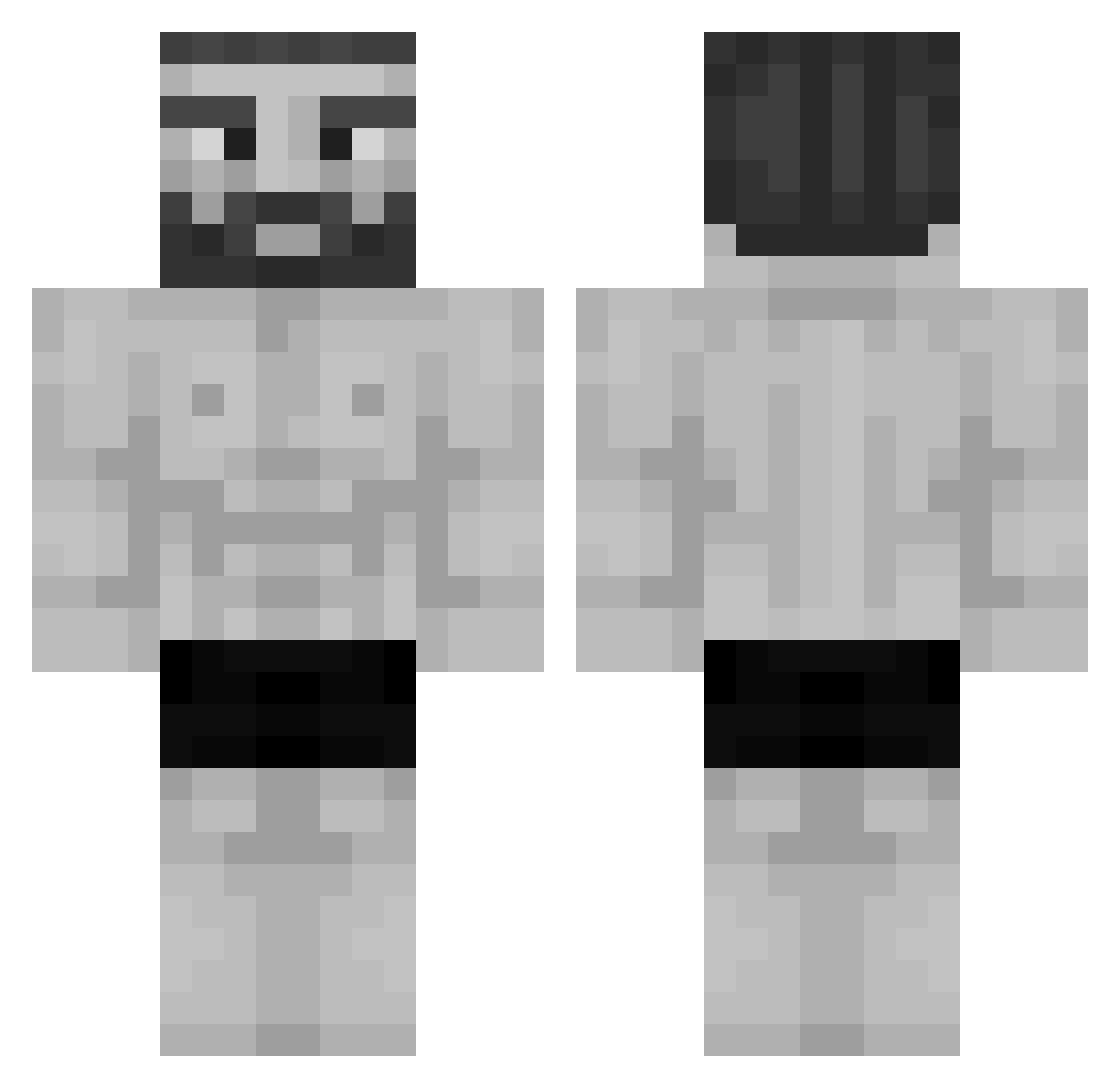
Current Minecraft skin of the player Phaness, loaded from the official Mojang API. Rotate the 3D model with your mouse or finger, then download the skin as a PNG file and use it in Minecraft: Bedrock Edition or Java Edition for free. When Phaness changes their skin, this page updates automatically and the old skin stays in the history below.
Other players with this skin (956)
Phaness was the 715th player we have seen with this skin, first spotted on 01.10.2026. The same skin was seen on these players. Open a nickname to see their current skin and skin history.
 DunDeok Citybuild4 lean2006 beanv2__ LexPluviam ILYASSINHO Lego_Helicopter Leviatan02 Snoga CelloXam BeerBreadnBooty SCP059 GabrielSevero Amu87 Trxvls wheen defdemir Morkingen raptor1500gam Halanis Peroronciino sing4u53 LoLMaker03 xENZO_22 Arxm GU_UK WilberThen Werhepi Loi160407 Tadouu lonit11pro Kalvados33 Icaro_Lindo SpaceLindinho kkirilov Machaca_huevos ItsEthanOC mutabanana ForTechnoblade Pamans mmd_rk_12134 EddyFizio undeurjb Kakyc inermage 7he_Fr4nk Lilly123107 BreazyBeary drbzdd RobloxJoel madgod0303 Sigmundurk KolorowyBazant Theking3x3 RobakXD BigBoiiVyl Labri_nn RaceDiscriminate JohnPfeffer MwinecwaftOwO
More Gigachad Minecraft skins
How to install the Phaness skin
- Press the Download button above to save the skin as a PNG file.
- Minecraft: Bedrock Edition (PE): open the Dressing Room from the main menu (or tap your character → Edit Character), go to Classic Skins → Owned, press the + (new skin) button, choose the downloaded PNG and pick the Classic (Steve) model. Works on PC and mobile; consoles cannot import custom skins.
- Minecraft: Java Edition: open the Minecraft Launcher, go to the Skins tab, click New Skin, load the PNG, pick the Classic (Steve) model and press Save & Use. You can also upload it at minecraft.net → Profile → Change Skin.
The skin does not show up after import - what should I do?
Restart Minecraft and open the Dressing Room again - imported skins sometimes appear only after a restart. Also make sure you selected the imported skin and picked the Classic (Steve) model.
Which model should I choose, Classic or Slim?
This skin is designed for the Classic (Steve) model. If you pick the wrong model, the arms of the skin will look stretched or squeezed.
Is the skin of Phaness free to download?
Yes. Press Download, save the PNG file and use it in Minecraft: Bedrock Edition or Java Edition - no payment or registration needed. The skin also works on multiplayer servers and Realms.
More skins
Looking for more? Go back to all Minecraft skins and check the top skins of the week, month and all time, or find any player's skin by nickname.