
Petschy - Minecraft Skins & Skin History
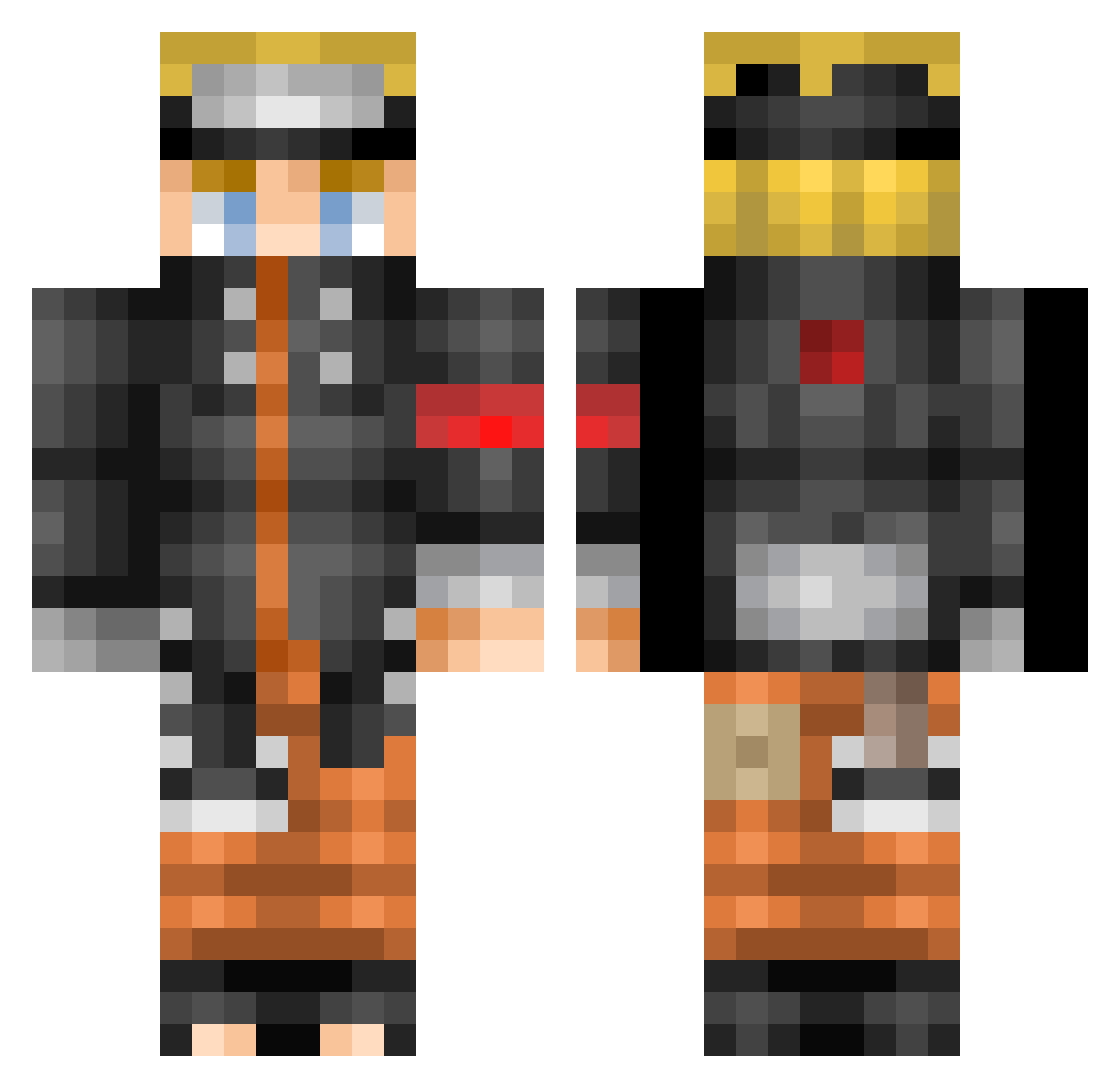
Current Minecraft skin of the player Petschy, loaded from the official Mojang API. Rotate the 3D model with your mouse or finger, then download the skin as a PNG file and use it in Minecraft: Bedrock Edition or Java Edition for free. When Petschy changes their skin, this page updates automatically and the old skin stays in the history below.
Other players with this skin (523)
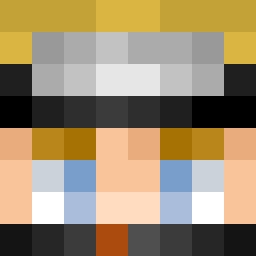
Petschy was the 339th player we have seen with this skin, first spotted on 03.10.2026. The same skin was seen on these players. Open a nickname to see their current skin and skin history.
 IronPatriot1087 rdsanders6311 Can1na SKEKKO04 FBMM Girxii00 Snifflezzz kevlazone Wanatos Lamme0 Nugetik2211 Shaidroz PolskiKox123PL BlockKuk ZIL3NCE keu6460 noonooTV pridetyler zapping2580 edisonchan93 Atminc samuraisenso Zenjiko LuckyZippo Raddifix Janghaa Akunamatana Opz MGMcorp jacye yuchan147 TheeErnest FBKill Hopdedix JePenseee StaticW0lf MarshWally Neyexx patisofia69 Greezzily Ludvig1308 nouthie N_BossTh FixMouse Mollz7 Mivi23 Ppll773 ENIGMA8939 ClassyGamer9 DonThe3rd RawTay Jao__ZO Royce075 Les_Built_Boys Scorcrip34 ShinyNaruto Bubba0923 Morkovka4242 kyr1e_ Sqwillts
More Naruto Uzumaki Minecraft skins
See all 473 Naruto Uzumaki skins
How to install the Petschy skin
- Press the Download button above to save the skin as a PNG file.
- Minecraft: Bedrock Edition (PE): open the Dressing Room from the main menu (or tap your character → Edit Character), go to Classic Skins → Owned, press the + (new skin) button, choose the downloaded PNG and pick the Classic (Steve) model. Works on PC and mobile; consoles cannot import custom skins.
- Minecraft: Java Edition: open the Minecraft Launcher, go to the Skins tab, click New Skin, load the PNG, pick the Classic (Steve) model and press Save & Use. You can also upload it at minecraft.net → Profile → Change Skin.
The skin does not show up after import - what should I do?
Restart Minecraft and open the Dressing Room again - imported skins sometimes appear only after a restart. Also make sure you selected the imported skin and picked the Classic (Steve) model.
Which model should I choose, Classic or Slim?
This skin is designed for the Classic (Steve) model. If you pick the wrong model, the arms of the skin will look stretched or squeezed.
Is the skin of Petschy free to download?
Yes. Press Download, save the PNG file and use it in Minecraft: Bedrock Edition or Java Edition - no payment or registration needed. The skin also works on multiplayer servers and Realms.
More skins
Looking for more? Go back to all Minecraft skins and check the top skins of the week, month and all time, or find any player's skin by nickname.